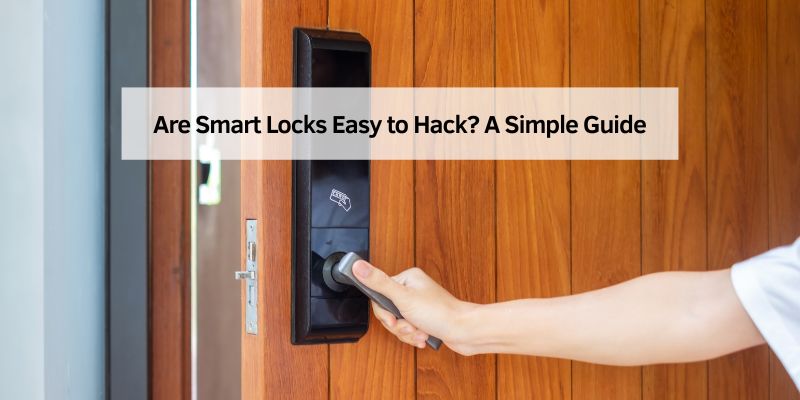
Are Smart Locks Easy to Hack? A Simple Guide
I still remember the first time I installed a smart lock on my front door. I felt like a tech wizard, unlocking it with my phone! But then my friend asked, “Are smart locks easy to hack?” I froze. Could someone really break into my house with a few clicks? That question sent me down a rabbit hole, and now I’m here to share what I learned. This article explains what smart locks are, how hackers might try to crack them, and easy ways to keep your home safe. Whether you’re new to smart locks or a tech pro, I’ve got you covered with simple tips and fun examples.
What Are Smart Locks?
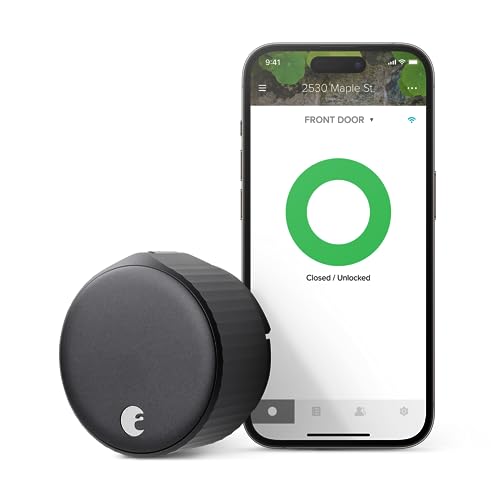
Smart locks are high-tech door locks you control with your phone, a keypad, or even your voice. Unlike old-school locks that need a key, these use Wi-Fi, Bluetooth, or apps to lock and unlock your door. They’re super handy for letting in guests or checking your door from miles away. I love mine because I can let my dog walker in without rushing home!
But here’s the big question: are smart locks easy to hack? The short answer is yes, they can be hacked, but it’s not as simple as it sounds. Let’s break it down.
Why Hackers Might Target Smart Locks
Hackers love anything connected to the internet, and smart locks are no exception. They might try to mess with your lock’s Wi-Fi, Bluetooth, or app to sneak in. Back in 2016, researchers at a tech conference called DEF CON tested 16 Bluetooth smart locks. They found 12 had weak spots that could let hackers in. That sounds scary, but don’t worry—things have improved a lot since then
Today’s smart locks use stronger security, like secret codes (encryption) and extra login steps. Still, no lock is 100% safe, so let’s look at how hackers might try to break in and what you can do about it.
Common Ways Smart Locks Could Be Hacked
Hackers have a few tricks up their sleeves. Here are the main ways they might try to hack a smart lock, explained simply:
- Wi-Fi Attacks: If your lock uses Wi-Fi, a hacker could try to break into your home network. If they guess your Wi-Fi password, they might control your lock.
- Bluetooth Snooping: Some locks use Bluetooth to talk to your phone. A hacker nearby could “listen” to the signal and try to fake it.
- App Weaknesses: If the app for your lock isn’t secure, a hacker could sneak into it, especially if you use a weak password like “1234.”
- Physical Tricks: Some hackers don’t bother with tech. They might use tools like magnets or screwdrivers to mess with cheap locks.
When I first got my smart lock, I worried about these risks. But then I learned some easy ways to keep my lock safe, and now I sleep better at night!
How to Make Your Smart Lock Super Safe
Good news: you can make your smart lock tough to crack with a few simple steps. Here’s what I do to keep my home secure:
- Pick a Trusted Brand: Go for locks from big names like Lockly, Yale, or August. They use strong security, like 128-bit encryption, which is like a super-secret code hackers can’t break.
- Use a Strong Password: Make your Wi-Fi and lock app passwords long and unique. I use a mix of letters, numbers, and symbols, like “SunnyDog42$!”—no one’s guessing that!
- Turn On Two-Factor Authentication: This adds an extra step, like entering a code sent to your phone. It’s like locking your lock twice!
- Keep Everything Updated: Update your lock’s app and firmware (its software) regularly. Updates fix weak spots hackers might find.
- Add a Security Camera: I paired my smart lock with a video doorbell. If someone tries to mess with it, I get a video alert right away.
These steps are a piece of cake and make your lock way safer. I learned the hard way when I forgot to update my app once—my lock glitched, and I got locked out! Don’t make that mistake.
Comparing Smart Locks: Which Ones Are Safest?
Not all smart locks are created equal. Some have better security than others. I made a table to compare three popular models based on what I’ve researched and tried:
| Lock Model | Security Features | Price | Best For |
|---|---|---|---|
| Lockly Secure Pro | 128-bit encryption, fingerprint scanner, 2FA | $250 | Tech lovers who want top security |
| Yale Assure Lock 2 | Wi-Fi, 2FA, strong app security | $200 | Beginners who want a simple setup |
| August Wi-Fi Smart Lock | Bluetooth, 128-bit encryption, easy app | $180 | Budget shoppers who want reliability |
Table: Comparing popular smart locks for security and price.
This table helped me pick my Lockly—it’s pricier but has awesome features like a fingerprint scanner. If you’re on a budget, August is a solid choice.
Benefits and Drawbacks of Smart Locks
Smart locks are awesome, but they’re not perfect. Here’s a quick look at the good and bad:
-
Benefits:
- Super convenient: Unlock your door with your phone or voice.
- Share access: Give temporary codes to friends or workers.
- Get alerts: Know when your door opens, even when you’re away.
-
Drawbacks:
- Hacking risk: They can be hacked if you’re not careful.
- Battery power: If batteries die, you might need a key backup.
- Cost: They’re pricier than regular locks ($100-$300).
I love the convenience of my smart lock, but I always keep a spare key hidden in case the batteries flop. It’s happened once, and I was not thrilled!
My Personal Tips for Smart Lock Success
After using smart locks for years, I’ve got some tricks to share:
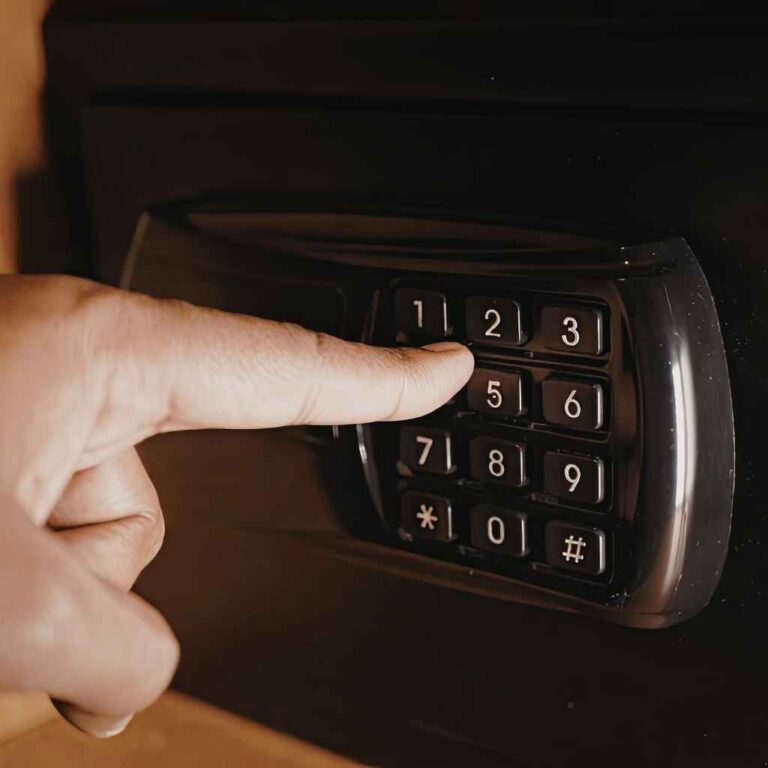
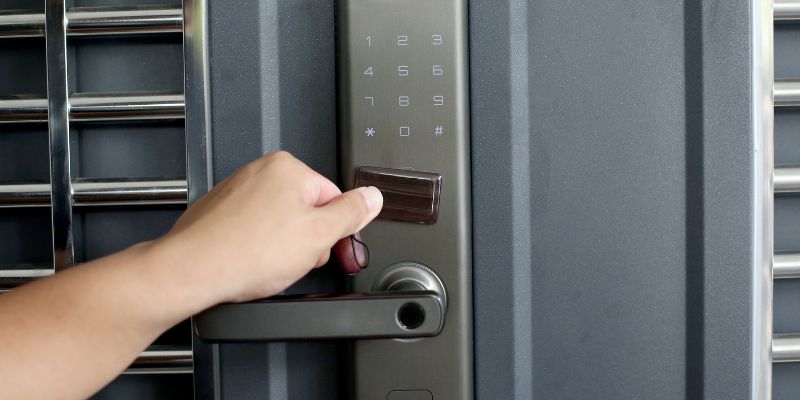
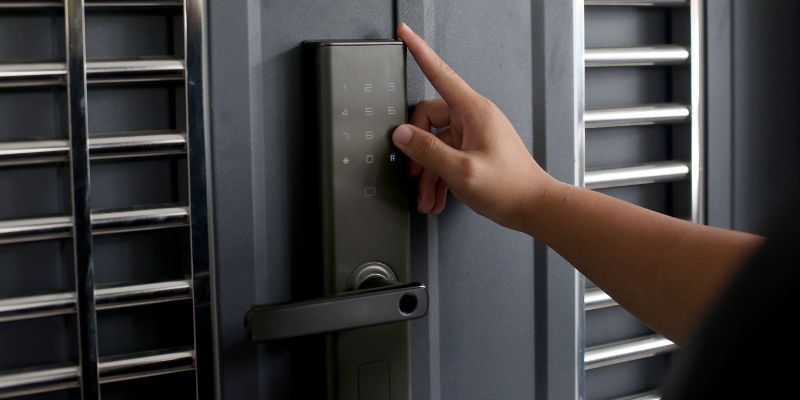
- Hide Your Lock’s Keypad: If your lock has a keypad, get a “stealth” model with no visible buttons. It’s harder for hackers to mess with.
- Check Your Wi-Fi: Make sure your home Wi-Fi has a strong password and isn’t easy to guess. I named mine “NoHackersAllowed” for fun!
- Test It Out: Before you rely on your lock, test it with a friend. I once gave my sister a code that didn’t work—oops! Test everything first.
These tips saved me from a lot of headaches. My first smart lock was a cheap one, and it was a total flop. Spend a little more for quality—it’s worth it.
Visual Ideas for Better Understanding
To make this easier, here are some visuals I’d love to include (but can’t draw here):
- Diagram of a Smart Lock: A simple picture showing how a smart lock connects to your phone via Wi-Fi or Bluetooth.
- Hacking Risk Chart: A colorful chart comparing hacking risks (Wi-Fi, Bluetooth, physical) with easy icons.
- Setup Guide Infographic: A step-by-step guide for installing a smart lock, with pictures of tools like a screwdriver.
These would make the info pop and help you see how smart locks work!
Frequently Asked Questions
Are Smart Locks Easy to Hack?
No, modern smart locks aren’t easy to hack if you use strong passwords, two-factor authentication, and keep software updated. Brands like Lockly use 128-bit encryption, which is tough to crack. Still, no lock is 100% safe, so follow my tips above
Can Hackers Break In Through Wi-Fi?
They can try, but it’s hard if your Wi-Fi is secure. Use a unique, long password for your Wi-Fi and lock app. Also, enable two-factor authentication to block hackers even if they guess your password.
Are Bluetooth Smart Locks Safer Than Wi-Fi?
Bluetooth locks can be safer since they don’t need the internet, but they’re not perfect. Hackers nearby might try to intercept the signal. Choose a lock with strong encryption and keep your phone updated.
What Happens If My Smart Lock’s Battery Dies?
You’ll need a backup key or a way to charge it. Most smart locks come with a physical key slot or a battery backup port. I keep a spare key hidden outside just in case!
Can I Use a Smart Lock Without a Phone?
Yes, many smart locks have keypads or key fobs. You can enter a code or use a small device to unlock the door. It’s great if your phone dies or you don’t want to rely on an app.
How Do I Know If My Smart Lock Is Secure?
Check for 128-bit encryption, two-factor authentication, and regular updates. Look at reviews from trusted sites like CNET or TechCrunch to see if the lock has any known weak spots.
Are Smart Locks Worth the Risk?
Yes, if you follow safety tips! Smart locks are super convenient and can be as safe as regular locks. Just pick a trusted brand, update it often, and pair it with a security camera for extra peace of mind.
Conclusion
Smart locks can be hacked, but they’re not easy targets if you’re smart about it. Pick a trusted brand, use strong passwords, and keep everything updated. I love my smart lock—it’s like having a personal doorman! Try installing one yourself or share your thoughts with friends. It’s a fun way to make your home safer and cooler. Have a tip or a question? Drop it in the comments below—I’d love to hear from you!