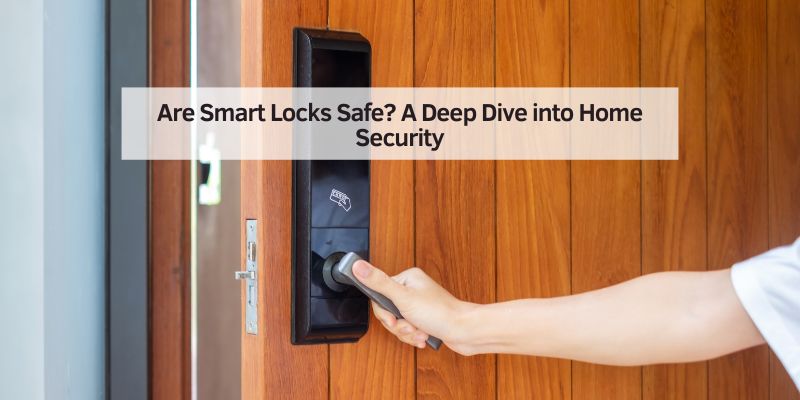
Are Smart Locks Safe? A Deep Dive into Home Security
Hey there! If you’re like me, you’ve probably wondered whether those sleek, high-tech smart locks are truly safe for your home. I mean, they’re super convenient—unlocking your door with a tap on your phone or even your voice sounds like something out of a sci-fi movie! But with all the buzz about hacking and tech vulnerabilities, it’s natural to question whether these devices are as secure as they seem.
I’ve spent a lot of time researching and testing smart locks for my own home, and I’m here to share everything I’ve learned. Let’s dive into the world of smart locks and figure out if they’re a safe bet for keeping your home secure.
What Are Smart Locks, and How Do They Work?
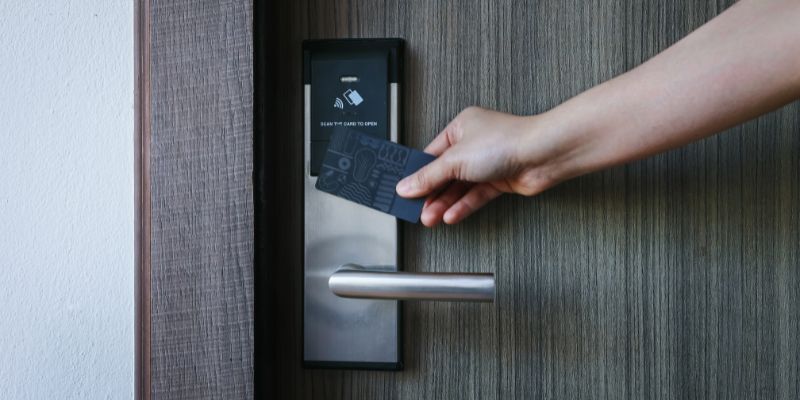
First things first, let’s talk about what smart locks actually are. Unlike traditional locks that rely on a physical key, smart locks use digital technology to control access to your home. You can lock or unlock them using your smartphone, a keypad, a voice assistant, or even a fingerprint. Pretty cool, right? Some models connect to your home’s Wi-Fi or Bluetooth, letting you control them remotely or integrate them with other smart home devices like cameras or alarms.
I remember the first time I installed a smart lock on my front door. I was amazed at how easy it was to give temporary access to my dog walker without handing over a physical key. But as I played around with the features, I started wondering: is this convenience worth it if it compromises safety? To answer that, we need to look at how these locks are built and what makes them tick.
Smart locks typically use encryption to protect the signals sent between your phone and the lock. Think of it like a secret code that only your devices can understand. They also often come with backup options, like a physical key or a keypad, in case the tech fails. But like any connected device, they’re not perfect, and that’s what we’ll explore next.
Are Smart Locks Vulnerable to Hacking?
Let’s address the elephant in the room: hacking. I’ll be honest—when I first heard about smart locks, my mind immediately went to those scary news stories about hackers breaking into smart home systems. It’s a valid concern! Since smart locks connect to the internet or Bluetooth, there’s always a chance someone could try to exploit them.
Here’s the good news: most reputable smart lock brands use strong encryption, like AES-128 or AES-256, to protect their devices. This is the same kind of security banks use for online transactions, so it’s pretty robust. When I was researching, I found that companies like August, Schlage, and Yale invest heavily in making their locks hacker-resistant. They regularly update their software to patch any vulnerabilities, kind of like how your phone gets security updates.
That said, no system is 100% foolproof. I learned this the hard way when I forgot to update my lock’s firmware for a few months. A friend who’s a tech whiz pointed out that outdated software can be a weak spot. Hackers could potentially intercept signals if you’re using an unsecured Wi-Fi network or if the lock’s encryption isn’t up to par. But here’s the thing: these scenarios are rare, especially if you follow basic security practices like using a strong Wi-Fi password and keeping your devices updated.
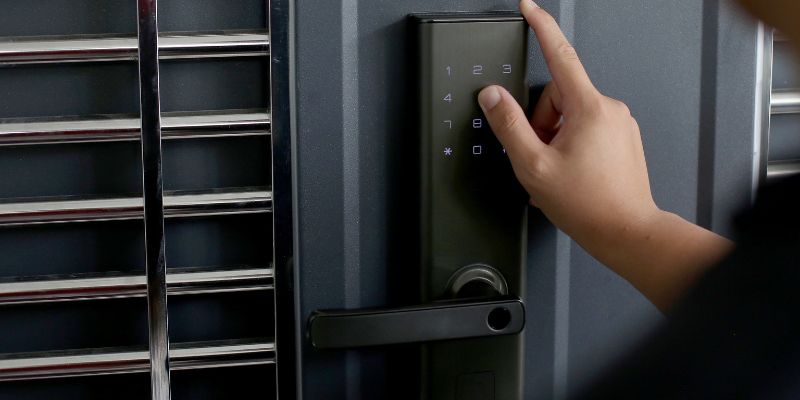
Physical Security: Can Smart Locks Be Picked or Broken?
Okay, so we’ve talked about digital threats, but what about good old-fashioned lock-picking or brute force? I was curious about this myself, so I did some digging and even tested a few locks around my house. Smart locks are built with the same heavy-duty materials as traditional locks—think steel bolts and reinforced casings—so they’re just as tough to break physically.
In fact, many smart locks meet industry standards like ANSI/BHMA Grade 2 or 3, which means they’ve been tested for durability against things like drilling or smashing. When I installed my Schlage Encode, I was impressed by how solid it felt compared to my old deadbolt. It’s not something you could easily pry open with a crowbar.
However, not all smart locks are created equal. Cheaper models might skimp on build quality, making them easier to pick or force open. I made the mistake of buying a no-name brand lock once, and it felt flimsy right out of the box. Lesson learned: stick with trusted brands and check for certifications like BHMA or UL to ensure your lock can withstand physical attacks.
Battery Life and Power Failures: What Happens When the Tech Fails?
One thing that worried me when I first got a smart lock was, “What happens if the battery dies?” I mean, getting locked out of your own house because of a dead battery sounds like a nightmare! Most smart locks run on AA or AAA batteries, and they typically last anywhere from 6 months to a year, depending on usage.
I’ve had my August Wi-Fi Smart Lock for over a year now, and it sends me a notification on my phone when the battery gets low. That’s a lifesaver! Most brands include similar alerts, so you’re not left guessing. Plus, many smart locks have a backup key slot, so you can still get in the old-fashioned way if the tech fails.
But here’s something I didn’t think about at first: power outages. If your lock relies on Wi-Fi and your router goes down, you might lose remote access. Bluetooth locks are a bit more reliable in this case since they don’t need an internet connection. I always keep a spare key hidden in a secure spot (not under the doormat!) just in case. It’s a simple precaution that gives me peace of mind.
Comparing Smart Locks to Traditional Locks
To really understand if smart locks are safe, I thought it’d be helpful to compare them to traditional locks. Here’s a quick table I put together based on my experience:
| Feature | Smart Locks | Traditional Locks |
|---|---|---|
| Access Method | Smartphone, keypad, voice, or key | Physical key |
| Security | Encryption, updates, physical build | Physical build, no digital risks |
| Convenience | Remote access, temporary codes | Simple but requires carrying a key |
| Vulnerabilities | Hacking, battery failure | Lock-picking, key theft |
| Cost | $100–$300+ | $20–$100 |
From this, you can see that smart locks offer a lot of convenience, like letting you unlock your door from anywhere or giving a contractor a temporary code. But they come with digital risks that traditional locks don’t have. On the flip side, traditional locks can be picked or lost, and you can’t monitor them remotely. For me, the trade-off is worth it, but it depends on your comfort level with technology.
How to Choose a Safe Smart Lock
After testing a few smart locks and talking to other homeowners, I’ve learned there are a few key things to look for to ensure you’re getting a secure one. First, go for a reputable brand. I mentioned Schlage, August, and Yale earlier—they’ve got a solid track record. Avoid no-name brands on sketchy websites; I learned that lesson the hard way!
Next, check for strong encryption. AES-128 or higher is a good benchmark. Also, look for locks with two-factor authentication (like a PIN plus your phone) for extra security. I love that my lock requires both my phone and a code, so even if someone gets my phone, they can’t just waltz in.
Finally, consider how the lock integrates with your home. If you’ve got a smart home setup with Alexa or Google Home, make sure the lock plays nice with your system. I had to swap out one lock because it didn’t work with my smart doorbell, which was a hassle.
Tips to Keep Your Smart Lock Secure
Alright, let’s talk about how to make sure your smart lock stays as safe as possible. I’ve picked up a few tricks along the way that I wish I’d known sooner. First, always use a strong, unique password for your Wi-Fi and the lock’s app. I use a password manager to keep track of mine—it’s a game-changer.
Second, keep your lock’s firmware updated. Most apps will notify you when there’s an update, so don’t ignore those alerts. I set a reminder every few months to check for updates manually, just to be safe.
Third, be careful about who you give access to. I love that I can share temporary codes with guests, but I always set an expiration date so the code stops working after they leave. Also, avoid using public Wi-Fi to control your lock remotely—it’s just not worth the risk.
Finally, consider adding a smart doorbell or camera. I paired my lock with a Ring doorbell, and now I can see who’s at my door before I unlock it. It’s like having an extra set of eyes on my home.
The Future of Smart Locks
As I’ve explored smart locks, I’ve noticed they’re getting better every year. Newer models are adding features like facial recognition and AI to detect suspicious activity. I’m excited to see where this tech goes, but it also makes me cautious. More features mean more potential vulnerabilities, so staying informed is key.
I recently read about locks that can detect if someone’s tampering with them and send an alert to your phone. That’s the kind of innovation that makes me feel good about using smart locks. But as with any tech, it’s about balancing convenience with caution.
Wrapping It Up
So, are smart locks safe? After diving deep into this topic and testing them in my own home, I’d say yes—with a few caveats. They’re as secure as traditional locks in most cases, especially if you choose a high-quality model and follow best practices like strong passwords and regular updates. The convenience they offer, like remote access and temporary codes, has made my life so much easier. But they’re not perfect, and you’ve got to stay proactive about security.
For me, the peace of mind comes from knowing I’ve done my homework—picking a trusted brand, keeping my tech updated, and pairing my lock with other security measures. If you’re thinking about getting a smart lock, I’d say go for it, but do your research and choose wisely. It’s an investment in both convenience and safety, and when done right, it’s worth every penny.
FAQs
Are smart locks easier to hack than traditional locks?
No, they’re not necessarily easier to hack. Smart locks from reputable brands use strong encryption, like AES-128 or AES-256, which is tough to crack. But they can be vulnerable if you don’t update the firmware or use a weak Wi-Fi password. Traditional locks don’t have digital risks, but they can be picked or bypassed with stolen keys. It’s all about using the lock properly.
What happens if my smart lock’s battery dies?
Most smart locks warn you when the battery is low, either through an app or a light on the lock. If the battery dies, many models have a backup key slot so you can use a physical key. I always keep a spare key in a safe spot just in case. Some locks also have a USB port for emergency power.
Can I still use a physical key with a smart lock?
Yes, many smart locks come with a physical key as a backup. This is great for power outages or if the tech fails. Not all models have this feature, though, so check before you buy. I love having the option—it’s like a safety net.
Do smart locks work with smart home systems?
Absolutely! Most smart locks work with systems like Amazon Alexa, Google Home, or Apple HomeKit. This lets you control the lock with voice commands or pair it with other devices like cameras. I use mine with Alexa, and it’s super convenient to lock my door from the couch.
How do I know if a smart lock is high quality?
Look for locks from trusted brands like Schlage, August, or Yale. Check for certifications like ANSI/BHMA Grade 2 or 3, which show the lock’s been tested for durability. Also, make sure it uses strong encryption and has good reviews. I always read user feedback before buying to avoid duds.