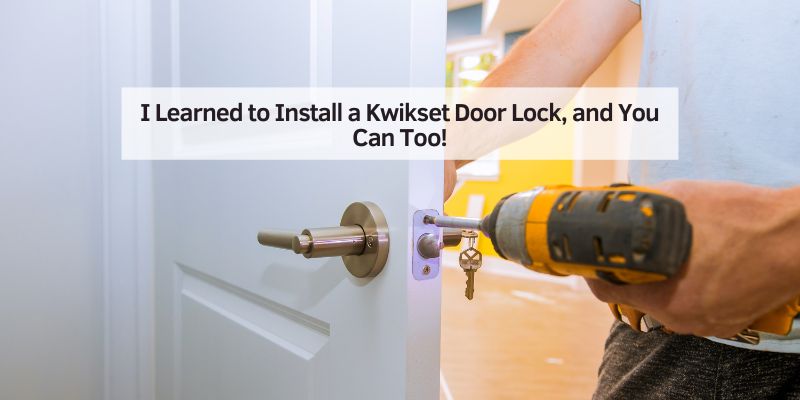
I Learned to Install a Kwikset Door Lock, and You Can Too!
I remember my first time installing a Kwikset door lock. My old apartment door felt flimsy, and I wanted a sturdy, reliable lock. With just a screwdriver and a bit of patience, I got it done in under an hour! In this guide, I’ll show you how to install a Kwikset door lock with easy steps, tips, and tricks. Whether you’re a beginner or a DIY pro, you’ll find clear instructions and helpful ideas to make your door secure and stylish.
What Is a Kwikset Door Lock?
A Kwikset door lock is a popular lock for homes. It’s known for easy installation and strong security. Kwikset makes deadbolts, knobs, and smart locks. Many have a SmartKey feature, letting you rekey the lock without a locksmith. These locks fit most standard doors and come in finishes like nickel or bronze. They’re trusted across the USA for their quality and ease.
Why Choose a Kwikset Door Lock?
Kwikset locks are affordable and reliable. They’re easy to install, even for beginners. Their designs look great on any door. Smart locks, like the Kwikset Halo, let you lock or unlock with a phone. They’re also durable, with a lifetime warranty on mechanics. However, some smart models may need extra setup for Wi-Fi.
Benefits of Kwikset Locks
- Easy to install: You need just a screwdriver.
- Stylish options: Choose from many finishes.
- Smart features: Some locks connect to your phone.
Drawbacks to Consider
- Smart locks need batteries.
- Some models may not fit non-standard doors.
- Wi-Fi setup can be tricky for beginners.
Tools and Materials You’ll Need
Before you start, gather these tools and materials. Most are at hardware stores like Home Depot.
| Tool/Material | Purpose | Where to Get It |
|---|---|---|
| Screwdriver (Phillips) | Tightens screws | Any hardware store |
| Kwikset door lock kit | Includes lock parts | Kwikset website |
| Tape measure | Checks door size | Home Depot, Lowe’s |
| Drill (optional) | Makes new holes | Hardware stores |
Visual Idea: A diagram showing a screwdriver tightening a lock screw would help beginners.
How to Install a Kwikset Door Lock
Here’s a simple guide to install your Kwikset lock. Follow these steps carefully. I’ve done this myself, and it’s easier than it looks!
Step 1: Check Your Door
Open your door. Make sure it’s 1-3/8 to 1-3/4 inches thick. Most Kwikset locks fit standard doors. Measure the hole in your door. It should be 2-1/8 inches wide. If not, you may need a drill.
Step 2: Remove the Old Lock
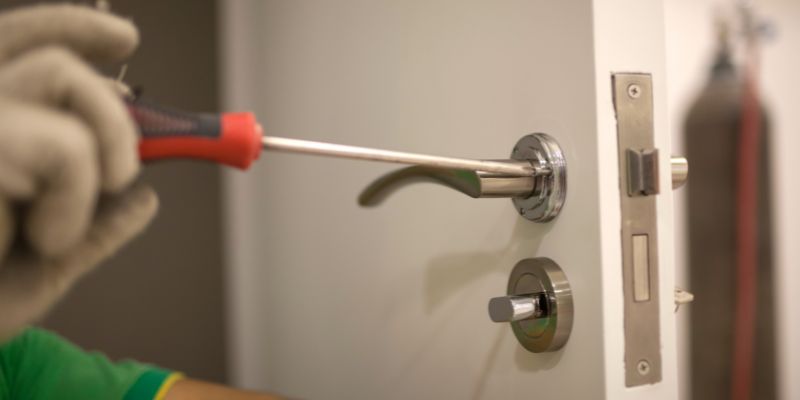
Unscrew the old lock with your screwdriver. Take off the knob or deadbolt. Pull out the latch from the door’s edge. Keep the door open to avoid getting locked out. This step took me five minutes!
Step 3: Install the New Latch
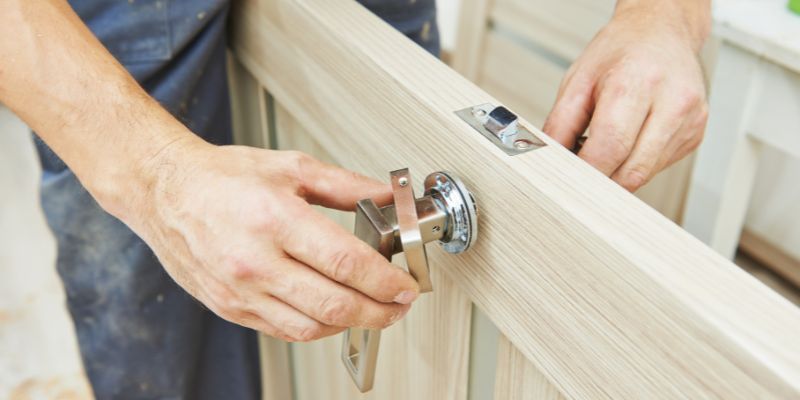
Take the Kwikset latch from the kit. Slide it into the door’s edge hole. The latch’s flat side should face the outside. Screw it in place with the provided screws. Make sure it’s tight.
Step 4: Attach the Lock Cylinder
Insert the lock cylinder into the door’s front hole. The keyhole faces outside. On the inside, place the interior part of the lock. Line up the screw holes. Screw them together tightly.
Step 5: Install the Strike Plate
On the door frame, attach the strike plate. This is where the latch clicks in. Use screws to secure it. Test the latch to ensure it catches smoothly.
Step 6: Test the Lock
Insert the key. Turn it to lock and unlock. If it’s a smart lock, follow the manual to set up codes or Wi-Fi. My Kwikset Halo took a few tries to connect to my phone, but it worked!
Visual Idea: A step-by-step infographic of the latch and cylinder placement would make this clearer.
Common Mistakes to Avoid
When I first installed a Kwikset lock, I made some errors. Here’s what to watch out for:
- Wrong door thickness: Measure your door first.
- Loose screws: Tighten everything securely.
- Misaligned latch: Ensure the latch faces the right way.
Safety Tips for Installation
Safety is key when installing a lock. Here are my top tips:
- Keep the door open to avoid lockouts.
- Wear gloves if drilling to avoid splinters.
- Double-check screws to prevent a loose lock.
Cost-Saving Ideas
Installing a Kwikset lock yourself saves money. A locksmith might charge $100 or more. A basic Kwikset deadbolt costs about $30 at Ace Hardware. You can also reuse tools like a screwdriver for other projects.
| Item | Estimated Cost | Where to Save |
|---|---|---|
| Kwikset deadbolt | $30-$50 | Shop sales at Home Depot |
| Screwdriver | $5-$10 | Use one you own |
| Drill (optional) | $40-$60 | Borrow from a friend |
Comparing Kwikset to Other Locks
Kwikset is great, but other brands like Schlage or Yale are options. Schlage is sturdier but pricier. Yale smart locks work well with apps but cost more. Kwikset balances cost, style, and ease.
| Brand | Pros | Cons |
|---|---|---|
| Kwikset | Easy to install, affordable | Some smart locks need Wi-Fi setup |
| Schlage | Very strong, reliable | More expensive |
| Yale | Great app features | Higher cost |
Visual Idea: A photo comparing Kwikset and Schlage lock designs would show style differences.
My Personal Tips for Success
When I installed my Kwikset lock, I learned a few tricks. First, read the manual twice. It’s boring but helps. Second, test the lock before closing the door. Finally, if you’re using a smart lock, keep spare batteries handy. These tips made my installation smooth!
Frequently Asked Questions
How to Install a Kwikset Door Lock on a New Door?
For a new door, check if it has pre-drilled holes. If not, use a 2-1/8-inch hole saw for the lock and a 1-inch bit for the latch. Follow the same steps as above. Mark the holes with the template from the Kwikset kit. It’s simple but takes patience.
Can I Install a Kwikset Smart Lock Myself?
Yes, you can! Kwikset smart locks, like the Halo, come with clear instructions. You’ll need a screwdriver and maybe a phone for setup. Follow the steps above, then use the Kwikset app to add codes or Wi-Fi. It took me about 45 minutes.
What If My Door Doesn’t Fit a Kwikset Lock?
If your door is too thick or thin, Kwikset may not fit. Check the manual for size requirements (1-3/8 to 1-3/4 inches). For non-standard doors, try a narrow-style lock or consult a locksmith. You can also visit Kwikset’s support page.
How Long Does It Take to Install a Kwikset Lock?
It usually takes 30-60 minutes. Basic deadbolts are faster, while smart locks take longer due to app setup. My first try took an hour, but now I can do it in 30 minutes. Practice makes it quicker!
Do I Need Special Tools for a Kwikset Lock?
No, a Phillips screwdriver is usually enough. If your door needs new holes, a drill and hole saw help. The Kwikset kit includes a template for drilling. Borrow tools to save money.
What If My Kwikset Lock Feels Loose?
A loose lock means screws aren’t tight. Check all screws on the latch, cylinder, and strike plate. Tighten them with a screwdriver. If it’s still loose, ensure the door hole aligns properly.
Can I Rekey a Kwikset Lock After Installation?
Yes, with SmartKey technology, you can rekey in seconds. Use the SmartKey tool and a new key from the kit. Follow the instructions in the manual or watch a video on Kwikset’s YouTube. It’s super easy!
Conclusion
Installing a Kwikset door lock is a fun, easy DIY project. With a screwdriver and a little time, you can make your home safer and prettier. I loved seeing my new lock shine on my door! Try it yourself, and feel proud of your work. Share your lock installation story in the comments, or ask me for more tips. Let’s make our homes secure together!