How to Turn off a Motion Sensor Light Without Switch: Quick Guide
A motion sensor light without a switch can be disabled by cutting power at the breaker, covering the sensor, or adjusting its sensitivity dial – but the common switch-flip trick only forces most fixtures to stay on, not off. Get it wrong and you risk a fire hazard from long-term covering or a fixture stuck in override. This guide covers sensor types, manual overrides, remote options, and when a proper occupancy/vacancy switch is the real fix.
Identify The Sensor Type
Motion sensors come in various types. The most common ones are infrared and ultrasonic sensors. Infrared sensors detect heat. This means they sense body heat. Ultrasonic sensors use sound waves. They detect movement by changes in sound. There are other types too. Some use microwave technology. These send out radio waves. Sensors can be tricky. Understanding them helps in turning them off.
Sensors have different modes. They can be in automatic or manual mode. Automatic mode turns lights on with movement. Manual mode needs a switch. Some sensors have a test mode. This mode checks if the sensor works. Knowing the mode is key. It helps in figuring out how to control it. Always check the sensor’s manual for guidance.
Deactivate Power Supply
Locate the circuit breaker in your home. It is often in the basement or a utility room. The circuit breaker controls electricity flow. Find the switch for the motion sensor light. It is usually labeled. Switch it to the “off” position. This will cut power to the light. Ensure your hands are dry when doing this. Wet hands can be dangerous.
Always be careful when dealing with electricity. Wear rubber-soled shoes. This reduces the risk of shocks. Stand on a dry surface. Do not touch metal parts. Metal conducts electricity. Keep children and pets away from the area. They might not understand the danger. Call a professional if unsure. Safety is important.
Manual Override Techniques
Using a Ladder for Access is helpful. Sometimes, motion sensor lights are placed high. Use a sturdy ladder to reach the sensor. Safety first! Ask someone to hold the ladder steady. Once you reach the sensor, look for a small switch. This switch lets you turn off the light manually. Flip the switch to stop the light from turning on. Be careful while climbing down. Always ensure the ladder is secure before climbing.
Temporary Covering Methods can be easy and quick. Use a cloth or tape to cover the sensor. Make sure it covers the sensor completely. This blocks the sensor from detecting motion. But remember, this is a temporary fix. Once covered, the light won’t turn on. It’s a simple way to stop the light for a short time. Choose a dark cloth to ensure the sensor doesn’t see movement.
Can You Force a Motion Sensor Light to Stay Off?
Not with the same switch-flipping trick that forces most lights to stay on. Standard PIR fixture manuals (Heath Zenith, Defiant, and similar OEM designs sold under brands like Utilitech) confirm that flipping the wall switch off-on-off-on within about 2-5 seconds forces the light into a continuous “stay on” override – bypassing the motion timer entirely. There’s no equivalent documented trick to force a fixture to stay permanently off through switch-flipping alone; reliably disabling it means turning the sensitivity/time dial to minimum, or replacing the switch with one built for the job.
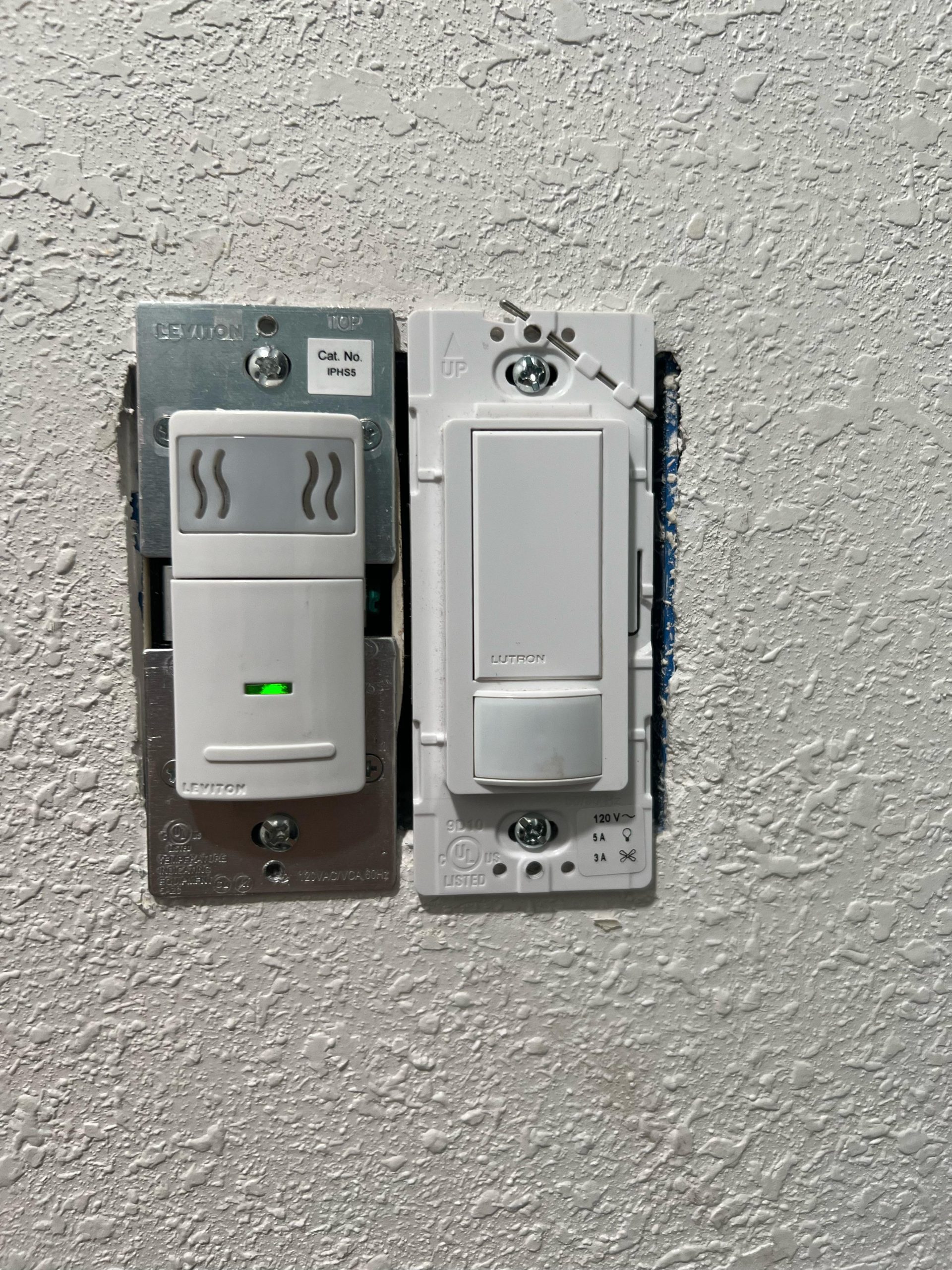
“Vacancy mode requires the user to manually turn the lights on, and then the sensor automatically turns the lights off when the room becomes vacant” – describing how a proper occupancy/vacancy sensor switch, unlike a wired-in motion fixture, gives you real manual control.
Best Fix-It-Properly Pick
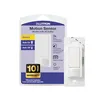
Lutron Maestro Occupancy/Vacancy Sensor Switch – $22.95
Swaps in for the existing switch and gives you real vacancy-mode control – the manual on/auto-off behavior this guide’s depth section describes, without covering sensors or flipping breakers.
- Best for: permanently fixing a motion light that won’t stay off, not just a temporary workaround
- Why we picked it: the same Lutron Maestro line cited in this guide’s override section
- Main drawback: requires basic wiring know-how or an electrician for installation
Compare more sensor-switch options
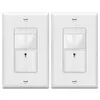 Option 1 TOPGREENER PIR Sensor Switch – $23.03
|
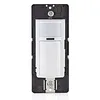 Option 2 Leviton Motion Sensor Switch – $23.99
|
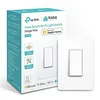 Option 3 Kasa Smart Switch – $19.99
|
As an Amazon Associate we earn from qualifying purchases.
Adjusting Sensor Settings
Find the sensor box on the light. This box is usually at the bottom. Most lights have a cover you need to remove. Use a screwdriver if needed. Inside, you’ll see knobs or buttons. These control the sensor. Adjust them to change the light settings. Make sure the power is off before you start.
There is often a sensitivity dial inside. This dial helps you set how much movement is needed to turn the light on. Turn the dial to make the sensor less sensitive. This can prevent the light from turning on too often. Test the settings by moving in front of the sensor. Adjust as needed until it works the way you want.
Use Of Remote Controls
Motion sensor lights can often be turned off with a remote control. First, check if your light has a remote option. Not all models have this feature. Look at the light’s manual or packaging. There might be a list of compatible remotes. This helps find the right one. Check the brand and model. Some lights work with universal remotes. These remotes work with many devices. But, not all lights support them.
Programming the remote is easy. First, read the remote instructions. They show how to set it up. Usually, there is a code to enter. This code matches your light. Some remotes have an auto-scan feature. This feature finds the right code for you. Just press the button and wait. Once the remote is programmed, test it. Stand near the light. Press the off button. The light should turn off. If not, try programming again.

Consulting The Manufacturer’s Guide
The manual is a useful tool. It holds many important instructions. Find it in the box or online. Look for the brand name on the light. Type the brand name and model number into a search engine. This can help locate the correct manual.
Many manufacturers have online support. Visit the company’s website. Find the support or help section. There may be a FAQ page. It can answer many common questions. Some websites have live chat features. You can ask specific questions there.
Considering Professional Assistance
Motion sensor lights can be tricky. Sometimes they don’t turn off.
If this happens often, calling an electrician might help.
Electricians know about wiring and sensors. They can find and fix problems easily.
Safety is important. Electricians make sure everything is safe and works well.
Think about the cost. Is it worth it? Electricians charge for their work.
But they save you time and stress. Fixing it yourself can be hard and risky.
Consider if the light problem happens a lot. If yes, get help.
If not, maybe wait. Decide based on how often it happens and your budget.
Frequently Asked Questions
How To Trick A Motion Sensor Light To Stay Off?
Cover the sensor with tape or an opaque material to block motion detection. Adjust sensitivity settings if accessible. Ensure the light’s switch is off when not in use. Regularly check for any unintended triggers like moving objects or animals. Always follow product guidelines for safe operation.
How Do You Manually Override A Motion Sensor Light?
To manually override a motion sensor light, switch it off, then back on within 2-3 seconds. This keeps it on continuously. To reset, turn it off for at least 10 seconds and switch it back on. Always consult your light’s manual for specific instructions.
How To Stop Motion Sensors?
Disable motion sensors by turning off the device or adjusting settings. Cover sensors with opaque materials to block detection. Consult the user manual for specific instructions. Disconnect power sources if possible. Consider using software tools to manage sensor activity effectively.
Always ensure compliance with safety regulations.
Do Motion Sensor Lights Have On Off Switch?
Yes, motion sensor lights often have an on/off switch. This allows manual control when automatic sensing is not needed. Switches are typically located on the fixture or nearby. Check your light’s manual for exact details and operation instructions.
Why Does My Motion Sensor Light Stay On All The Time?
Usually because the wall switch was flipped off-on-off-on within a few seconds, which most PIR fixtures interpret as a command to override the sensor and stay on continuously. Leaving the power off for 30-60 seconds, or resetting the fixture’s ON-TIME dial, typically clears the override and returns it to normal motion-triggered operation.
Can I Use A Regular Switch With A Motion Sensor Light?
Yes, a standard single-pole switch can turn the fixture’s power on and off, but it won’t disable the sensor itself – as soon as power is restored, the sensor resumes normal motion detection. For real manual control, an occupancy/vacancy sensor switch (like Lutron Maestro) or having an electrician bypass the sensor module are the two reliable options.
Conclusion
Turning off a motion sensor light without a switch is doable. Simple steps can make it happen. Consider covering the sensor with tape or cloth. This blocks the light’s ability to detect movement. Experiment with different materials if needed. Adjust the sensor’s settings if possible.
Some sensors allow manual adjustments. Ensure your safety while attempting these solutions. Remember to test the changes in a safe environment. Motion sensor lights offer convenience. But knowing how to control them is equally important. Try these methods to manage your lights effectively.
Enjoy a more controlled lighting experience at home.
Sponsored / affiliate links. As an Amazon Associate I earn from qualifying purchases. I may earn additional commission from eligible campaigns.