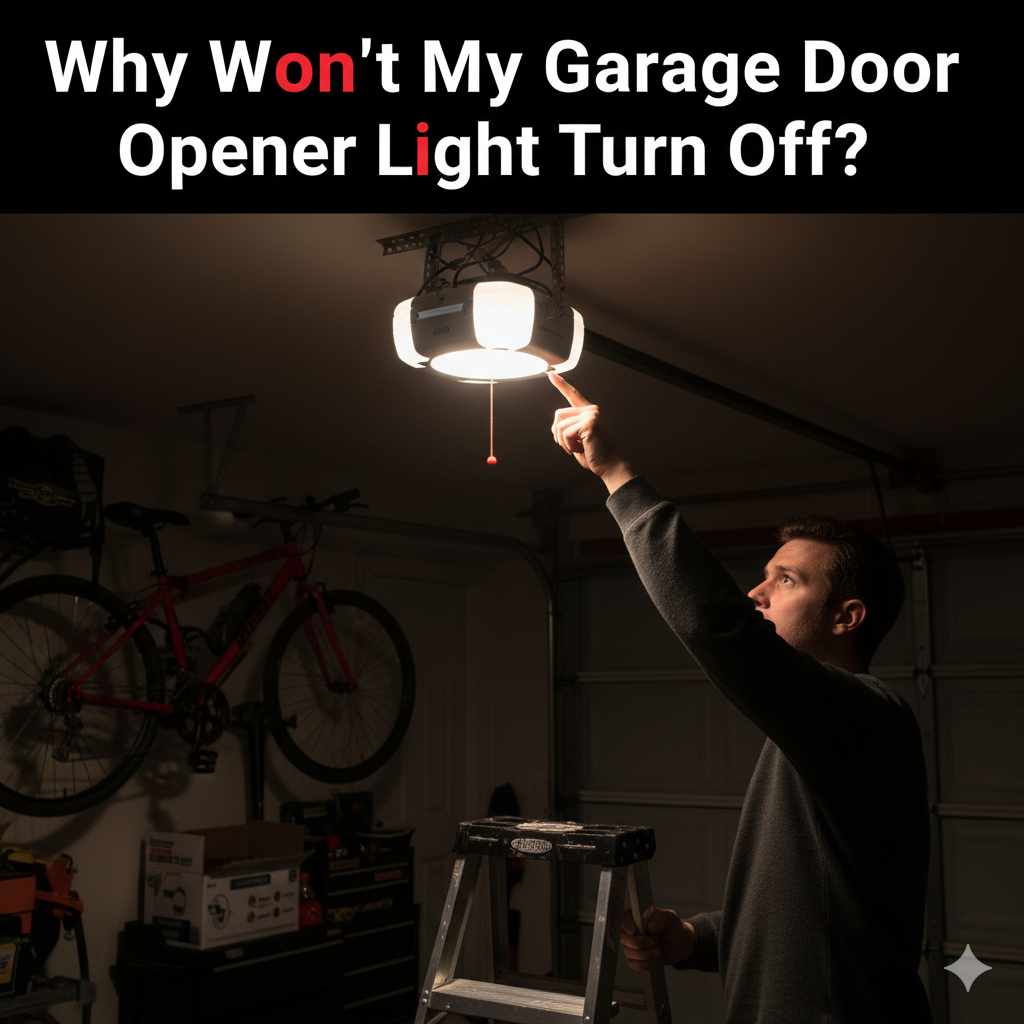
Why Won’t My Garage Door Opener Light Turn Off? Essential Fixes
Quick Summary: If your garage door opener light won’t turn off, the issue is often a stuck remote button, a faulty logic board, or a tripped opener timer. Simple checks like resetting the opener or replacing the remote battery can resolve it. If not, a deeper inspection of the opener’s settings or components may be needed.
Hey there, DIY enthusiasts and home improvers! Md Meraj here, ready to tackle a common, and frankly, a little annoying, home mystery: why your garage door opener light just won’t quit. You’ve closed the garage, you’re settling in for the evening, and then you notice it – that persistent glow from your garage door opener. It’s like a little beacon that forgets to turn off!
This isn’t just a minor inconvenience; a light that stays on can waste energy, attract unwanted insects, and sometimes even signal a deeper issue with your opener system. But don’t worry! Most of the time, this is something you can fix yourself with a little patience and a few simple steps. We’ll walk through the most common culprits and how to get that light to behave.
We’ll start with the easiest fixes and work our way to the more involved ones. By the end of this guide, you’ll have a clear understanding of what’s causing the problem and the confidence to resolve it, saving you a call to a professional and a bit of money in the process. Let’s get that garage door opener light back on track!
Understanding Your Garage Door Opener Light
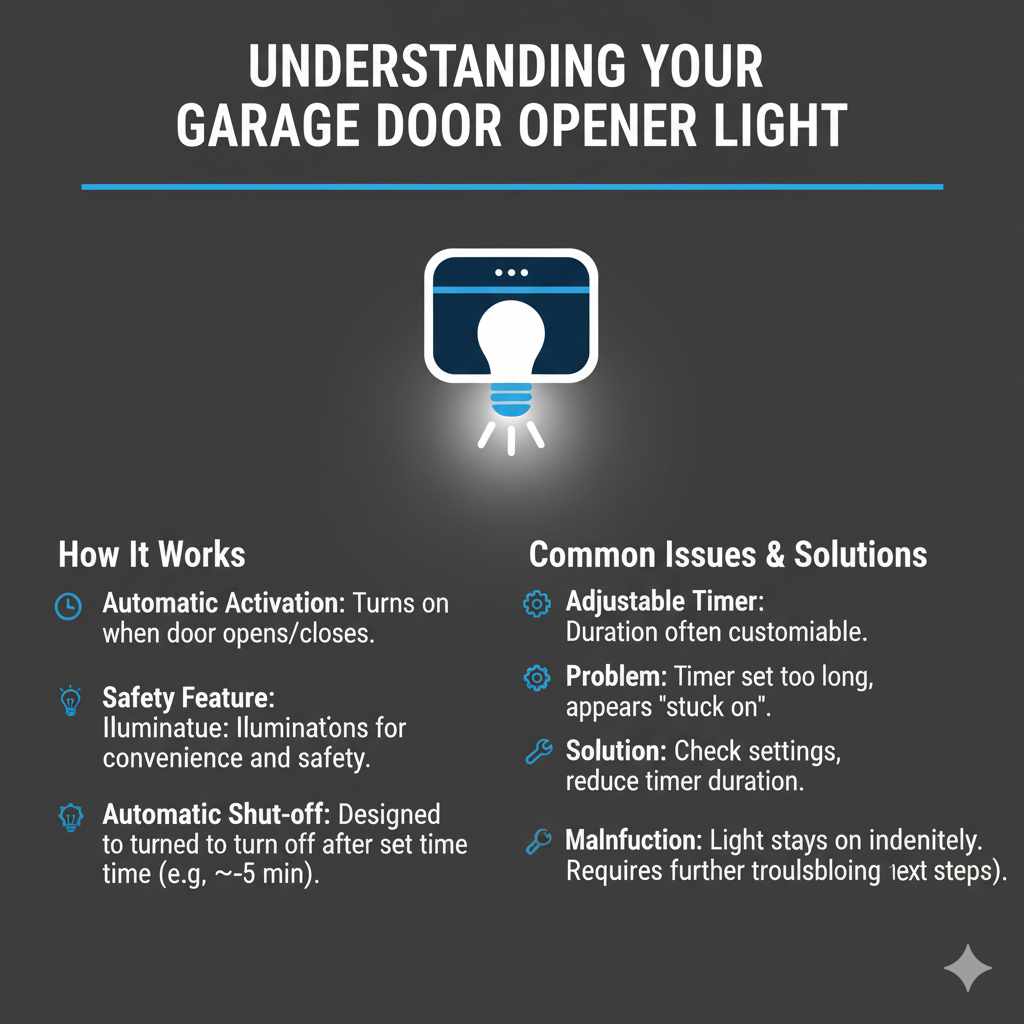
Before we dive into troubleshooting, it’s helpful to know a bit about how your garage door opener light works. Most modern garage door openers have a built-in light that activates when the door is opened or closed. This is a handy safety feature, illuminating your garage in the dark. However, this light is also designed to turn off automatically after a set period, usually a few minutes.
The duration the light stays on is often adjustable through your opener’s settings. Sometimes, the issue isn’t that the light won’t turn off, but rather that the timer is set for a very long duration, making it seem like it’s stuck on. Other times, it’s a genuine malfunction. Understanding these basic functions will help us pinpoint the problem more effectively.
Common Reasons Your Garage Door Opener Light Won’t Turn Off
When that garage door opener light decides to stay on indefinitely, it can be puzzling. Let’s break down the most frequent reasons why this happens. Often, it’s a simple fix that doesn’t require a professional. We’ll go through them from easiest to check to slightly more involved.
1. Stuck Remote Control Button
This is surprisingly common and one of the easiest things to check. If a button on your remote control is stuck in the “pressed” position, it can continuously send a signal to your garage door opener. This signal might be interpreted as a command to keep the light on, or it could be confusing the opener’s logic.
- Check the Remote: Take a close look at your garage door opener remote(s). Press each button firmly a few times to ensure it’s not physically sticking. Sometimes, a bit of grime or a worn-out button can cause this.
- Remove Batteries (Temporarily): If you suspect a remote is the culprit, try removing the batteries from all your remotes. If the light turns off after a while, you’ve likely found your problem. Replace the sticky button remote or all batteries if they are old.
- Clean the Remote: If the button feels sticky, you can try gently cleaning around it with a dry cloth or a cotton swab dipped in a tiny bit of rubbing alcohol (make sure the remote is off or batteries are removed first, and let it dry completely before reinserting batteries).
2. The Opener’s “Vacation Mode” or Lock Feature is Engaged
Many modern garage door openers have a “vacation mode” or a “lock” feature. This is designed to prevent the door from opening accidentally when you’re away, often by disabling the remotes. However, in some models, engaging this feature can also affect the light’s behavior, sometimes causing it to stay on or behave erratically.
- Locate the Lock/Vacation Button: This is typically found on the wall control panel that’s inside your garage. It might be labeled “Lock,” “Vacation,” or have a padlock icon.
- Disengage the Feature: Press and hold this button for a few seconds, or follow the specific instructions for your opener model to disengage the lock or vacation mode.
- Test the Light: After disengaging, try operating the garage door normally. See if the light now turns off as expected after the usual delay.
Consult your garage door opener’s manual if you’re unsure where this button is or how to use it. You can often find digital copies on the manufacturer’s website by searching for your opener’s model number.
3. Faulty Wall Control Panel
The wall control panel is the central hub for operating your garage door from inside the garage. It often includes buttons for opening/closing, the light, and sometimes security features. If the light button on this panel is stuck, or if the panel itself is malfunctioning, it could be keeping the light on.
- Inspect the Wall Button: Gently press the light button on your wall control panel several times. Does it feel loose, sticky, or does it not spring back properly?
- Disconnect the Wall Panel (Temporarily): If you suspect the wall panel, you can try disconnecting it. This usually involves unscrewing the panel from the wall and then carefully disconnecting the wires that run to it. Important Safety Note: Before disconnecting any wires, ensure the garage door opener unit itself is unplugged from the power outlet.
- Test After Disconnecting: Once the wall panel is disconnected (and the opener is plugged back in), operate the door using a remote. If the light now turns off correctly, the wall control panel is likely the issue.
If you find the wall panel is faulty, you’ll need to replace it. You can purchase a compatible replacement from the manufacturer or a reputable home improvement store.
4. The Opener’s Light Timer is Set Too Long
Many garage door openers allow you to adjust how long the light stays on. If this timer has been accidentally set to its maximum duration, it might appear as though the light is stuck on, especially if you’re not waiting long enough for it to naturally turn off.
The method for adjusting this varies greatly by manufacturer and model. It often involves a series of button presses on the motor unit itself or on the wall control panel, sometimes while the door is in a specific position (open or closed). You’ll typically need to consult your owner’s manual for precise instructions.
Example Adjustment Process (Consult Your Manual for Specifics):
Some openers have a dial or a series of DIP switches on the motor unit. Others use a programming sequence involving the “Learn” button and the remote. For instance, you might need to:
- Press and hold the “Learn” button on the motor unit until an indicator light flashes.
- Within a short timeframe (e.g., 30 seconds), press the remote button you use to open the door.
- To adjust the light timer, there might be a separate sequence involving pressing the light button or another button on the remote.
Where to Find Your Manual: If you don’t have a physical copy, search online for “[Your Garage Door Opener Brand] [Your Model Number] manual.” For example, “LiftMaster 8500 manual.” You can often find PDF versions on the manufacturer’s support website.
5. Loose Wiring or Electrical Connection Issues
Inside the garage door opener motor unit, there are electrical connections for the light bulb socket and the main logic board. If these connections become loose, or if there’s a short circuit, it can cause the light to stay on. This is a more advanced issue and requires caution.
Safety First! Always unplug the garage door opener from the power outlet before inspecting internal components.
- Access the Motor Unit: You’ll typically need to remove a cover from the garage door opener motor unit mounted on the ceiling. This usually involves unscrewing a few screws.
- Inspect Connections: Look for any wires that appear loose, frayed, or disconnected, especially those leading to the light socket and the main circuit board. Gently ensure they are securely fastened.
- Check the Light Socket: Sometimes, the socket itself can be the issue. Ensure the bulb is screwed in tightly. If the socket looks damaged or corroded, it may need to be replaced.
- Consult a Professional: If you’re not comfortable working with electrical components or if you see any signs of damage (like burn marks), it’s best to stop and call a qualified garage door technician or electrician. Incorrectly handled electrical issues can be dangerous.
For more information on basic electrical safety, you can refer to resources like the U.S. Consumer Product Safety Commission (CPSC) electrical safety tips.
6. Faulty Logic Board
The logic board (or circuit board) is the “brain” of your garage door opener. It controls all the functions, including the light. If the logic board is damaged or malfunctioning, it can send incorrect signals, such as keeping the light on constantly.
Signs of a Faulty Logic Board:
- The light stays on even after you’ve tried all other troubleshooting steps.
- The opener behaves erratically – opening or closing partially, not responding to remotes, or making unusual noises.
- Visible damage on the board, such as burnt components or corrosion.
Fixing a Logic Board: Replacing a logic board is usually a job best left to a professional. It’s a complex and often expensive part. If this is the issue, a technician will diagnose it and advise whether a repair or replacement of the entire opener unit is more cost-effective.
7. Garage Door Opener Light Bulb Issues
While less common for a light that won’t turn off, sometimes the type of bulb used can cause unexpected behavior, especially with LED bulbs in older openers. Some openers are designed for incandescent bulbs, and using an LED bulb that draws less power or has different electrical characteristics can sometimes confuse the opener’s circuitry, leading to the light not turning off.
- Check Bulb Type: Refer to your opener’s manual or any stickers on the motor unit to see what type of bulb is recommended. Most openers specify a maximum wattage (e.g., 100W) and type (incandescent or, in newer models, specific LED types).
- Try a Different Bulb: If you’ve recently replaced the bulb, try putting the old one back in, or try a new, compatible incandescent bulb of the correct wattage. If the problem resolves, the bulb type was the issue.
- “Garage Door Opener” Specific LEDs: If you prefer LEDs for energy savings, look for LED bulbs specifically designed for garage door openers. These are often designed to avoid interference with the opener’s radio frequency signals and can handle the electrical fluctuations.
For more on LED bulb compatibility, you might find helpful information from lighting industry resources like the Illuminating Engineering Society (IES), although they might be more technical than a beginner needs.
Troubleshooting Table: Quick Reference Guide
Here’s a handy table to help you quickly identify potential issues and their solutions. Remember to always prioritize safety and unplug the opener when working on internal components.
| Symptom/Issue | Likely Cause | Easy Fixes | More Involved Fixes | When to Call a Pro |
|---|---|---|---|---|
| Light stays on constantly, never turns off. | Stuck remote button, vacation mode, faulty wall panel, timer setting, logic board. | Press remote buttons, disable vacation mode, check wall panel button, adjust timer (if accessible). | Inspect wiring, replace wall panel, replace remote. | Suspected faulty logic board, electrical shorts, if easy fixes don’t work. |
| Light turns off, but takes a very long time (e.g., hours). | Timer setting is maxed out, opener is confused. | Adjust light timer setting (check manual). | Reset opener. | If timer adjustment doesn’t work or isn’t possible. |
| Light flickers or turns on/off randomly. | Loose bulb, faulty bulb, loose wiring, electrical interference. | Tighten bulb, try a new compatible bulb. | Inspect wiring connections, check for electrical interference. | Persistent flickering, suspected wiring issues. |
| Light won’t turn on at all (opposite problem, but related). | Burnt-out bulb, faulty socket, power issue, logic board. | Replace bulb. | Check wiring to socket. | If bulb and wiring seem fine, suspect socket or logic board. |
Step-by-Step Guide to Fixing the Light
Let’s consolidate the troubleshooting into a clear, step-by-step process. This approach starts with the simplest checks and moves towards more complex ones. Remember, patience is key!
Step 1: The Quickest Checks (Remote and Vacation Mode)
This is where you start. Most problems are resolved here.
- Check Remotes: Pick up all your garage door remotes. Press each button firmly a few times. Ensure no button feels stuck or is continuously depressed.
- Disable Vacation Mode: Go to your garage and find the wall control panel. Look for a “Lock” or “Vacation” button. Press and hold it for a few seconds to disable this feature.
- Observe the Light: Wait for a reasonable amount of time (e.g., 5-10 minutes). Does the light turn off on its own? If yes, you’ve found your culprit! If not, proceed to Step 2.
Step 2: Resetting Your Opener
Sometimes, a simple reset can clear a glitch in the opener’s system.
- Unplug the Opener: Locate the garage door opener motor unit and unplug it from the electrical outlet.
- Wait: Leave it unplugged for at least 10-15 minutes. This allows any residual power to dissipate and the internal memory to reset.
- Plug It Back In: Plug the opener back into the outlet.
- Test: Operate the garage door using your remote. See if the light now turns off after its normal cycle. If the problem persists, move to Step 3.
Step 3: Inspecting the Wall Control Panel
The button on your wall control might be the issue.
- Examine the Panel: Look closely at the light button on your wall control. Does it click properly? Does it feel mushy or stuck?
- Test Without Panel (Optional but Recommended): If you’re comfortable, unplug the opener again. Locate the wires connecting to the wall control panel and carefully disconnect them. Plug the opener back in (without the wall panel connected). Test the door with a remote. If the light now behaves correctly, the wall panel needs replacement.
- Replace Panel: If the wall panel is faulty, purchase a compatible replacement and install it according to the manufacturer’s instructions.
Step 4: Checking the Light Bulb and Timer Setting
It’s time to look at the bulb and how long the light is set to stay on.
- Unplug the Opener: Again, safety first! Unplug the opener unit.
- Access the Light Bulb: Remove the light cover on the motor unit.
- Check/Replace Bulb: Ensure the bulb is screwed in tightly. Try replacing it with a new, compatible bulb (refer to your manual for type and wattage).
- Adjust Timer (If Possible): Consult your opener’s manual to see if you can adjust the light duration. If there’s a dial or setting for this, try reducing the time.
- Test: Plug the opener back in and test.
Step 5: Internal Wiring and Component Inspection (Advanced)
This step requires more caution and comfort with basic electrical work.
- Unplug Opener: Absolutely essential.
- Remove Motor Unit Cover: Unscrew the cover of the main motor unit.
- Visually Inspect: Look for any loose, frayed, or disconnected wires, especially around the light socket and the main circuit board. Check for any signs of burning or damage.
- Secure Connections: If you find a loose wire, carefully re-secure it.
- Seek Professional Help: If you see any signs of damage to the board, frayed wires you can’t safely fix, or if you’re unsure at any point, stop and call a professional.
When to Call a Professional Garage Door Technician
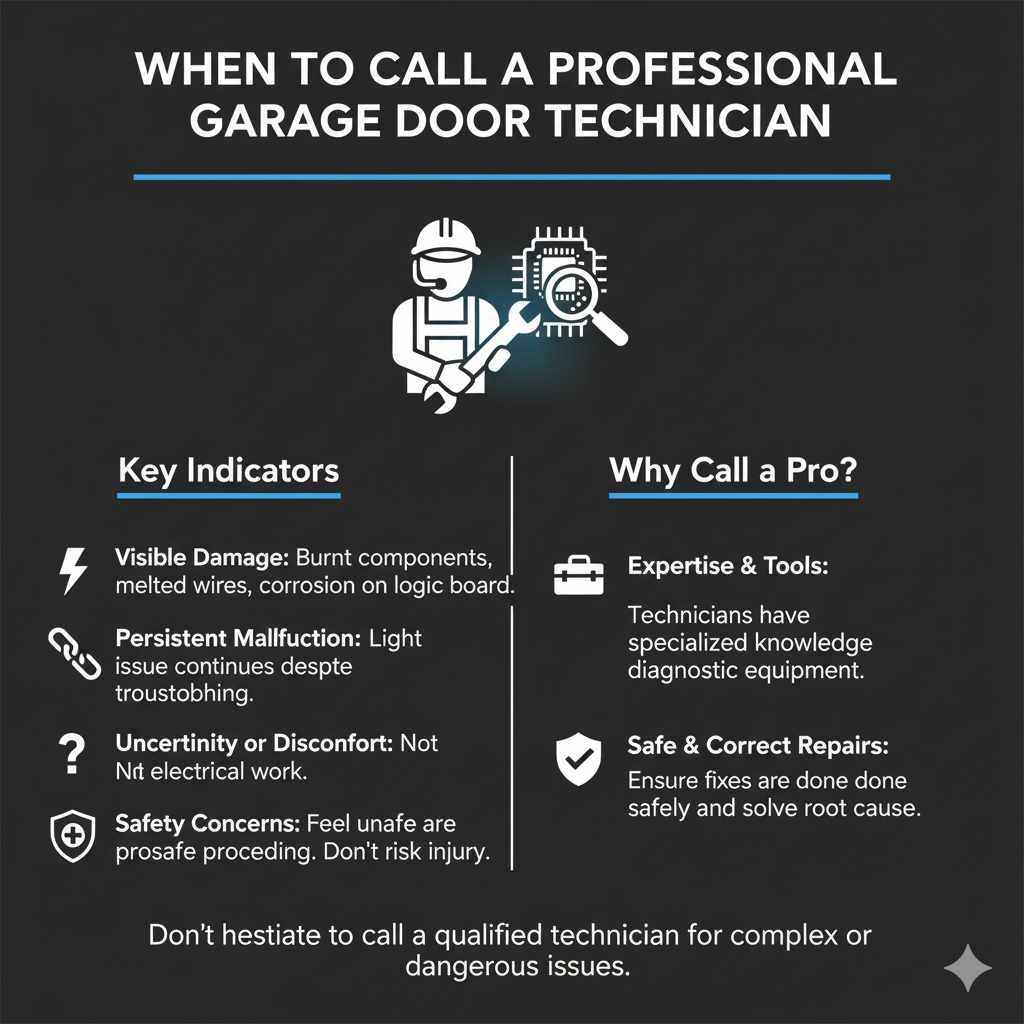
While many garage door opener issues are DIY-friendly, some problems are best left to the experts. If you’ve gone through the steps above and the light still won’t turn off, or if you encounter any of the following, it’s time to call in a pro:
- Visible Damage: If you see burnt components on the logic board, melted wires, or significant corrosion, it indicates a serious electrical problem that could be dangerous.
- Persistent Malfunction: If the light issue continues despite all your troubleshooting efforts, the problem might be internal to the logic board or motor, which requires specialized knowledge and tools.
- Uncertainty or Discomfort: If you’re not comfortable working with electrical components or are unsure about any step, it’s always safer to hire a professional.
- Safety Concerns: Garage door openers are heavy-duty machines. If you feel unsafe at any point, don’t proceed.
A qualified technician will have the diagnostic tools and expertise to quickly identify the root cause, whether it’s a faulty logic board, a complex wiring issue, or another internal component failure. They can also ensure any repairs are done safely and correctly.
Frequently Asked Questions (FAQ)
Q1: How long should my garage door opener light stay on?
A1: Most garage door opener lights are designed to turn off automatically after a set period, typically between 1.5 to 10 minutes, depending on the model and your settings. Some openers allow you to adjust this duration.
Q2: Can I just unscrew the light bulb to stop it from staying on?
A2: While this will stop the light from illuminating, it doesn’t fix the underlying problem. The opener is still sending a signal for the light to be on, which could indicate a malfunction that might affect other operations or indicate a power drain. It’s best to address the root cause.
Q3: Is it bad for my garage door opener if the light stays on all night?
A3: Yes, it can be. It wastes electricity, can attract insects, and may indicate a problem with the opener’s circuitry or settings that could lead to further issues if left unaddressed. It’s also a fire hazard if the bulb overheats or if there’s an electrical fault.
Q4: What’s the difference between the “Lock” button and the “Vacation Mode” on my opener?
A4: They are often the same feature, designed to disable the remote controls for security when you are away. This prevents accidental opening. On some models, there might be subtle differences in how they function or are labeled, but their purpose is typically to temporarily deactivate remote operation.
Q5: My garage door opener is old. Could age be the reason the light won’t turn off?
A5: Yes, age can be a factor. As components wear out, they can malfunction. The logic board, sensors, or internal wiring can degrade over time, leading to issues like the light not turning off. If your opener is over 10-15 years old and experiencing multiple problems, it might be time to consider a replacement.
Q6: I replaced the light bulb, and now the light won’t turn off. What happened?
A6: It’s possible the new bulb is incompatible (e.g., wrong wattage, type like LED vs. incandescent if not specified for openers), or the socket itself is faulty. Ensure you’re using a bulb recommended by your opener’s manufacturer. If the problem started immediately after changing the bulb, double-check the bulb type and wattage first.
Conclusion
Dealing with a garage door opener light that won’t turn off can be a bit of a head-scratcher, but as we’ve seen, it’s often a fixable problem. By systematically checking your remotes, vacation mode, wall control, timer settings, and the bulb itself, you can usually pinpoint the cause. Remember to always prioritize safety, especially when dealing with electrical components, and don’t hesitate to consult your owner’s manual or a professional if you’re unsure.
Getting this common issue resolved not only restores peace to your garage’s ambiance but also ensures your opener is running efficiently and safely. You’ve got this! With these steps, you’re well-equipped to tackle this DIY challenge and keep your home running smoothly.