Reprogram a Schlage Keypad Deadbolt: Find Your Master Code
Reprogramming a Schlage keypad deadbolt takes about two minutes once you have the 6-digit programming code — but that code lives on a sticker inside the lock body, not printed anywhere on the keypad itself. Losing it means a full battery-pull reset instead of a quick code change. This guide covers finding your code, adding or deleting user codes on BE365, FE595, and BE469 models, and resetting the lock if the code is gone for good.
Quick Answer
Enter your 6-digit programming code, press the Schlage button, then press 1 to add or 2 to delete a 4-digit user code. If you don’t know the programming code, it’s on a sticker on the back of the keypad module (remove the lock from the door) or on the front of the User Guide. No sticker and no guide left? A full factory reset (hold the Schlage button while reinstalling batteries) restores the default codes.
Understanding Your Schlage Keypad Deadbolt
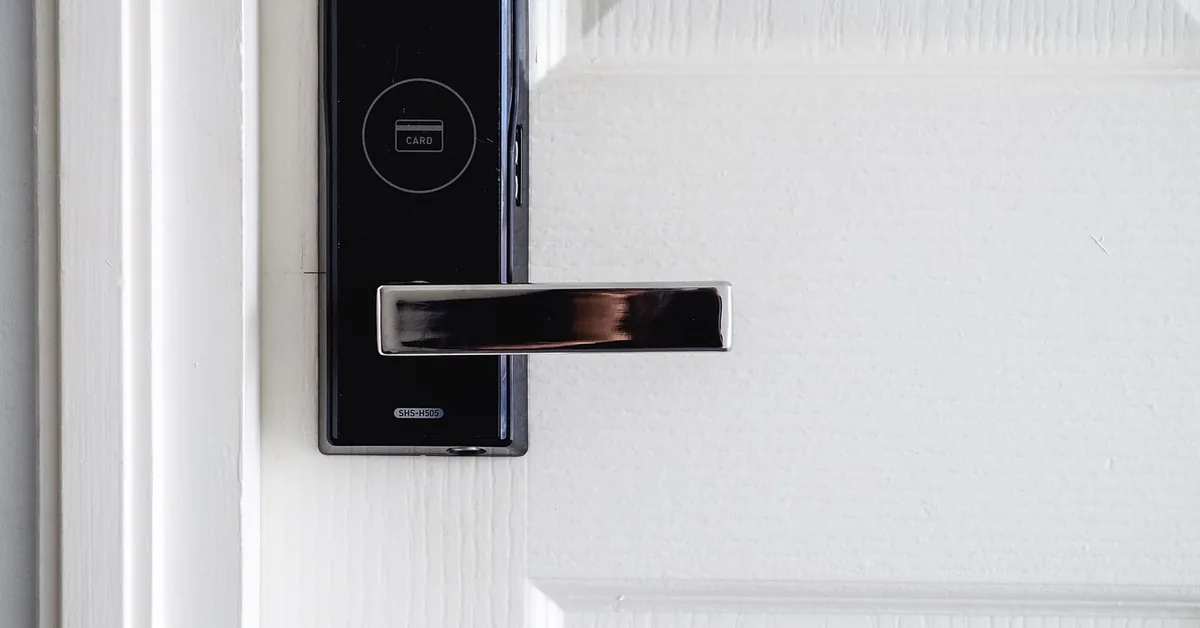
Schlage sells several keypad deadbolt lines, and the programming steps differ slightly between them. The BE365 Plymouth is the standard keypad-only model — no lever, no app, holds up to 19 user codes. The FE595 Flair adds a keyed lever handle alongside the keypad for the same programming logic. The BE469 Camelot Connect adds Z-Wave smart-home connectivity, letting it pair with a compatible hub for remote access — that’s a separate setup process from the keypad programming covered here. Check the model number stamped on the interior faceplate before following any programming sequence, since a step meant for one line won’t always match another.
Where to Find Your Schlage Programming Code
Every Schlage keypad deadbolt ships with a unique 6-digit programming code and two pre-set 4-digit user codes, printed on a sticker in two places: the back of the keypad module (visible only once the lock is removed from the door) and the front page of the included User Guide. According to Schlage’s official keypad locks support page, this code is deliberately not printed anywhere on the installed, outward-facing part of the lock — you need physical access to the hardware or the paperwork, not just a glance at the keypad, which is a basic security measure against a stranger reprogramming your lock from the doorstep.
Write this code down somewhere safe once you find it. It’s the only way to add, change, or delete user codes without triggering a full factory reset that wipes every code you’ve set.
Best BE365 Direct Replacement Pick
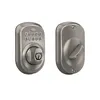
Schlage BE365 Plymouth Keypad Deadbolt – $124.60
The exact BE365 model referenced in this guide’s programming steps — a direct swap if your current keypad deadbolt is failing or the programming code sticker was lost when an old lock was replaced.
- Best for: Replacing a worn or unresponsive keypad-only deadbolt
- Why we picked it: Same programming sequence covered in this guide, no relearning needed
- Main drawback: No smartphone app — keypad-only, no Bluetooth or WiFi
Compare more Schlage keypad options
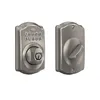 Option 1 Schlage Camelot Satin Nickel – $104.80
|
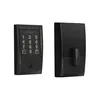 Option 2 Schlage Encode Smart WiFi Deadbolt – $229.00
|
 Option 3 Duracell Coppertop 9V Battery – $7.15
|
As an Amazon Associate we earn from qualifying purchases.
Tools You’ll Need
- Phillips screwdriver (only needed if removing the lock to check the code sticker)
- A fresh set of batteries — most keypad models take 4 AA batteries
- Your 6-digit programming code and current user codes, written down
Step-by-Step: Adding or Deleting a User Code
- Enter programming mode: Type your 6-digit programming code, then press the Schlage button. The light flashes to confirm you’re in programming mode.
- To add a code: Press 1, then enter a new 4-digit user code. Enter the same code again to confirm. Two green checkmarks and two beeps mean it worked.
- To delete a code: Press 2, then enter the 4-digit user code you want removed. Enter it again to confirm the deletion.
- Exit: Press the Schlage button again, or wait 30 seconds for the lock to exit programming mode automatically.
Most keypad-only models (BE365, FE595) hold up to 19 user codes at once. The 6-digit programming code itself is factory-set and can’t be changed from the keypad menu — if you need a different programming code, that requires the full reset procedure below, which restores the original factory defaults.
📊 A single set of 4 AA batteries typically powers a Schlage keypad deadbolt for up to one year of normal use before the low-battery signal appears. — Source: Schlage BE365/FE595 Keypad Locks User Guide
“The original programming code is located either on the yellow sticker on your keyless lockset’s installation instructions or the back side of the deadbolt lock — it’s placed there for security purposes, since it requires physical access to remove the lock from the door.”
Troubleshooting Common Issues
An error code or flashing red light usually points to one of three things: low batteries, a code entered incorrectly three times in a row (which locks out the keypad for about a minute), or dirt in the keypad buttons. Replace the batteries first — a weak charge causes more false errors than any other single issue. If the keypad still won’t respond after fresh batteries, wipe the buttons with a dry, soft cloth and try again.
If none of that works and you still have your programming code, re-enter programming mode and re-add the user code from scratch — a corrupted single code is more common than a fully broken keypad.
How to Factory Reset Your Schlage Keypad Deadbolt
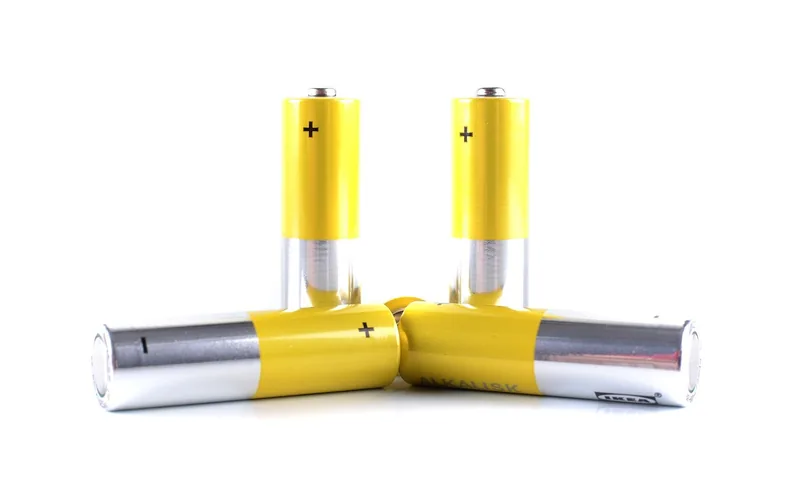
If the programming code is lost for good, a factory reset is the only way back in without a locksmith. Remove the battery cover and take out the batteries. Locate and hold down the Schlage button. While still holding it, reinsert the batteries. Keep holding for about 30 seconds until the lock beeps and the light flashes — that confirms the reset. The lock now responds only to its original factory-default codes (found on the same code sticker discussed above), and every custom code you’d added is erased.
Maintenance Tips for Longevity
Regular Battery Checks
Check battery strength every three months rather than waiting for the low-battery signal. Keep a spare set of AA batteries in the house so a dead battery never turns into an actual lockout.
Keeping the Keypad Clean
Wipe the keypad weekly with a dry, soft cloth. Avoid water or cleaning chemicals, which can seep behind the silicone-coated buttons and cause misreads. A soft-bristle brush works well for dust that collects in the gaps between buttons. For the lock mechanism itself (not the keypad), a dry silicone lubricant applied occasionally to the bolt and strike plate keeps the deadbolt turning smoothly without attracting the dust that oil-based lubricants trap.
If the keypad deadbolt is failing mechanically rather than electronically — the bolt sticks, the housing is cracked, or you’re upgrading to a different model — removing the old lock safely is a separate process worth reviewing before you start, and this door hardware overview covers how keypad deadbolts fit into the rest of your door’s hardware.
Frequently Asked Questions
Where Is the Programming Code Located on a Schlage Keypad Deadbolt?
The 6-digit programming code is on a sticker on the back of the keypad module, visible once the lock is unscrewed from the door, and on the front page of the printed User Guide included in the box. It is not printed anywhere on the installed, outward-facing lock.
How Do I Change the 4-Digit Code on My Schlage Lock?
Delete the old code first (programming code, Schlage button, 2, then the old code twice), then add the new one (programming code, Schlage button, 1, then the new 4-digit code twice). There’s no direct “overwrite” — deleting and re-adding is the standard method.
How Do You Reprogram a Schlage Keyless Deadbolt?
Enter the programming code, press the Schlage button, then press 1 to add a new user code or 2 to delete one. Enter the code a second time to confirm. Always check your specific model’s manual, since BE469 Connect models add extra steps for smart-home pairing.
How Do I Reset My Schlage Keypad Lock Without the Factory Code?
Remove the battery cover, take out the batteries, then hold the Schlage button while reinserting them. Keep holding for about 30 seconds until the lock beeps, confirming the reset. This restores the original factory-default codes and erases any codes you’d added.
How Many User Codes Can a Schlage Keypad Deadbolt Hold?
Standard keypad-only models like the BE365 and FE595 hold up to 19 individual 4-digit user codes at once, on top of the master 6-digit programming code. Smart-connected models may support additional codes managed through an app.
Conclusion
Reprogramming a Schlage keypad deadbolt comes down to one thing most guides skip: finding the 6-digit programming code on the sticker inside the lock or in the User Guide. Once you have it, adding and deleting user codes takes under a minute, and a full factory reset is always available as a backup if the code is lost for good. Check your battery strength every few months and the keypad will keep working reliably for years.
Sponsored / affiliate links. As an Amazon Associate I earn from qualifying purchases. I may earn additional commission from eligible campaigns.