Is Smart Door Locks Safer Than Keyed Entry? My Journey to Find Out
A few years ago, I lost my house key while jogging. Panic set in as I imagined someone finding it and walking right into my home. That’s when I started wondering, Is smart door locks safer than keyed entry? I dove into the world of smart locks, tested a few, and learned a ton. This article shares what I found. I’ll explain what smart locks and keyed entry are, compare their safety, and give you simple tips to secure your home. Whether you’re a beginner or a tech enthusiast, you’ll find easy examples, fun ideas, and clear answers here. Let’s figure out which lock keeps your home safest!
What Are Smart Locks and Keyed Entry?
Smart locks and keyed entry are two ways to lock your door. Let’s break them down.
Smart Locks: High-Tech Guardians
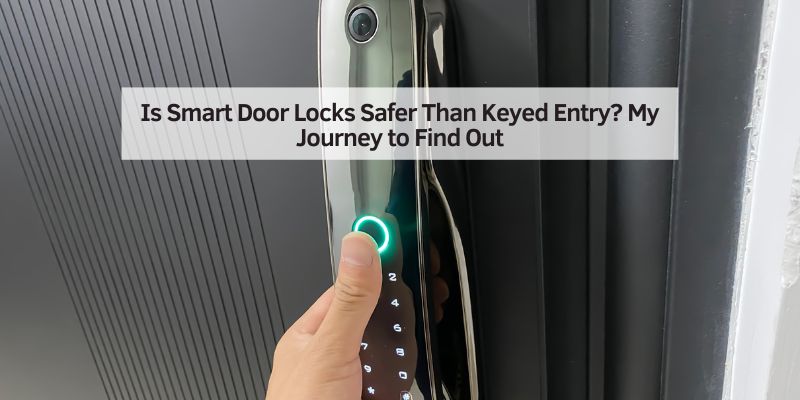
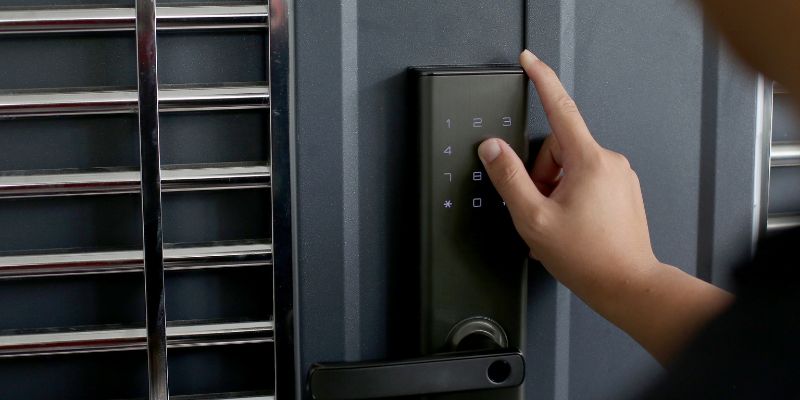
A smart lock is an electronic lock you control with a phone app, PIN code, or even your fingerprint. No key needed! Some, like the Schlage Encode, connect to Wi-Fi for remote access. Others, like the August Wi-Fi Smart Lock, use Bluetooth. They’re packed with features like activity logs and temporary codes for guests.
Keyed Entry: The Classic Choice
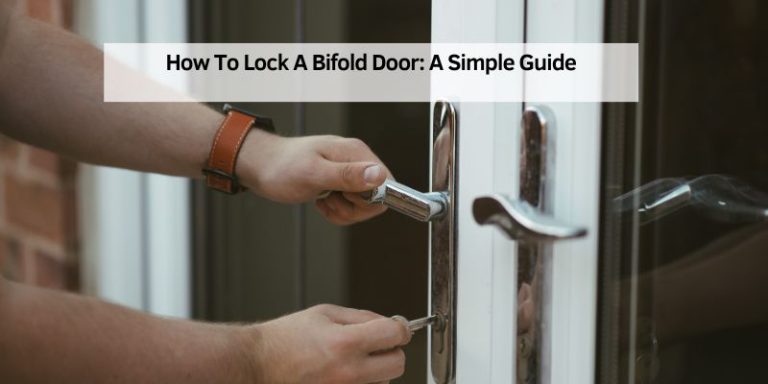
Keyed entry is the traditional lock we all know. You stick a metal key into a keyhole, turn it, and the door locks or unlocks. They’re simple, sturdy, and don’t need batteries. Brands like Kwikset make reliable ones that last for years.
Why Compare Them?
Choosing between smart locks and keyed entry is about safety and ease. I wanted to know which one keeps intruders out better and fits a busy life. Let’s explore!
How Do Smart Locks and Keyed Entry Compare?
I tested both types of locks at my home. Here’s a simple comparison based on my experience.
Safety Showdown: Which Is Tougher to Crack?
Smart locks can be super safe. Many, like the Yale Assure Lock 2, have no keyhole, so picking the lock is nearly impossible. They use encryption (a fancy word for secret codes) to protect your app or PIN. But, there’s a catch—hackers could try to crack Wi-Fi or Bluetooth if you don’t secure them.
Keyed locks are sturdy but not perfect. A skilled thief can pick a lock in minutes, as I learned from watching Lock Picking Lawyer on YouTube. Plus, lost keys can be copied easily. My neighbor once found a spare key under a mat—yikes!
Convenience: Who Wins?
Smart locks are a game-changer. I can unlock my door from work if my kid forgets their code. I also set temporary codes for my dog walker. No more hiding keys! Keyed locks are simple but a hassle if you lose your key. I once spent $50 on a locksmith after misplacing mine.
Cost Comparison
Smart locks cost more upfront. A good one, like the Schlage Encode, runs $200-$300. Keyed locks are cheaper, often $20-$50. But smart locks save money long-term by avoiding locksmith fees. Here’s a quick table to compare:
| Feature | Smart Lock | Keyed Lock |
|---|---|---|
| Cost | $200-$300 | $20-$50 |
| Installation | Easy, 15-30 min with screwdriver | Easy, 10-20 min with screwdriver |
| Key Needed? | No, uses app/PIN/fingerprint | Yes, physical key |
| Remote Access | Yes (Wi-Fi models) | No |
Table 1: Smart Locks vs. Keyed Locks – A Quick Comparison
Benefits and Drawbacks of Each
Both lock types have pros and cons. Let’s look at them closely.
Smart Locks: The Good and the Not-So-Good
Smart locks make life easy. Here are some benefits:
- No keys to lose: Use your phone or a PIN.
- Remote control: Lock your door from anywhere.
- Track who’s coming: Get alerts when someone enters.
But there are downsides:
- Battery issues: Dead batteries can lock you out. My first smart lock died during a storm—talk about bad timing!
- Hacking risks: Weak Wi-Fi or old software can be vulnerable.
- Higher cost: They’re pricier than keyed locks.
Keyed Locks: Strengths and Weaknesses
Keyed locks are reliable. Here’s why:
- No batteries: They work without power.
- Simple to use: Just turn the key.
- Affordable: Great for tight budgets.
But they have flaws:
- Easy to pick: A pro can crack them fast.
- Lost keys: Copies can fall into the wrong hands.
- No remote access: You can’t check the lock from afar.
My Personal Tips for Choosing a Lock
After trying both, I’ve got some tips to share. These come from my own mishaps and wins.
- Pick a trusted brand: Go for names like Schlage, Yale, or August. They have strong encryption and good reviews. I learned this after buying a cheap smart lock that glitched constantly.
- Secure your Wi-Fi: Use a strong password and WPA3 encryption. My cousin’s smart lock got hacked because of a weak Wi-Fi password—don’t be like him!
- Keep a backup: Choose a smart lock with a keyhole, like the Kwikset Obsidian, for emergencies.
- Check the battery: Get a lock with a low-battery alert. I set a reminder to swap batteries every six months.
Here’s a table of my top lock picks:
| Lock Type | Brand/Model | Price | Best For |
|---|---|---|---|
| Smart Lock | Schlage Encode Wi-Fi | $250 | Remote access, strong security |
| Smart Lock | Yale Assure Lock 2 | $200 | No keyhole, easy app |
| Keyed Lock | Kwikset Single Cylinder Deadbolt | $30 | Budget-friendly, reliable |
Table 2: My Top Lock Recommendations
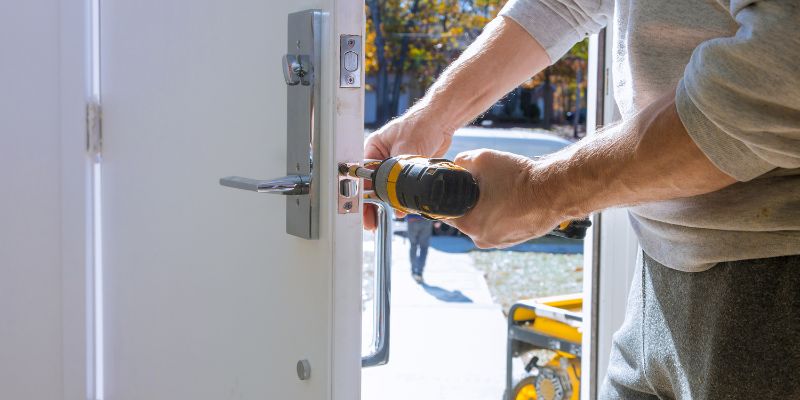
Step-by-Step: Installing a Smart Lock
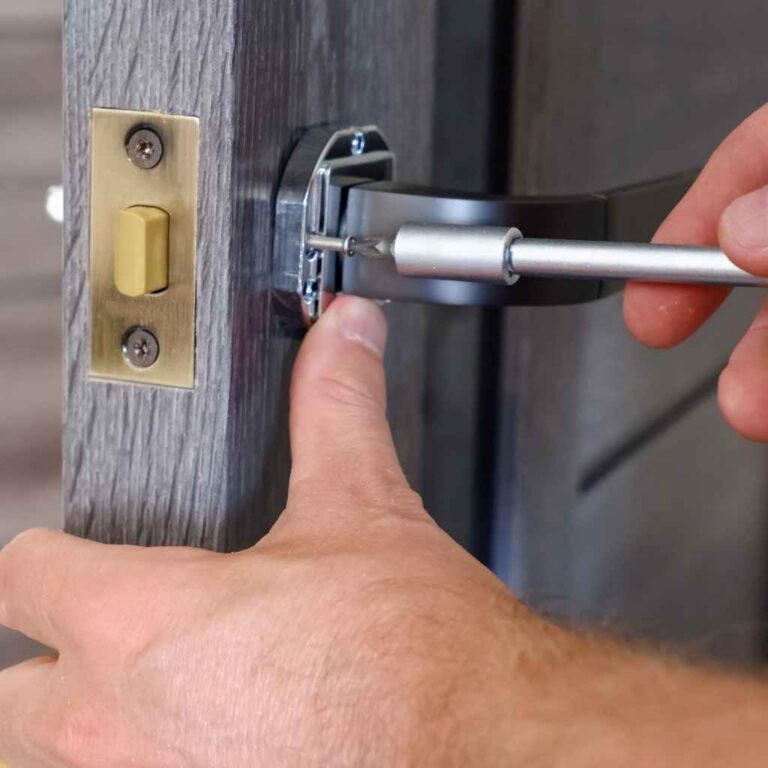
Installing a smart lock is easier than it sounds. I put in a Schlage Encode in 20 minutes. Here’s how:
- Gather tools: You need a screwdriver and maybe a drill.
- Remove old lock: Unscrew your current deadbolt.
- Install new lock: Follow the manual to attach the smart lock.
- Connect to app: Download the lock’s app and pair it via Wi-Fi or Bluetooth.
- Test it: Try locking and unlocking with the app or PIN.
Visual Idea: A diagram showing the parts of a smart lock (keypad, battery, deadbolt) next to a keyed lock for comparison.
Common Mistakes to Avoid
I made some rookie errors when I started. Here’s what to watch out for:
- Weak PINs: Don’t use “1234.” Pick a unique code, like your pet’s birthday.
- Skipping updates: Always update your lock’s app. Old software is a hacker’s dream.
- Ignoring backups: Keep a spare key or a 9V battery for emergencies. My friend got stuck outside when his smart lock’s battery died.
Are Smart Locks Really Safer? My Verdict
After testing both, I think smart locks are safer if you use them right. They’re harder to pick, let you track entries, and don’t rely on keys that can be lost. But you must secure your Wi-Fi and update the software. Keyed locks are great for simplicity and low cost, but they’re easier to crack. For me, the peace of mind from a smart lock’s alerts and remote access is worth the extra bucks.
Visual Idea: A flowchart comparing the safety steps for smart locks (e.g., secure Wi-Fi, update app) vs. keyed locks (e.g., hide spare keys, rekey often).
Frequently Asked Questions
Are Smart Locks Harder to Break Into?
Smart locks are harder to pick since many lack keyholes, but they can be hacked if Wi-Fi or Bluetooth isn’t secure. Use strong passwords and encryption to keep them safe.
Can Smart Locks Work Without Internet?
Yes, many smart locks use Bluetooth or PIN codes, so they work offline. Wi-Fi models need internet for remote access but often have backup options like keys.
What Happens if a Smart Lock’s Battery Dies?
Most smart locks have a backup key or a 9V battery port to unlock them. Always keep a spare key or battery handy for emergencies.
Are Keyed Locks Easier to Pick?
Yes, skilled thieves can pick keyed locks in minutes. Smart locks with no keyhole eliminate this risk, but you must protect against digital hacks.
How Much Do Smart Locks Cost?
Smart locks range from $100-$300, while keyed locks cost $20-$50. Smart locks save money by avoiding locksmith fees for lost keys.
Can I Install a Smart Lock Myself?
Yes, most smart locks take 15-30 minutes to install with a screwdriver. Follow the manual, and it’s a piece of cake!
Do Smart Locks Work with Home Security Systems?
Many smart locks, like Yale and Schlage, connect to systems like ADT or Alexa, letting you lock doors or get alerts through your security app.
Conclusion
Choosing between smart locks and keyed entry is a big decision, but it’s not rocket science. Smart locks offer cool features like remote access and no keys to lose, but they need strong Wi-Fi and regular updates. Keyed locks are simple and cheap but easier to pick. I love my smart lock for the alerts and ease, but a good keyed lock is still a solid choice. Try a smart lock like the Schlage Encode for a mix of safety and convenience. Have a lock story to share? Drop it in the comments—I’d love to hear!
For more info, check out trusted sites like ADT, Schlage, and Yale.