How to Reset a Kwikset SmartKey Lock (With or Without a Key)
A Kwikset SmartKey lock resets in under a minute: insert the current key, turn it 90° clockwise, insert the SmartKey tool until it clicks, remove both, then insert and rotate the new key. Without the current key, that method won’t work — you need the SmartKey Reset Cradle or a locksmith, which charges a $40–$100 minimum fee plus $5–$25 per cylinder for a rekey. This guide covers the Kwikset-verified steps, what to do if you’ve lost your key, and how electronic Kwikset locks like Halo reset differently.
This post contains affiliate links. As an Amazon Associate, we earn from qualifying purchases at no extra cost to you.
Quick Answer
With the current key: insert it, turn 90° clockwise, insert the SmartKey tool until it clicks, remove the tool and old key, then insert the new key and turn it 180° counter-clockwise then 180° clockwise. Without the current key, the SmartKey tool alone will not work — you need the official Reset Cradle (remove the cylinder first) or a locksmith.
Kwikset SmartKey is a re-keying system built into the lock cylinder that lets a homeowner change which key operates the lock using a small SmartKey tool instead of a locksmith. It only works with the current, correctly-fitting key already in the lock — it is not a way to bypass or pick a lock you’re locked out of.
Why Resetting a Kwikset Smart Key Lock Matters
Kwikset SmartKey locks let you change which key operates the lock yourself, without calling a locksmith — one of the most useful DIY skills covered in our door hardware & locks guides. That matters if you lose a key, move into a new place with unknown key history, or want to stop an old key from working — for example after a roommate moves out or a rental tenant returns their copy. Resetting takes under a minute with the right key and tool, and doing it yourself costs a few dollars instead of a locksmith’s call-out fee.
Understanding the Kwikset Smart Key System
The Kwikset SmartKey system uses a cylinder with internal wafers that re-align to accept a new key. The small SmartKey tool is what triggers this realignment — it came packaged with your lock, and replacements cost about $5–$7. You need three things for a standard reset: the key that currently works in the lock, the new key you want it to accept, and the SmartKey tool. For background on how the mechanism works day to day, see our guide on how smart locks work.
If you have not yet installed or paired your lock, start with our Kwikset smart lock setup guide first. The same SmartKey tool and process also apply to rekeying a Kwikset door knob — resetting assumes the lock is already mounted on the door and working.
Tools You’ll Need to Reset the Lock
I’m all about being prepared, whether I’m fixing a car or tackling a lock. For resetting a Kwikset Smart Key lock, you don’t need much. Here’s what I used:
- The current key (if you have it).
- A new key you want the lock to work with.
- The SmartKey tool (a small metal tool that came with the lock).
- A flathead screwdriver (optional, for removing the lock if needed).
If you’ve lost the SmartKey tool, replacements are cheap — don’t try to substitute a paperclip or pick, since forcing the mechanism with the wrong tool is the most common way to jam a SmartKey cylinder.
Best Kwikset Reset Kit Pick
Kwikset SmartKey Re-Key Kit (Official) – $12.47
The official kit covers the exact 7-step reset process above — if your original SmartKey tool is lost or bent, this replaces it without a trip to the hardware store.
- Best for: anyone who still has a working key but lost the SmartKey tool
- Why we picked it: official Kwikset part, guaranteed to fit SmartKey cylinders
- Main drawback: does not help if you’ve lost the current key too
Compare more Kwikset reset tool options
 Option 1 Kwikset 83260 SmartKey Reset Cradle – $39.95
|
 Option 2 SmartKey Learn Tool, 2-Pack – $6.99
|
 Option 3 Kwikset 81467 Cylinder Remover – $5.00
|
As an Amazon Associate we earn from qualifying purchases.
Step-by-Step Guide to Resetting with the Current Key
This is the official Kwikset process for resetting with the current key, confirmed against Kwikset’s own instructions. It takes under a minute.
- Confirm the lock works: with the door open, insert the current key and make sure it turns smoothly.
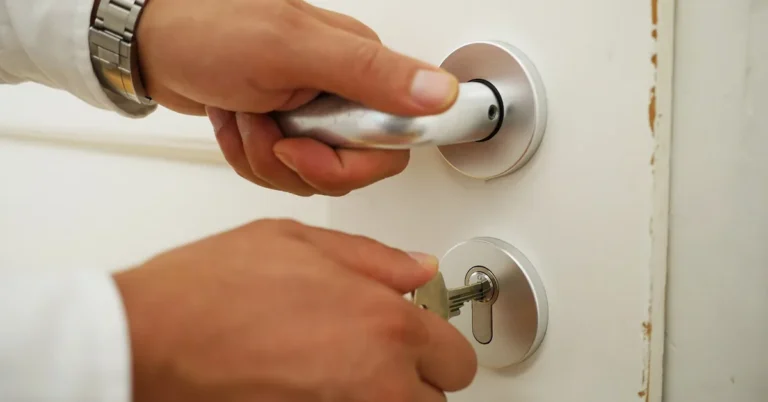
- Turn the current key: insert it fully and rotate it 90° clockwise.
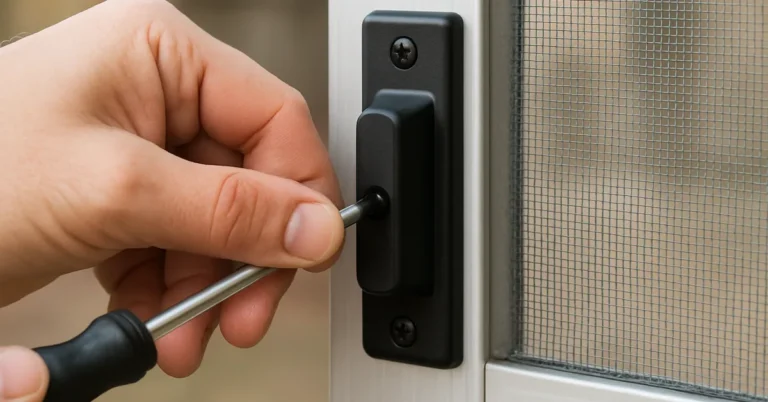
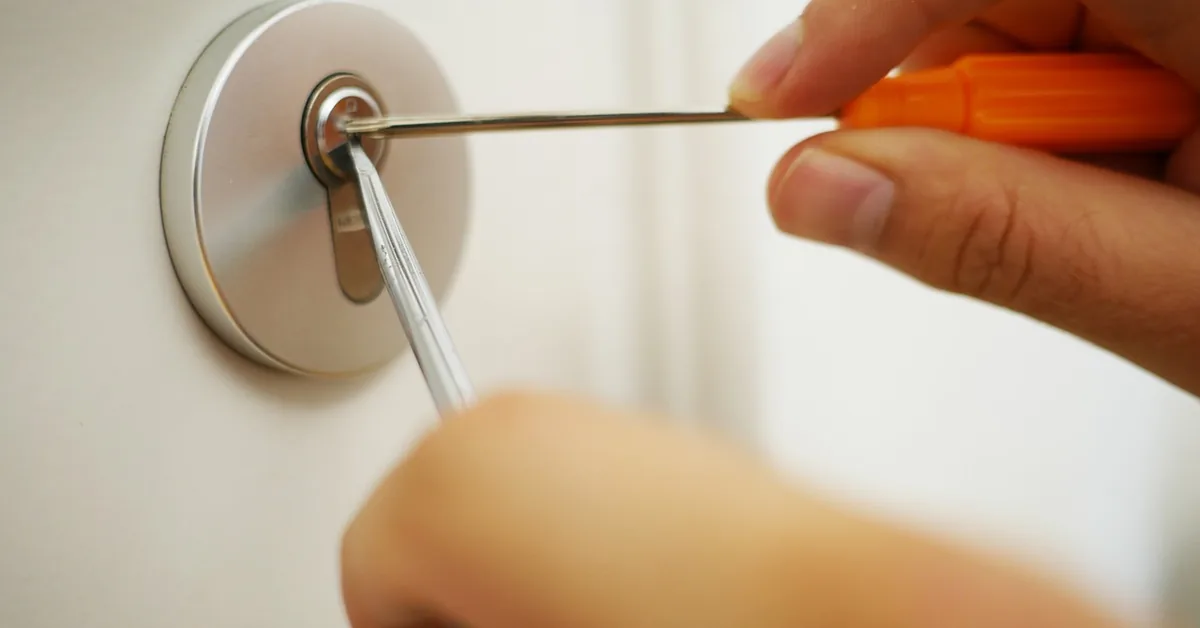
- Insert the SmartKey tool: push it fully and firmly into the small SmartKey hole next to the keyway. You should feel it click.
- Remove the tool, then the key: pull out the SmartKey tool, then remove the current key without turning it further.
- Insert the new key fully: push it all the way in, with the edge touching the indent in the cylinder face.
- Rotate the new key twice: turn it 180° counter-clockwise, then 180° clockwise, without pulling or pushing on it.
- Return to start and remove: rotate the key 90° counter-clockwise back to the vertical position, then pull it out. The lock is now reset to the new key.
Test the new key several times before putting the old one away — lock and unlock the door a few times to confirm it turns smoothly with no resistance.
“The one step people skip is rotating the new key a full 180° counter-clockwise before going back clockwise — if you stop halfway because it feels done, the reset doesn’t take and neither key works afterward. Go the full rotation both directions even if it feels like too much.”
Resetting Without the Current Key
If you’ve lost the current key, the standard reset above will not work — the SmartKey tool only realigns the cylinder when a working key is already turning it. Kwikset’s own guidance for this situation points to two real options: the official SmartKey Reset Cradle, or a locksmith. There is no supported way to reset a SmartKey cylinder using only the tool and a blank key with no cylinder removal.
To use the Reset Cradle without the old key: remove the lock from the door with a screwdriver, take the cylinder out of the knob or deadbolt housing, place it in the cradle, and follow the instructions printed on the cradle packaging to reset it to a blank or new key. If the cylinder won’t come free, or the wafers feel jammed, stop — forcing it can break the cylinder and turn a $40 reset cradle into a $150+ lock replacement.
Does the SmartKey Tool Alone Work Without Any Key?
No. The SmartKey tool only releases the cylinder’s wafers while a correctly-fitting key is turning inside it — the tool has no effect on its own. If you see a video or forum post claiming otherwise, it’s describing either the Reset Cradle method (which requires removing the cylinder) or a different lock brand entirely.
Using the Kwikset Reset Cradle (Optional)
Kwikset sells the official Reset Cradle for about $30–$40. It’s a small plastic jig that holds the cylinder steady and aligns the wafers while you set a new key, and it’s the tool referenced above for a no-key reset. Most people never need one for a standard reset with the current key in hand — it’s specifically for the lost-key scenario or for anyone managing several rental units who resets locks often enough to justify owning one.
Troubleshooting Common Issues
The most common snag is the key not turning smoothly after inserting the SmartKey tool — usually the tool wasn’t pushed in fully, or the key wasn’t in the exact starting position (fully vertical, fully inserted) before you began. Reinsert the key, confirm it seats all the way, and try again rather than forcing a turn.
What If Neither the Old Nor New Key Works After a Reset?
This means the reset was interrupted mid-process — usually a rotation that stopped short or a key that wasn’t fully seated. Start over from step one with the SAME key combination you used before (don’t swap to a third key), and follow every rotation to its full degree count. If the cylinder now won’t accept any key at all, stop and call a locksmith rather than repeating the process again — repeated forced attempts are what actually damages the wafers.
📊 A locksmith rekey costs a $40–$100 minimum service fee plus $5–$25 per lock cylinder. — Source: CostHelper, 2026
SmartKey Lock vs. Electronic Kwikset Smart Locks (Halo, SmartCode): Different Reset Process
The steps above are for the mechanical SmartKey cylinder found in most Kwikset deadbolts and knobs. If your lock has a keypad, touchscreen, or app (Halo, SmartCode, Kevo), it also resets its electronic settings — codes, Wi-Fi, activity history — through a completely different process: removing the battery pack, holding the program button, and reinserting the batteries while holding it until the LED flashes. This does not change which physical key operates the lock; that still uses the SmartKey steps above. Many searches for “factory reset” are actually looking for this electronic reset, not a key change — if you only want a new key to work, you don’t need to touch the batteries or settings at all.
Tips for a Successful Reset
Work in good lighting — the SmartKey hole is small and easy to miss in a dim entryway or garage. Use only keys cut specifically for that lock; a key that’s close but not exact can seat far enough to turn partway and jam mid-reset. Keep the SmartKey tool somewhere you’ll find it again, since it’s the one part that’s genuinely hard to improvise.
Test the new key several times immediately after resetting — lock and unlock the door repeatedly before you consider the job done. If you’re resetting more than one lock in the same visit, finish and test each one fully before starting the next, so a half-finished reset on lock two doesn’t get mixed up with lock one.
Cost of Resetting a Kwikset Smart Key Lock
Doing it yourself costs almost nothing if you already have the key and tools. A new key runs $2–$5 at a hardware store, and a replacement SmartKey tool is about $5–$7. The official Reset Cradle, needed only for a no-key reset, runs $30–$40.
Hiring a locksmith costs more: a rekey runs a $40–$100 minimum service fee plus $5–$25 per cylinder nationally in 2026 (see the sourced figure above), and a straight lockout call runs $35–$150, more after hours. DIY is cheaper whenever you have a working key to start from — it only makes sense to call a pro once the current key is gone or the cylinder is stuck.
Maintenance Tips for Your Kwikset Lock
Once your lock is reset, wipe it down every few months with a damp cloth to remove dirt, and add a few drops of graphite lubricant into the keyway to keep it turning smoothly. Skip oil-based lubricants — they attract dust and gum up the internal wafers over time.
Check the mounting screws periodically, especially after heavy use — a loose strike plate or faceplate is a common cause of a key that feels sticky or hard to turn, and it’s an easy fix with a screwdriver rather than a sign the lock needs replacing.
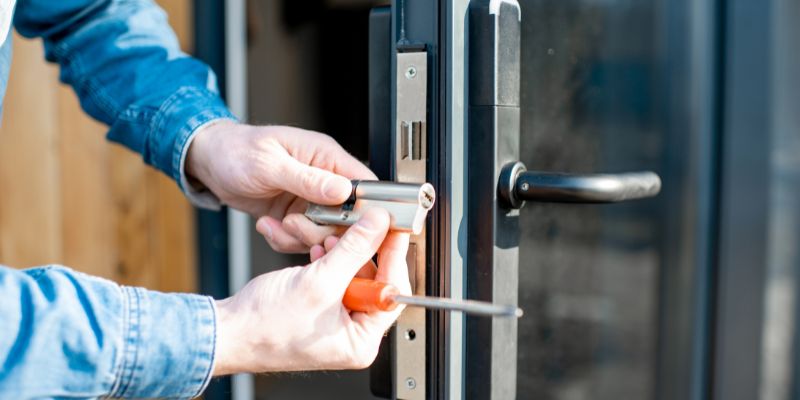
Table: Tools and Costs for Resetting a Kwikset Smart Key Lock
Here’s a table I put together based on my experience:
| Item | Cost Range | Notes |
|---|---|---|
| Current Key | $0 (if you have it) | Required for the standard reset. |
| New Key | $2–$5 | Must be cut specifically for the lock. |
| SmartKey Tool | $5–$7 if replacing | Included with a new lock. |
| Reset Cradle | $30–$40 | Only needed for a no-key reset. |
| Screwdriver | $0–$10 | For removing the lock cylinder. |
| Locksmith (if hired) | $40–$100 + $5–$25/cylinder | Minimum fee plus per-cylinder rate, per CostHelper 2026 data. |
Use this to decide upfront whether DIY or a locksmith makes more sense for your situation.
When to Call a Locksmith
Call a locksmith if you’ve lost the current key and don’t want to buy a Reset Cradle for a one-time job, if the cylinder won’t budge when removing it, or if you’ve attempted a reset twice and neither key works afterward. Forcing a jammed cylinder is the fastest way to turn a simple reset into a full cylinder replacement.
Get quotes from two or three locksmiths before booking, since prices vary significantly by region and time of day — after-hours or emergency calls can run well above the daytime minimum fee cited earlier.
Safety Tips
Never force the key or the SmartKey tool — resistance means something is misaligned, not that you need to push harder. Forcing it is the single most common way to break a cylinder and turn a free DIY reset into a paid repair. Work in a well-lit area, and if you’re removing the lock from an electronic smart lock model, disconnect the battery pack first.
Keep kids and pets away from the small tools and loose screws while you work. If a step doesn’t feel right or the cylinder won’t move, stop rather than improvising — see the deadbolt rekey guide or a locksmith rather than risk damaging the lock or door.
Frequently Asked Questions
How do I reset a Kwikset SmartKey lock with the current key?
Insert the current key and turn it 90° clockwise, insert the SmartKey tool until it clicks, remove the tool and key, insert the new key fully, rotate it 180° counter-clockwise then 180° clockwise, then return it 90° counter-clockwise and remove it. It takes under a minute.
Can I reset the lock without the current key?
Not with the SmartKey tool alone — it only works while a correct key is turning in the lock. Without the key, you need the official SmartKey Reset Cradle (remove the cylinder first) or a locksmith.
What tools do I need to reset the lock?
The current key, the new key, and the SmartKey tool. A screwdriver is only needed if you’re removing the lock cylinder for a no-key reset with a Reset Cradle.
How much does it cost to reset a Kwikset SmartKey lock?
DIY costs $0–$10 if you already have a key and the SmartKey tool. A locksmith rekey runs a $40–$100 minimum fee plus $5–$25 per cylinder, more for after-hours calls.
Why won’t my new key work after resetting?
The reset was likely interrupted — a rotation stopped short, or the key wasn’t fully seated. Start over from step one with the same key combination and complete every rotation to its full degree count before stopping.
How do I maintain my Kwikset SmartKey lock?
Wipe it down with a damp cloth every few months and add a few drops of graphite (not oil-based) lubricant to the keyway. Check the mounting screws periodically, since a loose strike plate or faceplate makes the key harder to turn.
Is resetting a SmartKey lock different from factory-resetting an electronic Kwikset smart lock?
Yes. SmartKey resetting changes which physical key works using the tool and key rotations above. Factory-resetting an electronic lock (Halo, SmartCode) clears codes and Wi-Fi settings through the battery and program button instead, and does not change the physical key.
Conclusion
Resetting a Kwikset SmartKey lock with the current key is a genuinely fast, official DIY job: turn, click the tool in, swap keys, rotate twice, done in under a minute. The part worth remembering is what it can’t do — without the current key, the tool alone won’t reset anything, and the real options are the Reset Cradle or a locksmith. Get the rotations right, test the new key a few times before you put the old one away, and you’ll have it done faster than a locksmith could return your call.
Sponsored / affiliate links. As an Amazon Associate I earn from qualifying purchases. I may earn additional commission from eligible campaigns.