How to Match a Ceiling Fan Remote to a Receiver by FCC ID
Match a ceiling fan remote to its receiver by FCC ID first, confirm the frequency family second, verify the pairing method third, then buy. A wrong match can leave the fan dead or the light stuck on, so this guide shows how to read the FCC ID, check the frequency family, verify the grantee and model, and confirm pairing steps before ordering.
Compatibility checkpoint: FCC certification confirms the radio filing, not automatic receiver compatibility. Use the remote’s FCC ID, the receiver’s family if visible, and the documented pairing method together before you buy.
What the FCC ID tells you

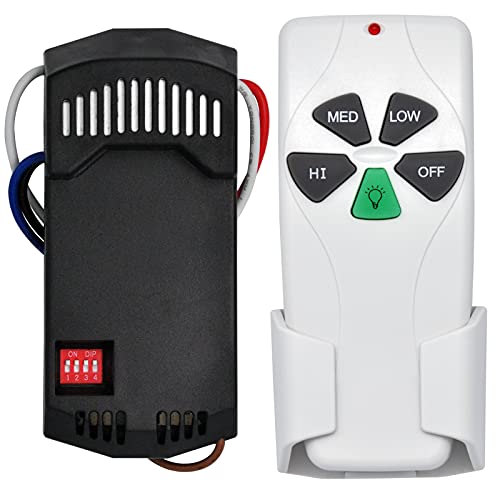
An FCC ID identifies the certified radio transmitter you are looking at. It is not a promise that every nearby receiver will work with it. For ceiling fan remotes, that matters because the handheld transmitter and the canopy receiver can be separate parts, and they may carry different labels even inside the same fan system.
FCC ID versus model number
Read the FCC ID as two parts: the grantee code and the product code. For KUJ devices, the grantee code is KUJ, which groups a family made by Chungear Industrial Co Ltd. The product code then narrows the exact transmitter filing, such as CE10007, CE10719, CE10720, CE11201, or ST18003 (FCC OET query: https://www.fcc.gov/oet/ea/fccid; example filing paths often shown in FCC exhibits for KUJCE10720, KUJCE10719, KUJCE10007, KUJCE11201, and KUJST18003).
Do not treat the FCC ID and model number as the same thing. The model number helps you identify the transmitter family, while the FCC ID points to the authorized device record you can verify against the label, manual, and filing exhibits. Manufacturer pairing guides for ceiling fan remotes also separate the transmitter label from the receiver setup steps, which is why both parts matter.
Why certification does not guarantee receiver compatibility
FCC certification proves the device meets the radio rule it was filed under. It does not prove cross-compatibility with every receiver in the same ceiling fan line, and it does not tell you whether the system uses dip-switch coding, a learn button, or another pairing method.
The safest read is simple: certification gets you into the right device family, then the receiver label and pairing method decide whether the parts can actually talk to each other.
Ceiling fan remote compatibility checklist
Use this checklist as a buy-or-no-buy screen. Start with FCC ID, then confirm the grantee and product code, then check the frequency family and the receiver label if you can reach it safely. If the receiver label is missing, the pairing method and frequency become the next deciding factors.
| FCC ID | Grantee code | Model number | Frequency band | Receiver label found/not found | Pairing method | Buy/no-buy decision |
|---|---|---|---|---|---|---|
| KUJCE10720 | KUJ | CE10720 | 304.25 MHz | Found | Matches receiver family and method | Buy only if the receiver family and pairing method also match |
| KUJCE10719 | KUJ | CE10719 | 304.25 MHz | Found | Matches receiver family and method | Buy only if the receiver family and pairing method also match |
| KUJCE10007 | KUJ | CE10007 | 304 MHz | Not found | Unknown | No-buy until you confirm the receiver family and setup method |
| KUJCE11201 | KUJ | CE11201 | 304.25 MHz | Found | Matches receiver family and method | Buy only if the receiver family and pairing method also match |
| KUJST18003 | KUJ | ST18003 | 304.25 MHz | Not found | Unknown | No-buy until you confirm the receiver family and setup method |
- Read the FCC ID from the remote label, battery compartment, package, or manual.
- Split the ID into grantee code and product code.
- Confirm the transmitter frequency in the FCC filing or manual.
- Check the receiver label in the canopy if it is visible without unsafe access.
- Match the pairing method: dip-switch, learn-button, or other documented setup.
- Buy only when the transmitter family, frequency, and pairing method line up.
What the receiver label means
The receiver controls what the fan actually understands, so its label matters even when the handheld remote looks correct. The receiver may be hidden in the canopy, may have a different FCC ID from the transmitter, or may have no visible label at all. That is normal enough to require a second check.
Why the canopy receiver may have a different ID
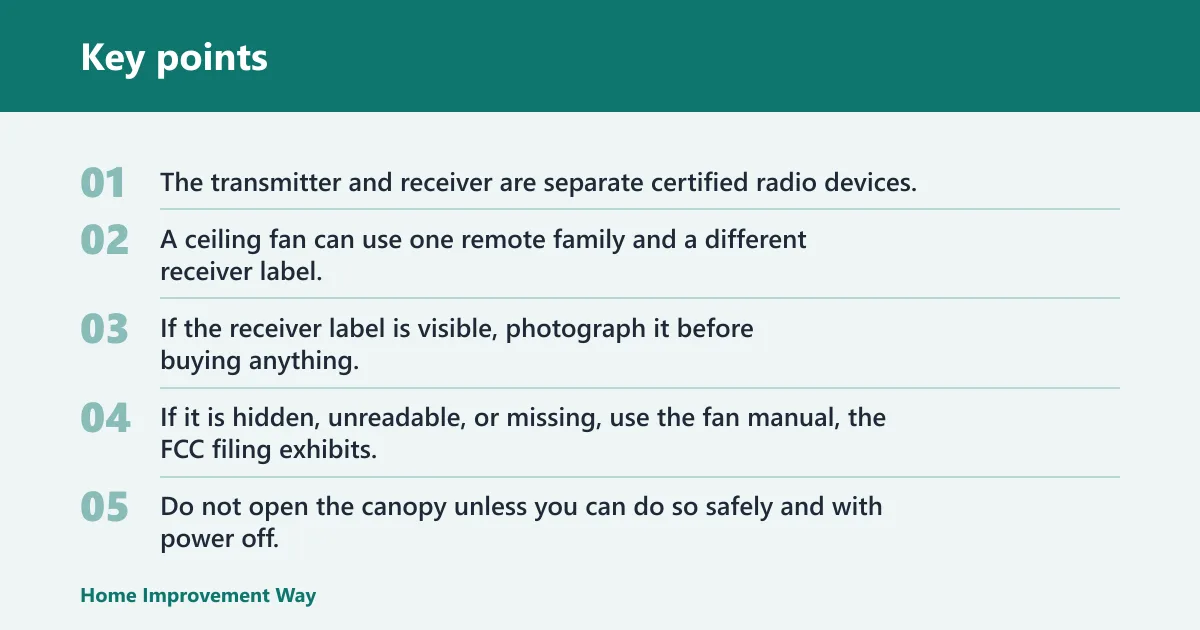
The transmitter and receiver are separate certified radio devices. A ceiling fan can use one remote family and a different receiver label, so a remote-only swap works only when the frequency family and pairing method still line up.
If the receiver label is visible, photograph it before buying anything. If it is hidden, unreadable, or missing, use the fan manual, the FCC filing exhibits, and the transmitter’s frequency to narrow the family. Do not open the canopy unless you can do so safely and with power off.
Follow the product manual, turn off power at the breaker before opening the canopy, and never work on energized wiring. If the canopy includes a hardwired receiver, confirm the manual’s installation steps before touching any connections.
What to do if the receiver label is missing
If the receiver label is missing, assume the previous owner may have replaced it with a non-original part. In that mixed-stock case, match the actual receiver family, not the fan brand on the wall or the remote in your hand.
304.25 MHz and 2.4 GHz explained
Frequency family is the next filter after FCC ID. A 304 MHz or 304.25 MHz system belongs in a different class than a 2.4 GHz system, and those classes are not interchangeable. If the receiver and remote use different families, the remote will not control the fan.
Legacy 304.25 MHz systems
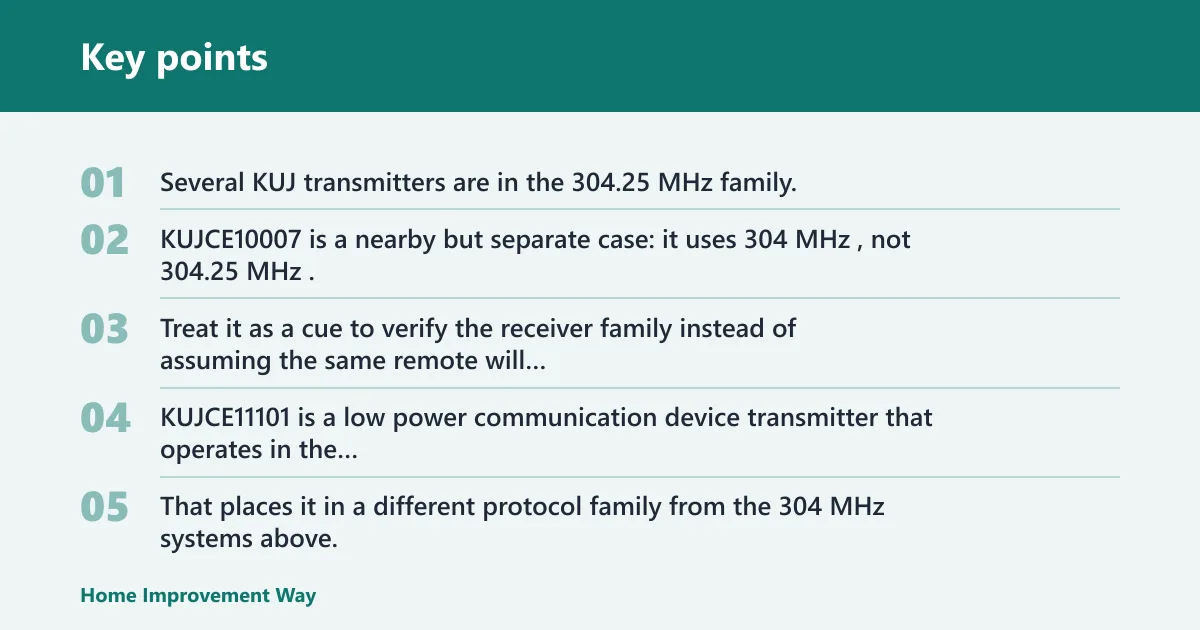
Several KUJ transmitters are in the 304.25 MHz family. KUJST18003 operates at 304.25 MHz. KUJCE10720 also operates at 304.25 MHz. KUJCE10719 operates at 304.25 MHz. KUJCE11201 operates at 304.25 MHz.
That difference matters. Treat it as a cue to verify the receiver family instead of assuming the same remote will work everywhere in the KUJ line.
2.4 GHz systems and why they are different
KUJCE11101 is a low power communication device transmitter that operates in the 2410-2425 MHz band and is governed under FCC rule part 15C. That places it in a different protocol family from the 304 MHz systems above.
Can a 2.4 GHz ceiling fan remote work with a 304 MHz receiver? The receiver generally needs to match the transmitter’s frequency family and protocol, so a 2.4 GHz remote would not be expected to operate a 304 MHz receiver.
Why frequency family must match
The FCC filing tells you the radio type that was certified. It does not tell you that a different transmitter will pair with the receiver in your ceiling canopy. Frequency family is a compatibility filter, not a guarantee.
Which KUJ models belong together?
The KUJ family gives you a practical shortlist, but only within the same frequency and pairing method. For replacement shopping, the useful groups are the transmitter families that share the same radio behavior, not every KUJ label you can find on a database page.
For filing verification, use the FCC OET query record and the model-specific exhibits where available.
Skip the broad-shopping shortcut. If a seller lists only “KUJ remote” with a blurry front photo, the model number and frequency still need to match the system family or the remote may fit the brand but not the receiver.
CE10719 and CE10720
That makes them useful comparison points when you are sorting older remote-only replacements. Consult the FCC filing record and the manufacturer’s pairing guide before you click buy.
CE11201 and ST18003
These IDs tell you the transmitter family, but you still need the receiver side to confirm whether the system uses the same code style and setup process.
When pairing method changes the answer
Pairing method can decide a replacement even when the FCC ID and frequency look close. A remote that uses dip-switches will not behave like a learn-button remote, and a receiver set for one setup style may ignore the other. Check the actual setup method before ordering.
Dip-switch systems
Dip-switch remotes and receivers must agree on the switch pattern. If the old remote has a bank of tiny switches, match that pattern exactly. If the replacement lacks switches and your receiver expects them, stop there and look for the correct family.
Learn-button receivers pair by following the manufacturer’s documented process. If the old remote relied on a learned code, a new remote in the same frequency family may still need pairing after installation. A dead battery or an unlearned code can look like a mismatch when it is not.
Start with the battery, then run the documented pair process, then re-check the label family. A remote with a weak battery can fail to pair even when the receiver is correct.
What to check before ordering
Before you buy, confirm the remote’s FCC ID, the receiver’s family if visible, the frequency band, and the pairing style listed in the manual or FCC materials. That four-part check catches most bad matches without guesswork.
If the labels do not match
Use this decision path when the labels conflict:
Flow: remote FCC ID matches or points to same family → frequency family matches → pairing method matches → buy the remote only.
If any step fails: inspect the receiver label and manual → if the receiver family is different, replace both parts as a matched set → if the family matches but the fan stopped suddenly, test batteries and re-pair first.
When to replace only the remote
Replace only the remote when the receiver family is confirmed, the frequency matches, and the setup method is the same. That path fits cases where the old remote was lost, damaged, or had a dead battery, but the receiver still matches the intended transmitter family.
When to replace both remote and receiver
Replace both when the FCC ID points to a different family, when the receiver label conflicts with the remote, or when a 2.4 GHz transmitter meets a 304 MHz receiver. Mixed-stock systems are common after a previous owner installed parts from a different fan kit.
When dead batteries or lost pairing are the real issue
If the fan worked before and then stopped suddenly, test batteries and re-pair the remote before replacing anything. Symptoms such as no light response or no fan speed change can come from power loss at the remote, not from a wrong FCC family.
Frequently asked questions
How do I find the FCC ID on my ceiling fan remote?
Check the back label, battery compartment, packaging, and manual label sheet first. If the print is worn, look for the model number and grantee code, then confirm the exact FCC filing before you order a replacement. Do not rely on fan brand alone.
Can I use any remote with the same FCC ID?
No. The FCC ID identifies the certified transmitter, but compatibility still depends on the receiver family, frequency band, and pairing method. A matching ID is a strong clue, not a guarantee that the remote will control your canopy receiver.
What if my receiver has no visible label or FCC ID?
Use the transmitter label, the manual, and the FCC exhibits to identify the family. If you cannot confirm the receiver safely, assume it may have been replaced. In that case, match frequency and pairing style before buying, or plan to replace both parts.
How do I match the remote frequency to the receiver?
Use the FCC filing or manual to confirm the transmitter frequency, then compare it to the receiver family. Keep 304 MHz and 304.25 MHz systems in their own group, and do not mix either one with a 2.4 GHz receiver. The families are not interchangeable.
Are 304 MHz ceiling fan remotes interchangeable?
Only sometimes. Remotes in the 304 MHz and 304.25 MHz families may look similar, but the exact transmitter model and receiver setup still matter. If the receiver expects a different coding style or a different frequency variant, the remote may not work.
Do I need to replace both the remote and receiver if the IDs do not match?
Usually yes when the frequency family or pairing method differs. If the remote and receiver clearly belong to different systems, a remote-only swap is unlikely to work. Replace both as a matched set, or verify the receiver label and manual before buying either part.
Sponsored / affiliate links. As an Amazon Associate I earn from qualifying purchases. I may earn additional commission from eligible campaigns.