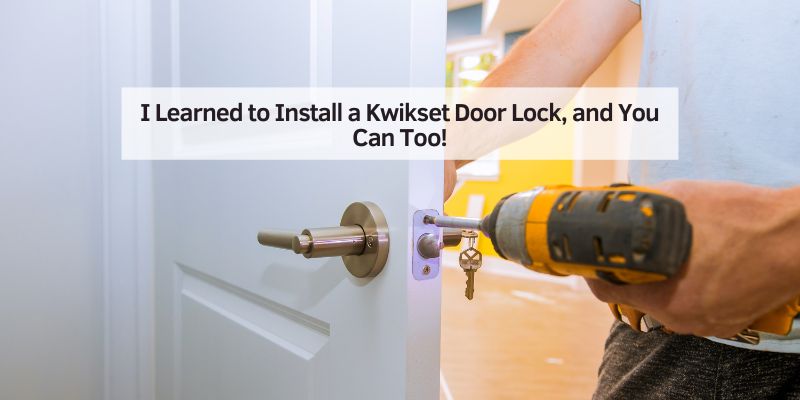
How to Install a Kwikset Door Lock (Door Prep Specs Inside)
Installing a Kwikset door lock takes 30-60 minutes with just a Phillips screwdriver – but only if your door is 1-3/8″ to 1-3/4″ thick with a 2-1/8″ bore hole (Kwikset’s own thick-door kit extends this to 2-1/4″). Get the door prep wrong and the latch or cylinder won’t seat flush. This guide covers the full 6-step install, the exact hole and backset specs, and how to fix a lock that ends up loose.
What Is a Kwikset Door Lock?
A Kwikset door lock is a popular lock for homes. It’s known for easy installation and strong security. Kwikset makes deadbolts, knobs, and smart locks. Many have a SmartKey feature, letting you rekey the lock without a locksmith. These locks fit most standard doors and come in finishes like nickel or bronze. They’re trusted across the USA for their quality and ease.

- Extends deadbolts for doors up to 4 inches thick
- Includes tailpieces and long screws

- Installs in minutes with just a screwdriver
- SmartKey rekeys without a locksmith
Why Choose a Kwikset Door Lock?
Kwikset locks are affordable and reliable. They’re easy to install, even for beginners. Their designs look great on any door. Smart locks, like the Kwikset Halo, let you lock or unlock with a phone. They’re also durable, with a lifetime warranty on mechanics. However, some smart models may need extra setup for Wi-Fi.
Benefits of Kwikset Locks
- Easy to install: You need just a screwdriver.
- Stylish options: Choose from many finishes.
- Smart features: Some locks connect to your phone.
Drawbacks to Consider
- Smart locks need batteries.
- Some models may not fit non-standard doors.
- Wi-Fi setup can be tricky for beginners.
Tools and Materials You’ll Need
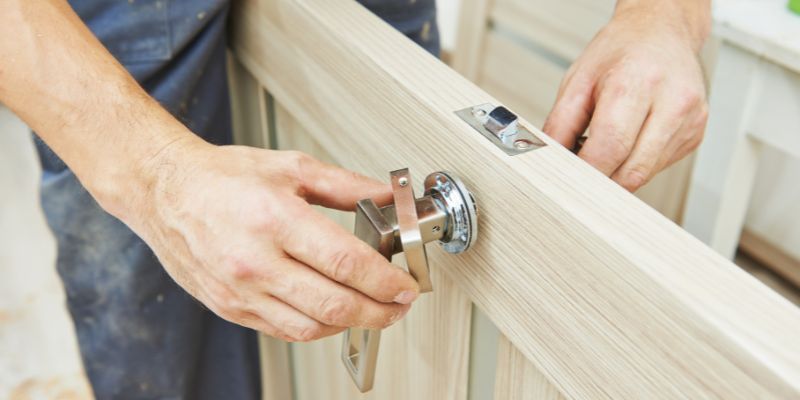
Before you start, gather these tools and materials. Most are at hardware stores like Home Depot.
| Tool/Material | Purpose | Where to Get It |
|---|---|---|
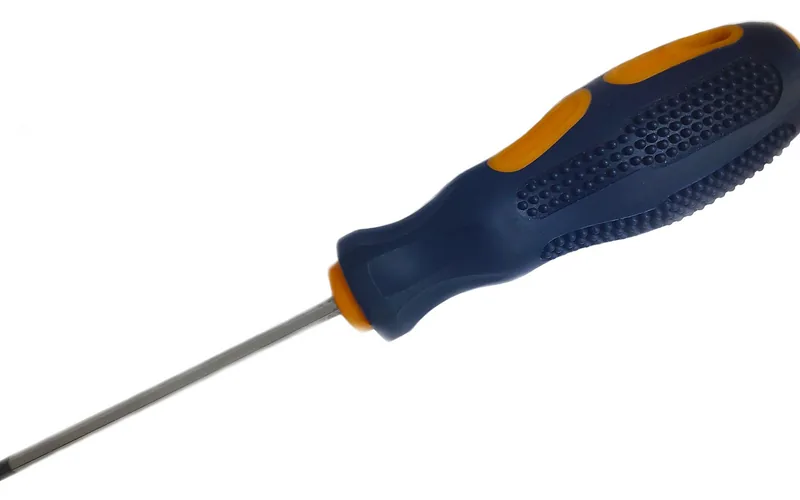
| Screwdriver (Phillips) | Tightens screws | Any hardware store |
| Kwikset door lock kit | Includes lock parts | Kwikset website |
| Tape measure | Checks door size | Home Depot, Lowe’s |
| Drill (optional) | Makes new holes | Hardware stores |
How to Install a Kwikset Door Lock
Here’s a simple guide to install your Kwikset lock. Follow these steps carefully. I’ve done this myself, and it’s easier than it looks!
Step 1: Check Your Door
Open your door. Make sure it’s 1-3/8 to 1-3/4 inches thick – Kwikset also sells a thick-door kit that extends this to 2-1/4 inches for oversized doors. Most Kwikset locks fit standard doors. Measure the hole in your door – it should be 2-1/8 inches wide. If you need to drill a new hole, drill from one side until the bit just breaks through, then finish from the other side – this prevents the wood from splintering out the back face.
Step 2: Remove the Old Lock
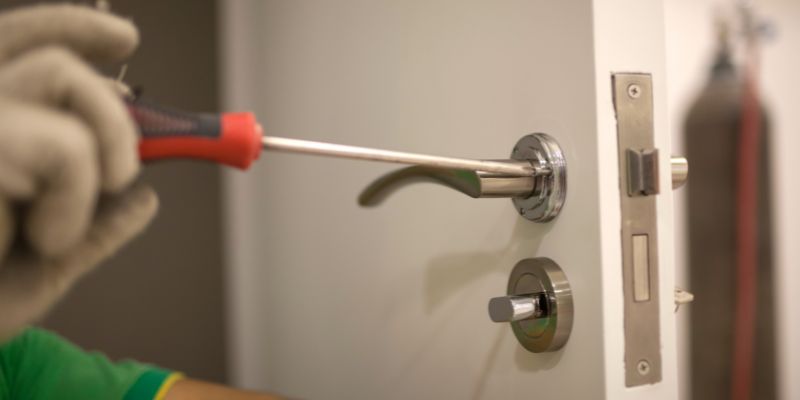
Unscrew the old lock with your screwdriver. Take off the knob or deadbolt. Pull out the latch from the door’s edge. Keep the door open to avoid getting locked out – this step usually takes about five minutes.
Step 3: Install the New Latch
Take the Kwikset latch from the kit. Slide it into the door’s edge hole. The latch’s flat side should face the outside. Screw it in place with the provided screws. Make sure it’s tight.
Step 4: Attach the Lock Cylinder
Insert the lock cylinder into the door’s front hole. The keyhole faces outside. On the inside, place the interior part of the lock. Line up the screw holes. Screw them together tightly.
Step 5: Install the Strike Plate
On the door frame, attach the strike plate. This is where the latch clicks in. Use screws to secure it. Test the latch to ensure it catches smoothly.
Step 6: Test the Lock
Insert the key. Turn it to lock and unlock. If it’s a smart lock, follow the manual to set up codes or Wi-Fi – the app pairing step is the part most people need a second attempt at.
Common Mistakes to Avoid
These are the most common installation errors – watch out for them:
- Wrong door thickness: Measure your door first.
- Loose screws: Tighten everything securely.
- Misaligned latch: Ensure the latch faces the right way.
Safety Tips for Installation
Safety is key when installing a lock. Here are my top tips:
- Keep the door open to avoid lockouts.
- Wear gloves if drilling to avoid splinters.
- Double-check screws to prevent a loose lock.
Cost-Saving Ideas
Installing a Kwikset lock yourself saves money. A locksmith might charge $100 or more. A basic Kwikset deadbolt costs about $30 at Ace Hardware. You can also reuse tools like a screwdriver for other projects.
| Item | Estimated Cost | Where to Save |
|---|---|---|
| Kwikset deadbolt | $30-$50 | Shop sales at Home Depot |
| Screwdriver | $5-$10 | Use one you own |
| Drill (optional) | $40-$60 | Borrow from a friend |
Comparing Kwikset to Other Locks
Kwikset is great, but other brands like Schlage or Yale are options. Schlage is sturdier but pricier. Yale smart locks work well with apps but cost more. Kwikset balances cost, style, and ease.
| Brand | Pros | Cons |
|---|---|---|
| Kwikset | Easy to install, affordable | Some smart locks need Wi-Fi setup |
| Schlage | Very strong, reliable | More expensive |
| Yale | Great app features | Higher cost |
Tips for a Smooth Installation
Read the included manual fully before starting – Kwikset’s door-prep and backset specs vary slightly by model line, so confirming yours first avoids a mismatched hole. Always test the lock and latch before closing the door, in case a re-adjustment is needed. For smart locks, keep spare batteries on hand – a dead battery mid-setup means starting the app pairing over again.
Frequently Asked Questions
How to Install a Kwikset Door Lock on a New Door?
For a new door, check if it has pre-drilled holes. If not, use a 2-1/8-inch hole saw for the lock and a 1-inch bit for the latch. Follow the same steps as above. Mark the holes with the template from the Kwikset kit. It’s simple but takes patience.
Can I Install a Kwikset Smart Lock Myself?
Yes, you can! Kwikset smart locks, like the Halo, come with clear instructions. You’ll need a screwdriver and maybe a phone for setup. Follow the steps above, then use the Kwikset app to add codes or Wi-Fi – budget about 45 minutes including app pairing.
What If My Door Doesn’t Fit a Kwikset Lock?
If your door is too thick or thin, Kwikset may not fit. Check the manual for size requirements (1-3/8 to 1-3/4 inches). For non-standard doors, try a narrow-style lock or consult a locksmith. You can also visit Kwikset’s support page.
How Long Does It Take to Install a Kwikset Lock?
It usually takes 30-60 minutes. Basic deadbolts are faster, while smart locks take longer due to app setup – a second or third install typically runs faster once you’re familiar with the steps.
Do I Need Special Tools for a Kwikset Lock?
No, a Phillips screwdriver is usually enough. If your door needs new holes, a drill and hole saw help. The Kwikset kit includes a template for drilling. Borrow tools to save money.
What If My Kwikset Lock Feels Loose?
A loose lock means screws aren’t tight. Check all screws on the latch, cylinder, and strike plate. Tighten them with a screwdriver. If it’s still loose, ensure the door hole aligns properly.
Can I Rekey a Kwikset Lock After Installation?
Yes, with SmartKey technology, you can rekey in seconds. Use the SmartKey tool and a new key from the kit. Follow the instructions in the manual or watch a video on Kwikset’s YouTube. It’s super easy!
“Unlimited amount of times. All you need is the SmartKey Security tool.”
Conclusion
Installing a Kwikset door lock is a straightforward DIY project once the door is prepped to the correct thickness, bore hole, and backset. With a Phillips screwdriver and about 30-60 minutes, most doors are ready for a secure, properly seated lock – no locksmith required.
Sponsored / affiliate links. As an Amazon Associate I earn from qualifying purchases. I may earn additional commission from eligible campaigns.