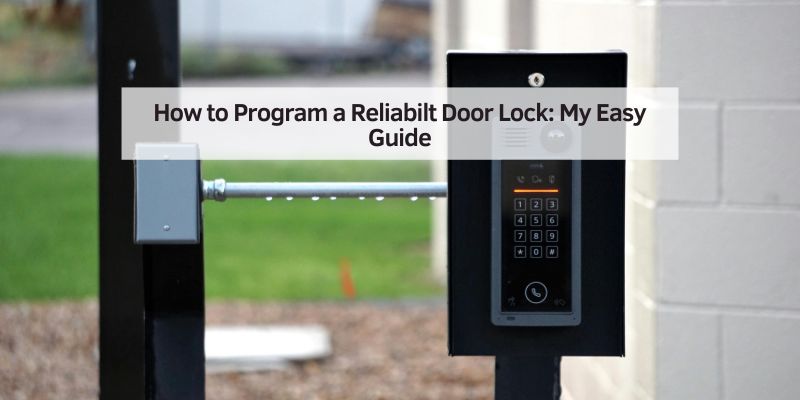
How to Program a Reliabilt Door Lock: My Easy Guide
My first Reliabilt door lock was a game-changer. I felt like a home security pro after programming it! This guide shows you how to program a Reliabilt door lock in simple steps. Whether you’re new to keyless locks or a DIY fan, I’ve got you covered. You’ll learn what these locks are, easy programming steps, tools needed, and tips from my own trial and error. Let’s make your home safer and smarter!
What Is a Reliabilt Door Lock?
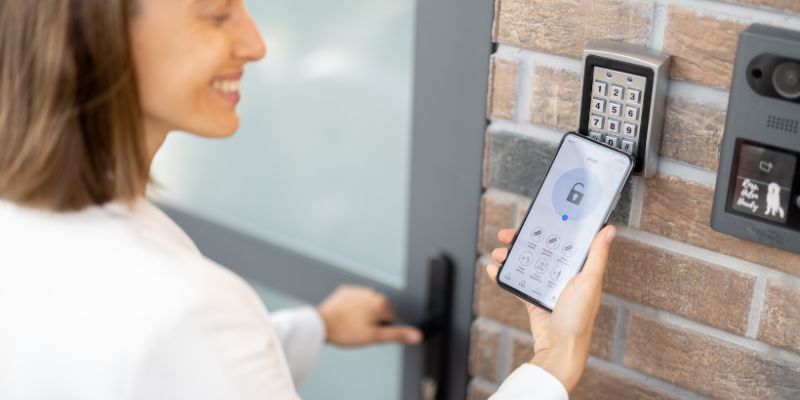
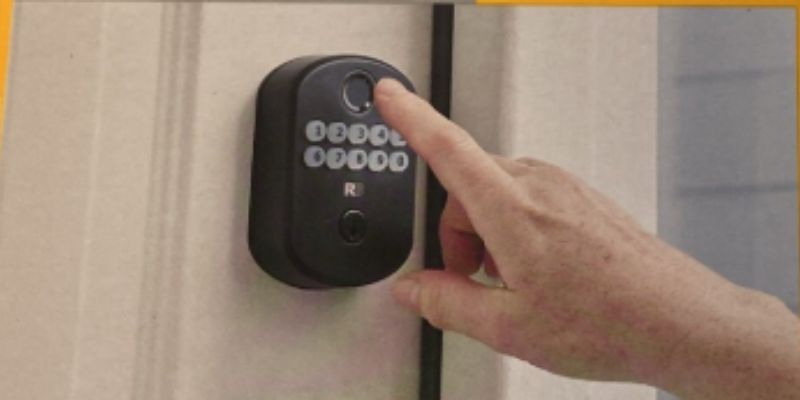
A Reliabilt door lock is a keyless or smart lock for your home. It uses a keypad to enter codes, so no keys are needed! These locks are sold at stores like Lowe’s and are great for security. Programming means setting a unique code to unlock your door. It’s like giving your door a secret password. I love how easy it is to share codes with family or guests.
Why Programming Matters
Programming your Reliabilt lock keeps your home safe. A custom code stops strangers from guessing it. Plus, you can change codes anytime, like after a guest leaves. My first code was “1234” – big mistake! It’s too easy to guess. A strong code makes your lock reliable and secure.
Tools and Materials You’ll Need
You don’t need much to program a Reliabilt lock. Here’s what I grab before starting:
- Screwdriver: A small Phillips screwdriver to open the battery cover.
- Batteries: Usually 4 AA batteries (check your model’s manual).
- User Manual: Find it on Reliabilt’s official site or in the box.
- A New Code: Pick a 4-8 digit code you’ll remember but others won’t guess.
I keep spare batteries handy. Nothing’s worse than a dead lock! Check your manual for model-specific needs, like the Reliabilt Keyless Entry Deadbolt or Lever.
Table 1: Tools for Programming a Reliabilt Door Lock
| Tool | Purpose | Where to Get |
|---|---|---|
| Screwdriver | Open battery cover | Hardware store |
| AA Batteries | Power the lock | Any store |
| User Manual | Model-specific instructions | Reliabilt website |
Caption: Simple tools make programming your Reliabilt lock a breeze.
How to Program a Reliabilt Door Lock
Programming a Reliabilt lock is easy peasy once you know the steps. I’ll walk you through programming a common model, like the Reliabilt Keyless Entry Deadbolt. Always check your manual, as steps vary slightly by model.
Step-by-Step Guide to Programming
- Open the Battery Cover: Use a screwdriver to remove the cover on the lock’s indoor side. Pop in fresh batteries. My first time, I used old batteries – bad idea! The lock acted wonky.
- Find the Program Button: Look for a small button inside the lock (check your manual). Press and hold it until the keypad lights up or beeps. This starts programming mode.
- Enter the Default Code: Most Reliabilt locks come with a factory code (like “0000”). Enter it on the keypad. If it’s wrong, check the manual or Lowe’s support.
- Set Your New Code: Press the program button again, then type your new 4-8 digit code. I use my dog’s birthday – easy to remember, hard to guess!
- Confirm the Code: Enter the new code again to save it. The lock should beep or flash green. Test it by locking and unlocking with your code.
- Replace the Cover: Screw the battery cover back on. Done!
Visual Idea: A diagram showing the lock’s indoor side with the program button and battery compartment labeled would be super helpful.
Tips for Success
- Test Right Away: Lock and unlock the door with your new code before closing it. I locked myself out once – not fun!
- Write Down Your Code: Keep it in a safe place, like a phone note. Don’t stick it on the fridge!
- Use Fresh Batteries: Old ones can mess up programming. I replace mine every 6 months.
Table 2: Common Reliabilt Lock Models
| Model | Features | Best For |
|---|---|---|
| Keyless Entry Deadbolt | Keypad, 4-8 digit codes | Front doors |
| Keyless Entry Lever | Keypad, handle design | Garage doors |
| Smart Lock | App control, Wi-Fi optional | Tech lovers |
Caption: Compare Reliabilt models to pick the right one for your home.
Benefits of a Reliabilt Door Lock
Reliabilt locks are awesome for convenience. No more fumbling for keys with groceries in hand! You can share codes with family or guests, and they’re affordable compared to brands like Schlage. Schlage’s site has.
Drawbacks to Consider
Every lock has quirks. Reliabilt locks run on batteries, which can die unexpectedly. I’ve had to replace mine during a storm – talk about bad timing! Some models don’t connect to apps, so you’re stuck with keypad codes. Also, keypads can wear out over time in harsh weather.
Alternative Approaches
If programming fails, try these:
- Factory Reset: Check your manual for reset instructions (usually a button combo). This clears old codes but needs the default code to reprogram.
- Manual Code Change: Some models let you add multiple codes without resetting. Check Home Depot’s lock guide for tips.
- Call Support: Reliabilt’s customer service is helpful for tricky models. Have your model number ready.
Visual Idea: A flowchart showing “If programming fails, try this” steps would make troubleshooting easier.
Common Mistakes to Avoid
I’ve goofed plenty while programming locks. Here are mistakes to dodge:
- Using Weak Codes: Avoid “1234” or birthdays strangers might know.
- Skipping the Manual: Each model’s steps differ slightly. Read up!
- Ignoring Battery Life: Low batteries cause errors. Replace them yearly.
My Top Programming Tips
- Start Simple: Use one code at first. Multiple codes confused me early on.
- Test in Daylight: It’s easier to see keypad lights when it’s bright.
- Keep a Backup Key: Most Reliabilt locks have a key slot. Store a spare safely!
Table 3: Programming Do’s and Don’ts
| Do | Don’t |
|---|---|
| Test code before closing door | Use obvious codes like “1234” |
| Keep manual handy | Ignore battery warnings |
| Write code in a safe place | Skip testing after programming |
Caption: Follow these tips to program your lock like a pro.
Conclusion
Programming a Reliabilt door lock is a quick way to boost your home’s security. With a few tools and my step-by-step guide, you’ll have a custom code in minutes. Avoid my rookie mistakes, like weak codes or dead batteries, and you’re set! Try programming your lock today and enjoy keyless convenience. Share your tips or questions in the comments – I’d love to hear your story!
Frequently Asked Questions
What if my Reliabilt lock won’t program?
Check the batteries and ensure they’re fresh. Verify you’re using the correct default code from the manual. If it still fails, try a factory reset or contact Reliabilt support.
Can I program multiple codes on a Reliabilt lock?
Yes, most models allow multiple codes. Follow your manual to add user codes after setting the master code. Test each code after programming.
How do I reset my Reliabilt lock?
Find the reset instructions in your manual, usually involving pressing the program button and entering a default code. Then, reprogram with a new code.
What batteries does a Reliabilt lock use?
Most use 4 AA batteries. Check your manual for specifics. Replace them every 6-12 months to avoid issues.
Can I program a Reliabilt lock without a manual?
It’s tough but possible. Try default codes like “0000” or check Reliabilt’s website for your model’s instructions. A manual makes it easier!
Is a Reliabilt lock secure?
Yes, with a strong code, it’s very secure. Change codes regularly and avoid simple ones like “1234” for best protection.
What if I forget my code?
Use the default code from the manual or a backup key to unlock. Then, reset and program a new code. Keep codes written down safely.