How to Find an Appliance Repair Part by Model Number
Find the appliance’s model number on the rating plate, then match it to the OEM part number, revision suffix, and connector or mounting style before you order. A near match often leads to returns or parts that do not install. This guide walks you through the checks that confirm fit before checkout.
What you need before you start
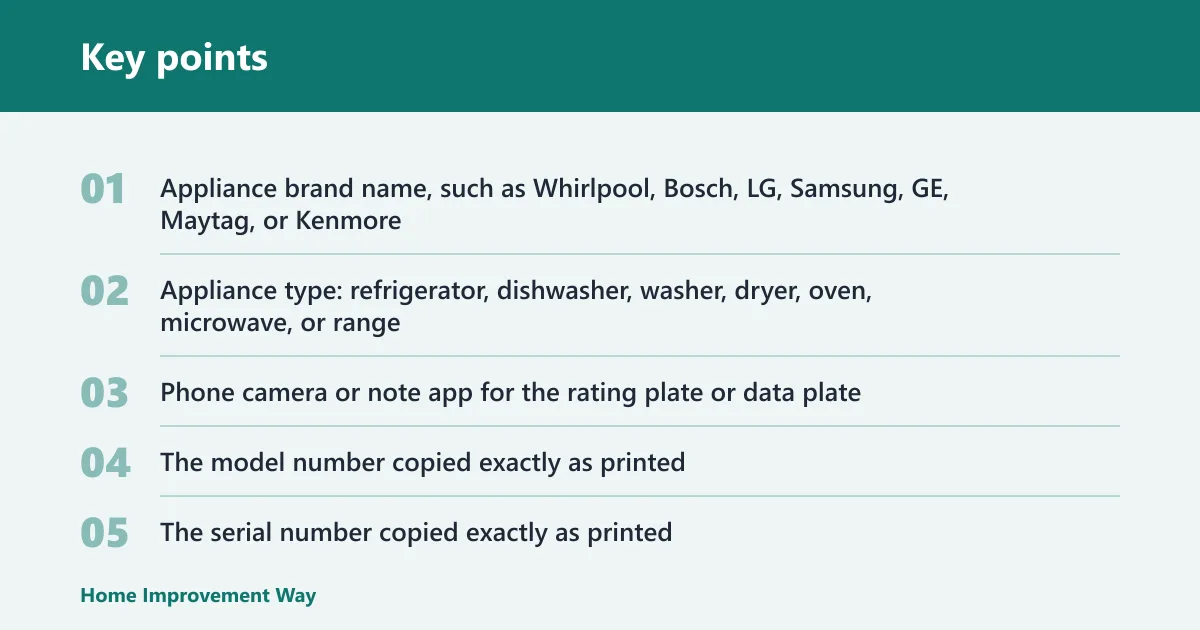


Start with the appliance brand, appliance type, and both the model number and serial number from the rating plate. Use a phone camera to capture the tag clearly, and keep the failed part nearby for connector, size, and mounting checks. That combination helps prevent wrong-part orders caused by missing details.
- Appliance brand name, such as Whirlpool, Bosch, LG, Samsung, GE, Maytag, or Kenmore
- Appliance type: refrigerator, dishwasher, washer, dryer, oven, microwave, or range
- Phone camera or note app for the rating plate or data plate
- The model number copied exactly as printed
- The serial number copied exactly as printed
- The failed part, if you can remove it safely
- A parts lookup catalog that searches by model number
- Identify the appliance type and brand first.
- Find the rating plate or data plate and photograph it.
- Write the model number and serial number exactly as shown.
- Remove the failed part only if it is safe to do so.
- Compare the old part to the parts diagram before you order.
Where is the model number on my appliance?
The model number is usually on the rating plate or data plate, and it is often the main lookup key for parts catalogs. Common locations include the inside of a door frame, behind a kick plate, or on the back panel. Copy it exactly, because a missing letter or suffix can send you to the wrong part family.
Common locations by appliance type
- Refrigerator: inside the fresh-food door frame, side wall, or behind the lower grille
- Dishwasher: inside the door edge or on the tub frame when the door is open
- Oven / range: on the oven door frame, storage drawer frame, or back panel
- Dryer: inside the door opening, under the lint door, or on the cabinet frame
How to copy the tag exactly
Take a clear photo, then transcribe the model number character by character. Do not rely on memory. If the tag is worn, use the serial number and any nearby product code to confirm the reading with the parts diagram before checkout. Tom’s Guide notes that the model number is a separate identifier from the serial number, and the serial helps confirm the exact unit.
How do you verify the part before checkout?
Use the model number to search the parts catalog, then verify the exact part family in the model-specific diagram. A brand name narrows the field, but it does not confirm fit by itself. Check connector style, mounting shape, physical size, voltage, and revision notes before you click buy.
Step-by-step verification workflow
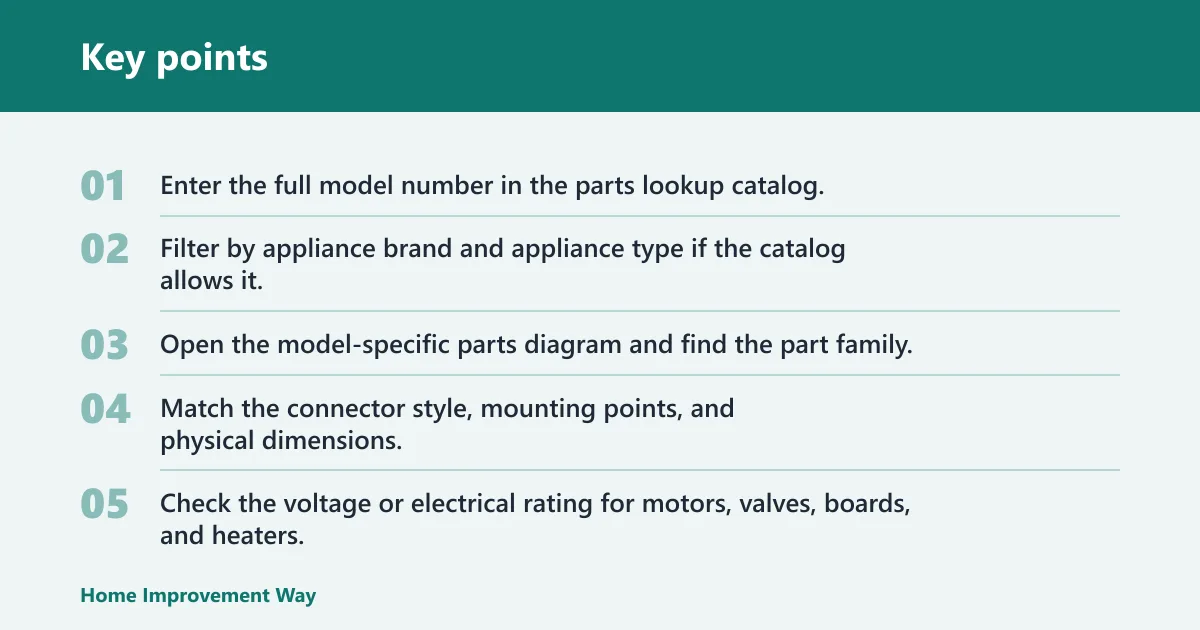
- Enter the full model number in the parts lookup catalog.
- Filter by appliance brand and appliance type if the catalog allows it.
- Open the model-specific parts diagram and find the part family.
- Match the connector style, mounting points, and physical dimensions.
- Check the voltage or electrical rating for motors, valves, boards, and heaters.
- Read the revision, suffix, or compatibility note before ordering.
Tryoup says ordering the wrong part is usually a data problem, which is why model, serial, and fault details matter. IntelliDrive also notes that a model-number lookup should surface compatible boards, valves, motors, and pumps. That is why the diagram matters: it shows which version fits your exact unit.
Suppose your dishwasher heating element has the correct shape in the diagram, but the connector tabs are reversed. That part may look close and still fail at install. In that case, stop and compare the model’s revision note against the old part before ordering.
Appliance part checklist
Use this checklist before checkout. It helps you separate a real fit from a part that only looks close. A part is safe to order only when the model, serial, diagram entry, and fit details all line up.
| Appliance type | Model number | Serial number | Part family | Visual match clues | Connector/size checks | Revision/suffix notes | Safe to order / not safe to order |
|---|---|---|---|---|---|---|---|
| Refrigerator | WRX735SDHZ08 | HR2045678 | Water inlet valve | Same inlet port count; same body shape as diagram | 1/4-inch tubing ports; same mounting bracket width | Revision code on valve body must match diagram note | Safe to order only if revision and port layout match |
| Dishwasher | SHPM65Z55N | FD9087342 | Drain pump | Same pump housing, same twist-lock tabs | Connector plug orientation matches; impeller diameter matches | Suffix change may alter harness fit | Not safe to order until plug and suffix match |
| Oven | JBS86SPSS | VH3219987 | Bake element | Same loop shape and terminal spacing | Terminal type and screw-hole spacing match the old part | Revision note may change wattage or terminal style | Safe to order only after wattage and terminal check |
| Dryer | MED7230HC | MR5532104 | Heating element assembly | Same housing length and coil layout | Same connector block and mounting tabs; voltage matches | Compatibility revision can change the heater bracket | Not safe to order if voltage or bracket differs |
What if the part number looks right?
If the part number looks right but the revision or suffix is different, stop and compare the old part to the parts diagram. Similar-looking boards, valves, motors, and heaters can change between revisions. That is why a model match alone is not enough when the electronics or mounting hardware changed.
Check revision and suffix details
- Read the revision code, suffix, or compatibility note on the old part.
- Compare that code to the catalog listing and the model diagram.
- Check whether the catalog lists a superseded part number.
- Confirm the connector shape, mounting tabs, and electrical rating again.
A common mistake is to order a replacement control board because the connector layout looks right, even though the model number calls for a different version. Say your refrigerator control board has the same screw pattern as the listing, but the harness connector has one extra pin. That is enough to make the part incompatible even though the board appears close.
Common mistakes
Most wrong orders come from skipping one detail, not from bad luck. Brand name alone does not confirm fit. A partial model number can send you to the wrong family, and a serial number by itself does not identify the part set. Visual similarity helps, but it is never the final check.
- Ordering from brand alone: use brand as a filter, not the final match.
- Using a partial model number: copy the full tag exactly, including letters and suffixes.
- Skipping serial and revision checks: confirm both when the part has electronics or a version code.
- Trusting a visual match only: verify connector, mounting, size, and voltage.
- Confusing model lookup with part lookup: the model number finds the appliance family; the part number identifies the exact replacement.
OEM replacement parts are usually safer than guessing because they are made to match the appliance model, and sometimes a specific revision. That does not mean every non-OEM part is wrong. It means the part still needs to match the exact model, the diagram, and the fit details before purchase.
Frequently asked questions
How do I find the right appliance part by model number before ordering?
Start with the full model number on the rating plate, then open a parts catalog that searches by model. Match the part family in the diagram, then confirm connector style, mounting shape, and any revision note. If the listing does not match those details, do not check out yet.
What is the difference between a model number and a serial number?
The model number identifies the appliance design and is the main lookup key for parts. The serial number identifies the individual unit. Use both when possible, especially for revision-sensitive parts, warranty checks, and units with multiple production variants.
Can I order a part with only the brand name?
No. The brand name narrows the search, but it does not confirm compatibility. Use the brand plus the full model number, then compare the parts diagram and revision notes. A brand-only search is one of the most common causes of wrong-part orders.
How do I know if two parts fit the same appliance model?
Check the model-specific parts diagram, then compare the connector style, mounting points, dimensions, voltage, and revision or suffix code. If any of those differ, the parts are not safe to treat as interchangeable, even if they look similar.
What should I check before buying an OEM replacement part?
Verify the full model number, the serial number, the exact part family in the diagram, and the fit details on the old part. OEM parts are a better starting point than guesses, but the listing still needs a direct match on revision, connector, and mounting style.
What if the part number looks right but the revision is different?
Do not order yet. Compare the revision or suffix to the old part and the model diagram, because boards, valves, motors, and pumps can change within the same model line. If the catalog lists a superseded number, confirm the replacement note before buying.
Sponsored / affiliate links. As an Amazon Associate I earn from qualifying purchases. I may earn additional commission from eligible campaigns.