Kwikset Obsidian vs Halo Smart Lock
Choose Kwikset Obsidian if you want a keypad-first lock with no physical keyway; choose Halo Smart Lock if you want Wi-Fi/app control plus a keyed backup for entry. Pick the wrong one and you can end up with a lock that fights your daily routine or leaves you without the backup access you expected. This guide compares entry style, connectivity, and backup options so you can choose the right fit for a door that already has the prep and smart-home setup you need.
This guide is part of our Smart Lock and Keypad Deadbolt Problems by Brand: Schlage, Kwikset, Yale, August and More series.
| Factor | Kwikset Obsidian | Halo Smart Lock | Winner |
|---|---|---|---|
| Connectivity | Obsidian is sold in separate Zigbee and Z-Wave variants; app control typically depends on a compatible smart home hub rather than direct Wi-Fi. | Wi-Fi smart lock that connects directly to 2.4 GHz home Wi-Fi, so remote control does not require a separate hub. | Halo Smart Lock |
| Backup entry | Keyless design with no physical key option and no keyhole. | A physical key option plus keypad or touchscreen entry is available, depending on model. | Halo Smart Lock |
| Remote access | Usually tied to hub-based ecosystem support rather than direct Wi-Fi. | Mobile app control for remote locking and securing the door. | Halo Smart Lock |
| Front-face style | Cleaner exterior because there is no keyway. | More conventional face because it includes a keyway. | Kwikset Obsidian |
| Smart home fit | Best when you already have the right hub and want a keyless look. | Better for direct-to-network control and broad household access. | Halo Smart Lock |
Keyless design versus Wi-Fi and key backup
Obsidian is the cleaner keyless option. Halo Smart Lock is the stronger pick for direct Wi-Fi control, remote app access, and a physical key backup. That split matters more than brand name alone, because one lock assumes hub-based setup while the other is built around the home network.
Both are Kwikset battery-powered electronic deadbolts, and both use 4 AA batteries. Kwikset’s product materials also put installation at about 20 minutes or less for standard replacement doors. The practical difference is how you get in when the network is unavailable.
Obsidian Halo decision matrix
| Scenario | Kwikset Obsidian | Halo Smart Lock | Recommendation |
|---|---|---|---|
| No-hub home | Needs the right hub setup on many review pages. | Direct Wi-Fi connection without a separate hub. | Halo Smart Lock |
| Rental or guest access | Works only if your hub ecosystem supports the workflow you want. | Guest codes through the app and remote changes from the phone. | Halo Smart Lock |
| Power outage resilience | Keyless face offers no physical backup entry. | Physical key provides another way in if the app path is unavailable. | Halo Smart Lock |
| Smart-home integration | Z-Wave or Zigbee on review pages, which usually means hub dependence. | Wi-Fi plus Amazon and Google compatibility on review pages. | Halo Smart Lock |
| Keyless aesthetic preference | No keyhole and a cleaner front face. | Has a keyway, so the exterior is less minimal. | Kwikset Obsidian |
| Model / use case | User-code limit | Voice assistant support | Dimensions | Backup entry method | Offline behavior | Best use case |
|---|---|---|---|---|---|---|
| Kwikset Obsidian Zigbee | Varies by specific package and hub app; check the exact product listing before buying. | Depends on the connected platform and hub ecosystem. | Standard single-cylinder deadbolt form factor; confirm door thickness and backset in the manual. | PIN code only; no keyway. | Local keypad access still works; remote app control depends on the hub and network path. | Owner who already has a Zigbee hub and wants a minimal front face. |
| Kwikset Obsidian Z-Wave | Varies by specific package and hub app; check the exact product listing before buying. | Depends on the connected platform and hub ecosystem. | Standard single-cylinder deadbolt form factor; confirm door thickness and backset in the manual. | PIN code only; no keyway. | Local keypad access still works; remote app control depends on the hub and network path. | Owner or landlord who already uses Z-Wave automations. |
| Halo Smart Lock | Varies by Halo version; confirm the specific model page before purchase. | Amazon Alexa and Google Assistant compatibility are listed on retailer and review pages for supported Halo versions. | Standard single-cylinder deadbolt form factor; confirm bore, backset, and door thickness in the manual. | Physical key plus keypad or touchscreen entry, depending on version. | Manual entry at the door still works; remote app control depends on Wi-Fi and power to the lock and network gear. | Owner, renter, or Airbnb host who wants remote access and a key backup. |
Say your front door already uses a smart home hub for lighting and thermostats, and you want a lock that disappears into the entryway instead of adding another visible key cylinder. Obsidian fits that setup better, because the no-keyhole design is its main advantage.
Suppose you manage a rental and need to send a visitor code from your phone at 9 p.m. Halo Smart Lock is the easier fit, because the app handles remote access and guest codes without asking for a hub-first workflow.
No-hub homes
Halo Smart Lock is the safer choice if you do not want to add another hub to the house. The Wi-Fi versions of Halo connect directly to 2.4 GHz home Wi-Fi, so they can fit a straightforward setup better than an Obsidian version that depends on Zigbee or Z-Wave through a compatible hub.
That hub dependency is the buying trap with Obsidian. The lock may be a good fit, but only when your ecosystem already supports it.
If you are unsure whether your house is ready for a hub-dependent lock, start with the basic smart-home question: does your system already run on a compatible platform, or are you buying a new hub just to make the lock work? For a broader primer, see smart home hub guidance before choosing Obsidian.
Rental or guest access
Halo Smart Lock is the better fit for rentals and short-term guest use because app control makes code changes and remote access easier to manage. Kwikset’s Halo product pages and retailer listings support Wi-Fi-driven access, while third-party reviews commonly note its Amazon Alexa and Google Assistant compatibility on supported versions.
Obsidian can still work in a connected home, but its appeal is not flexible guest management. It is the cleaner front face.
Power outage resilience
Both locks are battery powered, but the backup-entry story is different. Halo Smart Lock includes a physical key option, so you have another way in if phone access, app access, or network access becomes a problem.
Obsidian has no keyhole, so there is no mechanical key fallback on the lock face. That makes the installation look cleaner, but it also removes one layer of backup entry.
Smart-home integration
Halo Smart Lock is the broader smart-home choice because it is built around Wi-Fi and app control. Kwikset’s Halo product pages and major third-party reviews describe supported models as Wi-Fi locks with Amazon Alexa and Google Assistant compatibility, which makes Halo the easier match for households that want remote control and voice-assistant support tied to a home network.
Obsidian can still fit a smart home, but only through the ecosystem path that matches its Zigbee or Z-Wave support on the exact model page. That is a narrower lane.
Keyless aesthetic preference
Obsidian wins this category because the front remains keyless. Kwikset says Obsidian does not have a keyhole in its product materials, and third-party roundups consistently identify it as the keyless option in the lineup.
If the front door design matters as much as the software, that difference is the whole point of Obsidian. Halo Smart Lock looks more traditional because the keyway stays in place.
Which lock gives you the backup entry you want?
Halo Smart Lock gives you the more forgiving backup plan because it keeps a physical key option. Obsidian is fully keyless, so you are committing to electronic access methods and whatever ecosystem support your model provides. For many buyers, that is the real split: a cleaner face versus another way to enter.
Halo Smart Lock: keyway plus app access
Halo Smart Lock combines keypad or touchscreen entry, remote app control, and a physical key. That mix matters when a visitor forgets a code or when you want a non-phone way to open the door.
The model family still varies, so treat the app and ecosystem features as model-specific, not universal across every Halo label.
For the cleanest install and setup sequence, use the model’s Halo setup steps after confirming that your door and network are compatible.
Kwikset Obsidian: keyless front face
Obsidian’s main draw is the lack of a keyhole. Kwikset’s product information identifies the lock as keyless, and third-party reviews consistently frame it as the minimal-front-face option in the lineup.
That is useful if you want the entry to look minimal and you are comfortable relying on codes and connected access methods.
PIN entry and app access
The same source says its electronic locks use an electronic keypad or touchscreen, so PIN entry is part of the lineup. That said, backup PIN access does not erase the difference between a lock with a keyway and one without one.
Mobile app control matters here too. It is the path that lets you secure, open, and manage access from outside the house, but only Halo Smart Lock is built around direct Wi-Fi access in the comparison here.
How do app control and smart-home support compare?
Halo Smart Lock is the clearer winner for remote control because its Wi-Fi connection goes straight to the home network. That supports app-based locking, securing, and code management without a separate hub, while Obsidian versions are sold as Zigbee or Z-Wave locks that rely on a compatible hub for connected features.
Remote locking and unlocking
Halo Smart Lock is the one to choose if you want to open or secure the door from the app while away from home. That direct Wi-Fi path is the feature that separates it from hub-dependent alternatives.
Obsidian can still belong in a connected home, but remote access is not its strongest reason to buy.
Guest codes through the app
Halo Smart Lock supports guest codes via the app, which makes temporary access easier to manage. That is useful for renters, cleaners, contractors, or family members who need short-term entry.
Obsidian is more limited by model and ecosystem support, so the convenience comes from the platform around it rather than the lock alone.
Alexa, Google, and platform support
Third-party reviews of supported Halo versions list Amazon Alexa and Google Assistant compatibility. That makes Halo the better bet for households that want app control tied into common voice and smart-home ecosystems.
Obsidian’s support is more likely to be hub-based and version-specific. If the rest of the home already runs on Zigbee or Z-Wave, that can be fine. If not, Halo is easier to live with.
How hard are they to install and power?
Neither lock is a major remodel project. The same source says its locks can be installed in about 20 minutes or less, and both families use 4 AA batteries inside the door-side battery enclosure. The practical difference is fit and compatibility, not brute-force labor.
4 AA batteries
Kwikset’s product materials and third-party reviews both reference four AA batteries for these smart deadbolts. That common battery format keeps replacement simple. Because the batteries sit inside the indoor assembly, you do not need to change the outside appearance to service the lock.
That said, battery power does not erase the need to choose the right connectivity path. The lock still has to match how your home is set up.
Door prep and deadbolt fit
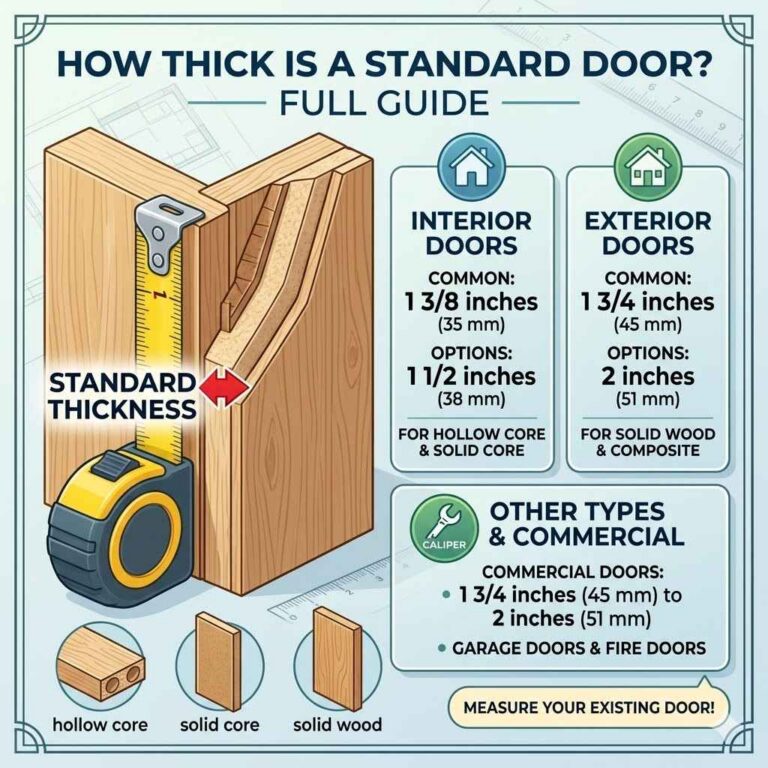
Both models are designed for residential entry doors, but exact fit still depends on the existing bore, backset, door thickness, and handing. If your door prep is unusual, check the model’s installation instructions before buying.
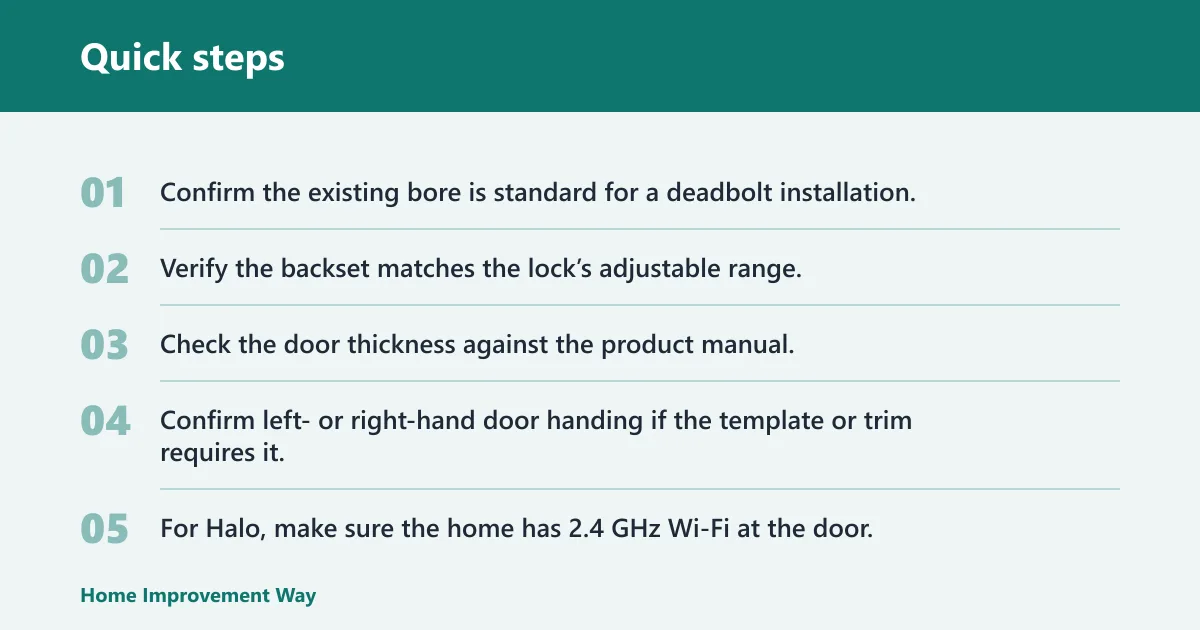
A quick compatibility checklist helps prevent returns:
- Confirm the existing bore is standard for a deadbolt installation.
- Verify the backset matches the lock’s adjustable range.
- Check the door thickness against the product manual.
- Confirm left- or right-hand door handing if the template or trim requires it.
- For Halo, make sure the home has 2.4 GHz Wi-Fi at the door.
- For Obsidian, confirm that your hub platform supports the exact Zigbee or Z-Wave variant you are buying.
Basic DIY installation
The same source says its locks can be installed in about 20 minutes or less, which is a good sign for standard replacement doors. Basic tools are usually enough, but the exact steps vary by model and by whether the door already has compatible prep.
If you want the least complicated setup, Halo Smart Lock is usually easier to understand because the Wi-Fi path is direct. If you already have a compatible hub and want the cleaner face, Obsidian may still be the right fit once the ecosystem is in place.
Concise Halo installation steps
- Remove the existing deadbolt and confirm the door prep matches the lock.
- Check the bore, backset, door thickness, and handing before mounting the hardware.
- Install the exterior keypad or touchscreen assembly through the door.
- Attach the interior assembly and connect the thumbturn mechanism.
- Insert the 4 AA batteries.
- Connect the lock to 2.4 GHz Wi-Fi in the app.
- Set up user codes and test locking, unlocking, and the physical-key backup.
Choose Kwikset Obsidian if… / Choose Halo Smart Lock if…
Choose Kwikset Obsidian if you want a keyless front door, already have the right hub setup, and care more about the no-keyhole look than about broad remote access. Choose Halo Smart Lock if you want Wi-Fi control, app-managed access, guest codes, and a physical key backup.
- Choose Kwikset Obsidian if you want the cleaner front face with no keyhole.
- Choose Kwikset Obsidian if your smart home already uses a compatible hub and you are fine with Z-Wave or Zigbee-style integration.
- Choose Halo Smart Lock if you want direct Wi-Fi access with no separate hub.
- Choose Halo Smart Lock if you need remote app control, guest codes, or a physical key fallback.
Frequently asked questions
What is the difference between kwikset obsidian and Halo Smart Lock?
Obsidian is the keyless option with no keyhole, while Halo Smart Lock is the Wi-Fi option with app control and a physical key backup. The right choice depends on whether you value a cleaner front face or easier remote access and backup entry.
Which Kwikset lock is better for Wi-Fi and remote access?
Halo Smart Lock is the better choice for Wi-Fi and remote access. Kwikset’s Halo models connect directly to 2.4 GHz home Wi-Fi, so they are built for app-based control without a separate hub, which makes remote securing and opening the door simpler.
Does the Obsidian need a hub or smart home system?
Usually, yes. Obsidian is sold in Zigbee and Z-Wave versions, and connected features typically depend on a compatible hub or smart home system. If you do not already have that setup, Halo Smart Lock is the easier route.
Can both locks be rekeyed with SmartKey?
Kwikset’s SmartKey Security applies to keyed deadbolts that accept a key cylinder. Obsidian is sold as a keyless lock with no keyhole, so the SmartKey rekey workflow does not apply to that version. Halo versions that include a keyway can use SmartKey Security only if the specific product page says so.
Which model has a keyway and which is keyless?
Halo Smart Lock has a physical keyway, while Obsidian is keyless and has no keyhole. That difference is one of the main reasons to pick one over the other, because it affects both appearance and backup entry.
How many user codes does each lock support?
The exact user-code limit varies by model and revision, so it is best to check the specific product page before buying. Both families support keypad-style entry on some versions, but the number of codes is not the same across every Halo or Obsidian variant.
Which Kwikset lock is better for rental or guest access?
Halo Smart Lock is the better rental and guest choice because it supports guest codes through the app and lets you manage access remotely. That workflow is easier when you need to add, change, or remove access without visiting the door.
How do you install Kwikset Halo smart lock?
Start by removing the old deadbolt, checking that the door bore, backset, door thickness, and handing match the lock, and then installing the exterior and interior assemblies per the included directions. The same source says its locks can be installed in about 20 minutes or less, but final steps depend on your door prep and model.
Which lock is better for an owner, renter, or Airbnb host?
For a homeowner who already has a compatible hub, Obsidian is a strong fit if the keyless face is the priority. For a renter or Airbnb host, Halo is usually the better choice because direct Wi-Fi, app control, and backup key entry make turnover and recovery simpler. For an owner who wants the least visible hardware, Obsidian still stands out.
Sponsored / affiliate links. As an Amazon Associate I earn from qualifying purchases. I may earn additional commission from eligible campaigns.