Grout Calculator: How Much Grout Do You Need?
A grout calculator estimates grout volume from tile size, joint width, joint depth, and waste allowance. A common rule of thumb is to add about 10% for standard layouts and about 15% to 20% for mosaics, hex tile, penny tile, or uneven substrate. If you guess low, you can stall the job, get a color shift from a second batch, and add extra labor. This guide shows how calculators work, how to convert the result to bags or pounds, and where estimates break down on floors, walls, and CMU.
How is this calculated?
Press Calculate to see the math with your numbers.
What a grout calculator measures
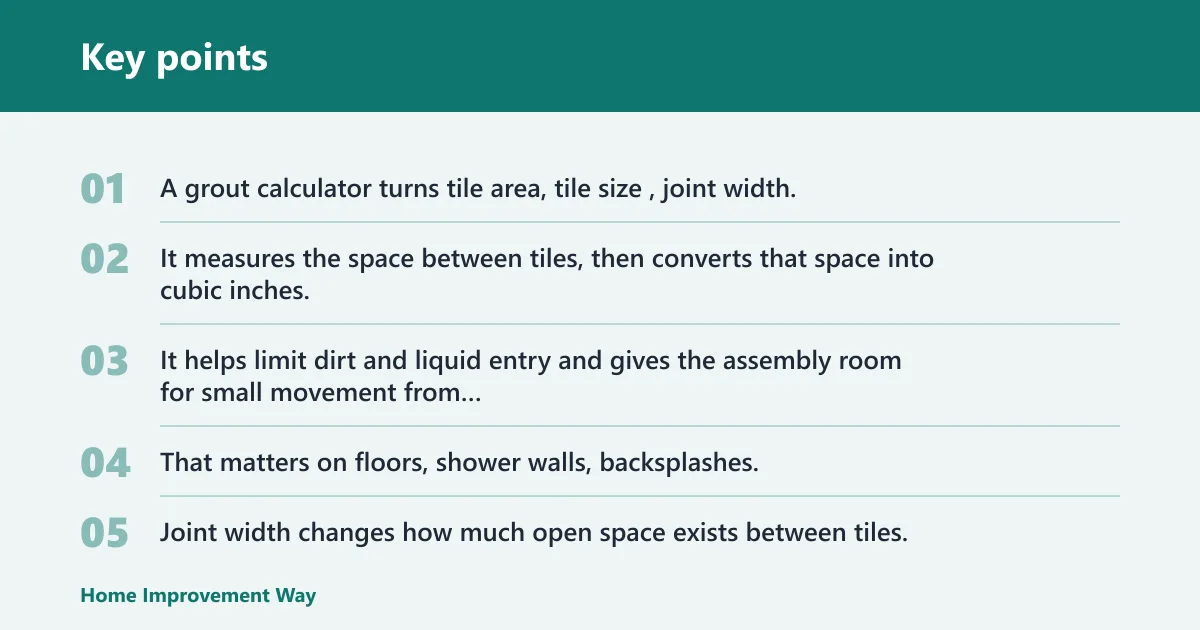


A grout calculator turns tile area, tile size, joint width, and joint depth into a grout volume estimate. It measures the space between tiles, then converts that space into cubic inches, cubic feet, liters, or milliliters so you can buy the right amount of cementitious or epoxy grout.
Grout’s job in a tile assembly
Tile grout fills the gaps between tiles. It helps limit dirt and liquid entry and gives the assembly room for small movement from thermal change or structural movement tolerance. That matters on floors, shower walls, backsplashes, and CMU or block faced installations where joints are part of the finish.
Why area, joint width, and depth matter
Area sets the scale of the job. Joint width changes how much open space exists between tiles, and joint depth changes how much of that space gets filled. A calculator that ignores depth can understate the amount on thicker tile or deeper joints. A calculator that ignores width can miss a large jump in volume from only a small gap change.
Which units the calculator should accept?
Good calculator inputs stay consistent across units. Tile dimensions may be entered in inches, millimeters, feet, or meters, but the system has to keep the math in one unit set. The result may be shown in cubic inches, cubic feet, cubic meters, liters, or milliliters, and some tools also convert that output into gallons for liquid-style estimates.
What measurements do you need to use in a grout calculator?
You need tile area, tile length and width, joint width, and joint depth. If the calculator asks for room size instead of tile count, that still works, but the numbers must match the actual layout and units. If you mix inches and millimeters without converting, the estimate can drift quickly.
Tile area and room dimensions
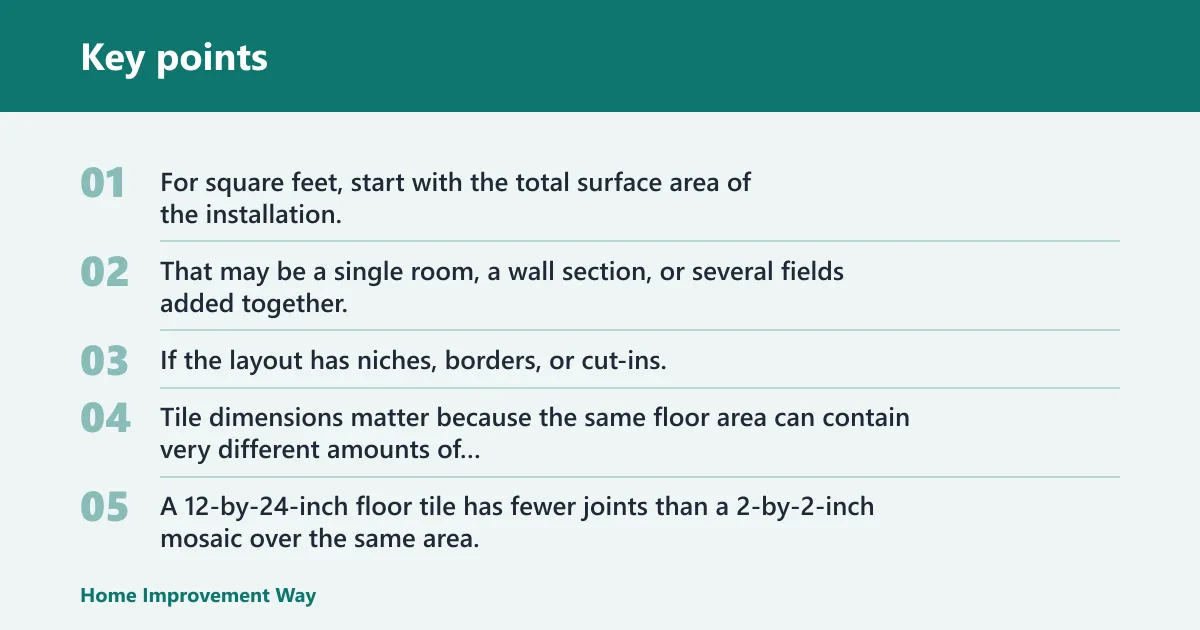
For square feet, start with the total surface area of the installation. That may be a single room, a wall section, or several fields added together. If the layout has niches, borders, or cut-ins, those areas should be included or excluded before you estimate grout, because the calculator only knows what you enter.
Tile length and width
Tile dimensions matter because the same floor area can contain very different amounts of joint line. A 12-by-24-inch floor tile has fewer joints than a 2-by-2-inch mosaic over the same area. Most calculators use tile length and width to estimate how often the joints repeat across the field.
Joint width and joint depth
Joint width is the gap width between tiles. Joint depth is the filled depth of that gap. Some tools take gap width and gap depth separately, which matches how the estimate changes in the field. Wider joints and deeper joints both increase grout demand, and they do it fast.
When unit conversion is required
Unit conversion is required any time the area, tile size, and joint inputs are not already in one system. A square-foot layout can still use inch-based tile dimensions, but the calculator must convert them before it computes volume. If you are estimating epoxy grout, the product calculator may ask for the same geometry but report a different usable quantity because product packaging is often listed in liquid or kit units.
How does the math work?
The math comes down to joint volume. More joint length, more width, or more depth means more grout. A calculator estimates the joint volume created by the tile grid, then adjusts for the area covered. That is why a small-format tile floor needs more grout than a large-format floor covering the same square footage.
From joint size to volume
At its simplest, the math multiplies the total joint cross-section by the total joint length in the field. The result is a volume that can be shown in cubic inches, cubic feet, cubic meters, liters, or milliliters. If you are using dry pre-mixed grout, the calculator often converts that volume into a bag count or an estimated weight by using a density assumption.
Why tile format changes the result
Tile format changes the joint network. Small tiles create many short joints. Large-format tile creates fewer joints, but the joints may still be deep or wide enough to matter. Hex tile, penny tile, and mosaics have more perimeter per square foot than standard rectangular tile, so their grout demand rises even when the area stays the same.
Turning volume into bags or weight
Dry pre-mixed grout is usually purchased by bag weight, not by cubic volume. To convert, the calculator needs the grout density or the manufacturer’s coverage data. Epoxy grout is different: product-specific calculators may treat the output as a kit quantity or liquid volume because the material is mixed and packaged differently from cementitious grout.
- Measure the total area in one unit system.
- Record tile length and width.
- Enter joint width and joint depth.
- Choose cementitious or epoxy grout logic if the calculator asks.
- Add a waste allowance before ordering.
Grout estimate table
The table below gives plain-text estimates for common layouts. The volume values are approximate purchase guides, not exact jobsite counts. Each line includes a waste allowance because spillage, edge cuts, wash-out, and cleanup use material that the geometric estimate does not capture.
| Scenario | Area | Tile size | Joint width | Depth | Estimated volume | Waste allowance |
|---|---|---|---|---|---|---|
| Small-format floor tile | 100 sq ft | 2 x 2 in | 1/8 in | 3/8 in | About 0.33 cu ft | 10% |
| Large-format floor tile | 100 sq ft | 12 x 24 in | 1/8 in | 3/8 in | About 0.10 cu ft | 10% |
| Mosaic floor | 25 sq ft | 1 x 1 in | 1/8 in | 1/4 in | About 0.16 cu ft | 15% |
| Hex tile floor | 50 sq ft | 2 in hex | 1/8 in | 1/4 in | About 0.20 cu ft | 15% |
| Penny tile shower wall | 30 sq ft | 3/4 in round | 1/8 in | 3/16 in | About 0.11 cu ft | 15% |
| CMU wall tile | 80 sq ft | 6 x 6 in tile | 3/8 in | 1/2 in | About 0.27 cu ft | 10% |
| Bathroom floor mosaic | 40 sq ft | 2 x 2 in | 1/8 in | 3/8 in | About 0.13 cu ft | 15% |
| Kitchen backsplash | 20 sq ft | 3 x 6 in | 1/16 in | 1/4 in | About 0.03 cu ft | 10% |
| Large-format wall tile | 60 sq ft | 24 x 24 in | 1/16 in | 3/8 in | About 0.04 cu ft | 10% |
| Patterned hex border | 15 sq ft | 2 in hex | 3/32 in | 1/4 in | About 0.05 cu ft | 15% |
Say your 100-square-foot kitchen uses 12-by-24-inch tile with 1/8-inch joints and a 3/8-inch depth. The grout demand is modest because the tile format reduces joint length. Swap that same area to 2-by-2-inch mosaic, and the quantity climbs fast because the field has far more joints.
How much extra grout should you buy?
Buy extra grout before the job starts. A 10% allowance is common for clean, standard layouts. A 15% allowance is safer for mosaics, hex tile, penny tile, tight access, or fields with many cuts. Some guides push that range higher for uneven substrate, complex patterns, or cleanup-heavy work.
Using a 10 to 15 percent waste allowance
DConstro recommends adding 10-15% for waste, spillage, and cleanup. That range fits many jobs because it covers normal losses without pushing the order too far above the measured need. On small, detailed areas, the percentage can rise because the same cleanup loss affects a smaller total volume more sharply.
When to add more for cuts and cleanup
Add more when the layout has many perimeter cuts, showers with niches, herringbone runs, or lots of narrow slivers. A common first-timer mistake is to order only the calculator amount for a mosaic backsplash with many cut edges. The grout then runs short just as the cleanup stage begins.
Why substrate conditions change the margin
Uneven substrate, loose tile edges, and wider-than-planned joints all change the margin. If the setting bed varies, the joint depth can vary too. That pushes the real consumption above the estimate. In that case, the safe order is closer to the high end of the allowance range.
When calculator results can miss the mark

A grout calculator is useful, but it is still a model. It can miss irregular layouts, mixed tile sizes, extra perimeter cuts, and jobsite conditions that change the real joint volume. That is why the best estimate comes from the calculator plus a visual check of the field.
Irregular layouts and perimeter cuts
Rooms with angled walls, step-ups, drains, curb transitions, and border bands use more grout than a plain rectangle of the same square footage. The calculator only sees area and geometry. It does not know that a shower pan needs more edge finishing or that a hallway has repeated termination cuts.
Mixed tile sizes in one area
Mixed-size layouts need separate estimates. A field with a 12-by-24-inch main area and a 2-by-2-inch border cannot be treated as one average tile size without losing accuracy. Break the layout into sections, estimate each one, then add the results before adding waste.
Epoxy and product-specific formulas
Epoxy grout often needs product-specific calculations because kit sizes, working time, and coverage can differ from cementitious grout. Which grout calculator works for epoxy grout too? A product calculator that asks for the same geometry can work, but the result should match that manufacturer’s packaging and coverage data, not a generic dry-weight estimate.
Gaps, lippage, and field conditions
Joint width should be consistent, but real tile work sometimes has small variation from tile calibration, edge warpage, or lippage. Wider spots pull more grout. Narrow spots pull less. The estimate should be treated as a buying guide, especially on older slabs, uneven walls, or CMU where the finish may need extra fill.
Suppose a CMU wall gets 6-by-6-inch tile with 3/8-inch joints. If the block face is uneven and the joints average a bit deeper than planned, the calculator result can be short even though the square footage never changed. That is a jobsite condition problem, not a math problem.
Frequently asked questions
How much grout calculator
A grout calculator estimates how much grout you need from tile size, joint width, joint depth, and area. For standard layouts, a 10% waste allowance is a practical starting point. For mosaics, hex tile, penny tile, or rough substrate, 15% to 20% is safer.
How do I calculate how much grout I need?
Measure the total area, record tile length and width, then enter joint width and depth into the calculator. Keep all units consistent. If you are buying dry grout, convert the resulting volume into bag count or weight using manufacturer coverage or density data.
How much grout do I need for my tiling project?
The amount depends on tile format, joint width, and joint depth, not area alone. Large-format tile usually needs less grout than mosaics or penny tile over the same square footage. Add extra for cleanup, cuts, and field conditions before you place the order.
How do I convert grout volume into bags or weight?
Use the volume estimate, then match it to the manufacturer’s coverage chart or density-based bag conversion. Dry pre-mixed grout is usually sold by weight, so the calculator output must be translated into bags or pounds. Epoxy grout may use kit quantity or liquid-style units instead.
How do I calculate grout for block or CMU wall tile?
Use the wall’s square footage, tile size, joint width, and joint depth just as you would for a floor, but pay attention to the substrate. CMU walls often have more variation in plane and joint depth, so the allowance should lean toward the higher end of the waste range.
Sponsored / affiliate links. As an Amazon Associate I earn from qualifying purchases. I may earn additional commission from eligible campaigns.