Apple HomeKit vs Alexa: Which Ecosystem Fits Your House?
Choose Apple HomeKit if your household is mostly iPhone, wants tighter privacy controls, and prefers app-led control. Choose Alexa if you want the widest device support, lower starting costs, and voice-led use across more rooms. Picking the wrong ecosystem can leave you with gear some people avoid, or routines and accessories you replace later. This guide compares phone mix, room count, privacy, and control style so you can choose the better fit for your house.
| Factor | Apple HomeKit | Alexa | Winner |
|---|---|---|---|
| Phone mix | Best for all-Apple households | Works well across mixed iPhone and Android homes | Alexa |
| Privacy | Privacy leader, with HomeKit Secure Video and local processing | More cloud-dependent, with more voice-history exposure | Apple HomeKit |
| Entry cost | Needs Apple hub hardware such as HomePod mini or Apple TV | Can start with a low-cost Echo speaker | Alexa |
| Device breadth | Smaller certified catalog historically, though Matter narrows the gap | Widest device support and broad third-party integrations | Alexa |
| Automation depth | Good for core automations and Apple-centric scenes | Strong routines with triggers, waits, and chained actions | Alexa |
| Guest-friendliness | Cleaner for Apple users, less familiar to everyone else | More familiar in mixed homes and easier to hand off by voice | Alexa |
| Upgrade path | Strong if you stay inside Apple and use Matter plus Thread accessories | Strong if you want broad accessory choice and flexible room expansion | Tie |
Apple HomeKit vs Alexa at a glance
The core trade-off is simple: Alexa starts broader and cheaper, while Apple HomeKit is tighter, more Apple-centric, and more privacy-focused. That difference matters most when you are buying for a real house, not a demo setup.
What changes most in real homes
In a one-person apartment, the difference may be mostly price and voice control. In a three-bedroom house with kids, guests, cameras, and mixed phones, the differences show up in device support, hub placement, and who can use the system without friction.
Say your home has two iPhones, one Android phone, four rooms, and a mix of lamps, plugs, and cameras. Alexa usually makes the starter setup easier because one account can cover more device brands and more rooms with less upfront spending.
Suppose you have an all-iPhone household and care most about cameras and local handling. HomeKit is the cleaner fit because Apple’s hub-based design and HomeKit Secure Video line up better with that priority.
Apple HomeKit vs Alexa decision matrix

Use this matrix to plan your house, not to rank brands. Higher scores here reflect how well each ecosystem fits common home conditions, not a universal “better” label.
| House-use factor | Apple HomeKit | Alexa | Practical edge |
|---|---|---|---|
| Mixed-phone households | Limited by Apple-first control | Handles Apple and Android families well | Alexa |
| Privacy | Stronger privacy posture | More cloud-dependent | Apple HomeKit |
| Entry cost | Higher because of hub hardware | Lower with budget speakers | Alexa |
| Device breadth | Smaller certified catalog | Widest device support | Alexa |
| Automation depth | Solid, but narrower than Alexa routines | Strong routines with more chaining | Alexa |
| Hub requirements | Requires HomePod or Apple TV for key functions | Usually simpler starter path with Echo speakers | Alexa |
| Guest-friendliness | Best for Apple users already in the home | Better for casual voice use by guests | Alexa |
| Upgrade path | Best if you want a privacy-first Apple stack | Best if you want broad brand choice and easy expansion | Tie |
Mixed-phone households
Alexa usually fits mixed Apple and Android households better. The app and voice control model is less tied to one phone family, so one person is less likely to get blocked from setup, shared access, or day-to-day control.
HomeKit works best when the home is mostly or entirely Apple. That does not make it unusable in a mixed household, but it does add friction when one person does not live in Apple’s ecosystem.
Privacy
Apple HomeKit is the privacy leader here. Its appeal is not only marketing language; it is the practical mix of local processing, secure accessory handling, and HomeKit Secure Video for cameras.
Alexa is more cloud-dependent, so voice history and account data matter more in the privacy conversation. That does not make it unsafe, but it does make the tradeoff easier to see in a house with cameras, microphones, and shared access.
Entry cost
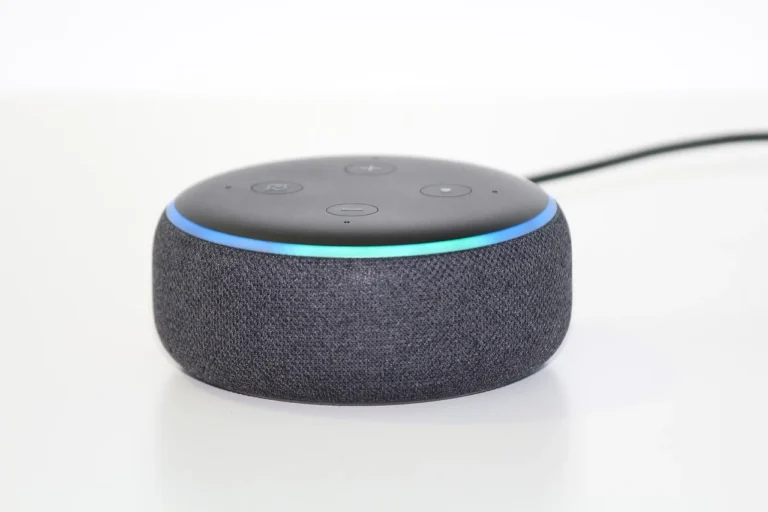
Alexa is usually the cheaper way in. A budget speaker can start the system in one room, then you can add more devices as needed.
HomeKit tends to ask for a hub first, which raises the start cost before you buy accessories. That matters if you are building room by room.
Device breadth
Alexa has the widest device support, and competitors often cite around 100,000+ devices. That breadth matters when you want to choose from a wide range of bulbs, plugs, sensors, and cameras without narrowing the cart to one ecosystem.
HomeKit historically supported the fewest devices, though Matter narrows the gap. The gap is still real in the physical world, especially when you want a niche accessory or a cheap add-on from a brand that never bothered with Apple certification.
Automation depth
Alexa Routines are the stronger consumer automation tool. They can chain multiple actions, include waits, and use more conditional logic than many casual users expect from a voice-first system.
HomeKit automations are fine for lights, scenes, and Apple-friendly triggers. They are often enough for a smaller house, but they are less flexible when you want to build many layered routines.
Hub requirements
Apple HomeKit usually needs a HomePod or Apple TV for remote access and automations in the Apple Home architecture. The HomePod mini is the common entry point, and Apple lists it at $99.
Apple TV 4K is the other common hub path. A Thread-capable model adds value if you plan to use supported Matter accessories that can benefit from the Thread mesh.
Which ecosystem fits your household?
The right answer depends less on the brand and more on the house. Phone mix, room count, and who needs to control the system should drive the decision.
All-iPhone home
Choose Apple HomeKit if every main user already uses iPhone and you want tighter camera handling, local processing, and a more Apple-native setup. The payoff is strongest when the home will stay inside Apple’s orbit for a while.
Mixed Apple and Android home
Choose Alexa if the house has both iPhone and Android users. It is easier to share, easier to expand, and less likely to create control friction for the person who does not use Apple devices.
Rental setup
Choose Alexa for most rentals unless privacy is the top concern. Budget speakers, simple plug-and-play accessories, and easier room-by-room expansion make it a good fit when you may move before building a full system.
Security-first home
Choose Apple HomeKit if cameras and privacy matter most. HomeKit Secure Video and local processing make more sense when you want camera handling to stay tighter and more Apple-controlled.
Budget-first starter home
Choose Alexa if your main goal is to start cheap and expand later. An Echo Pop or Echo Dot can cover the first room at low cost, which helps when you are adding devices gradually.
Compatibility, matter, and thread
Matter can reduce lock-in, but it does not remove it entirely. Matter can help more devices work across Apple Home, Alexa, and Google Home, yet advanced features may not always transfer cleanly from one ecosystem to another.
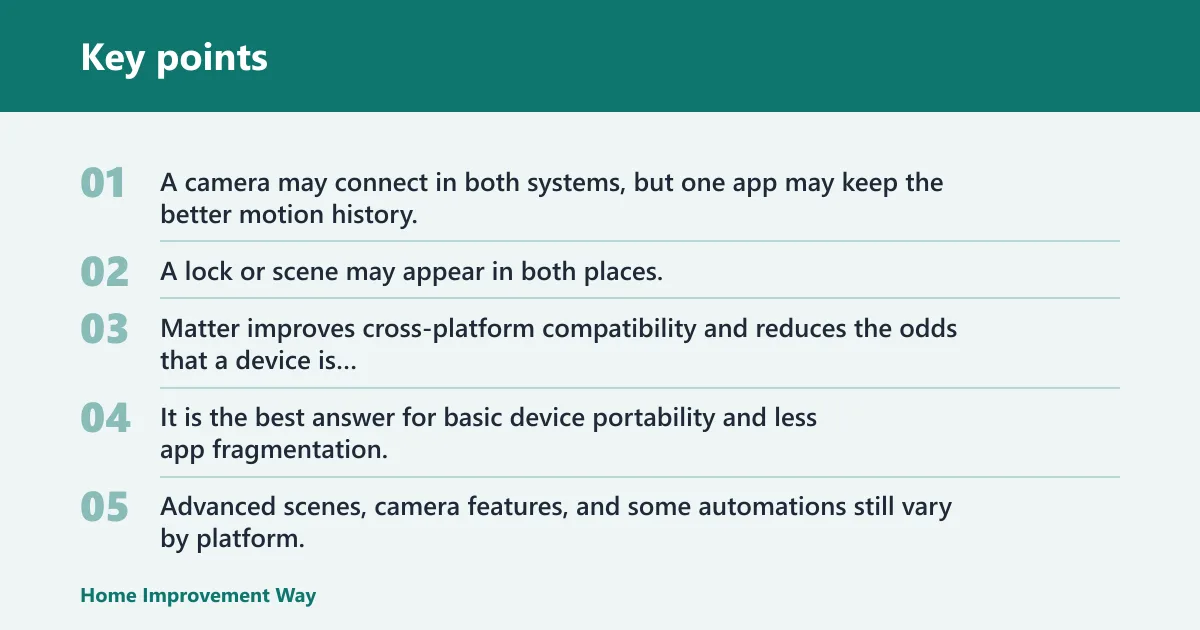
That matters in real homes. A camera may connect in both systems, but one app may keep the better motion history, automations, or privacy controls. A lock or scene may appear in both places, but not every vendor-specific setting follows along.
What Matter fixes
Matter improves cross-platform compatibility and reduces the odds that a device is trapped in one app forever. It is the best answer for basic device portability and less app fragmentation.
What still does not transfer cleanly
Advanced scenes, camera features, and some automations still vary by platform. That is why a Matter logo should not be treated as a full escape hatch from ecosystem differences.
How Thread improves reliability
Thread is a mesh networking standard used with some Matter accessories. In Apple Home, Thread-capable accessories can become more reliable when they have a Thread-capable hub nearby, because the mesh keeps traffic local and responsive. (Wikipedia)
Apple Home needs a Thread-capable hub for supported devices, which is where Apple TV 4K and HomePod mini matter. In a larger house, that can improve response time in rooms that sit far from the Wi-Fi router.
When Apple needs a hub
Apple HomeKit is not a hub-free setup. If you want remote access, automations, and full Apple Home behavior, plan on a HomePod mini or Apple TV 4K as part of the bill.
Which is more private?
Apple HomeKit is more private than Alexa in practical home use. The difference is clearest with cameras, local processing, and how much of the system depends on cloud services and voice history.
HomeKit Secure Video
HomeKit Secure Video is Apple’s clear advantage for camera handling. It uses end-to-end encrypted camera handling and local processing through a HomePod or Apple TV, which is why privacy-focused buyers often start there.
Local processing versus cloud dependence
Local processing keeps more activity inside the home network, which can reduce dependence on remote servers. Alexa still works well, but its cloud dependence creates more exposure in day-to-day voice and routine use.
Voice history and account data
Voice history matters more in Alexa because the system is built around cloud-managed voice use. If your household is comfortable with that tradeoff, Alexa can still be the right fit; if not, HomeKit is the cleaner match.
Practical privacy tradeoffs
Privacy is not a single switch. If you want the strongest privacy posture, HomeKit is the better choice. If you want broader compatibility and cheaper entry, Alexa asks for more comfort with cloud processing.
Entry cost and hub requirements
Entry cost is one of the biggest hidden differences between these ecosystems. It is not just the speaker or app, it is the hub, the camera path, and the accessories you may need later.
HomePod mini and Apple TV 4K
HomePod mini is the common Apple hub entry device and is listed at $99. Apple TV 4K is the other hub path, and a Thread-capable 3rd generation model can help with supported accessories.
Echo Pop and Echo Dot
Alexa starts cheaper. The Echo Pop is the lowest-cost entry point in competitor content at about $25, and the Echo Dot is a common budget starter speaker for bedrooms and small rooms.
Hidden costs to watch
Hidden costs show up when you need extra speakers, a camera that works well in the chosen app, or a hub in more than one part of the house. A two-story home can need more than one node or speaker to keep control easy everywhere.
Room-by-room starter plans
- For one room, start with Alexa and a budget speaker if cost is the main concern.
- For a camera-heavy main floor, start with HomeKit if privacy is the main concern.
- For a large house, plan hub placement before buying accessories so the network design matches the room count.
Choose Apple HomeKit if… / Choose Alexa if…
Choose Apple HomeKit if your house is mostly iPhone, your cameras matter, and you want a privacy-first setup with app-led control. Choose Alexa if your home has mixed phones, you want the broadest device support, or you want the cheapest path into voice control and room-by-room expansion.
Choose Apple HomeKit if…
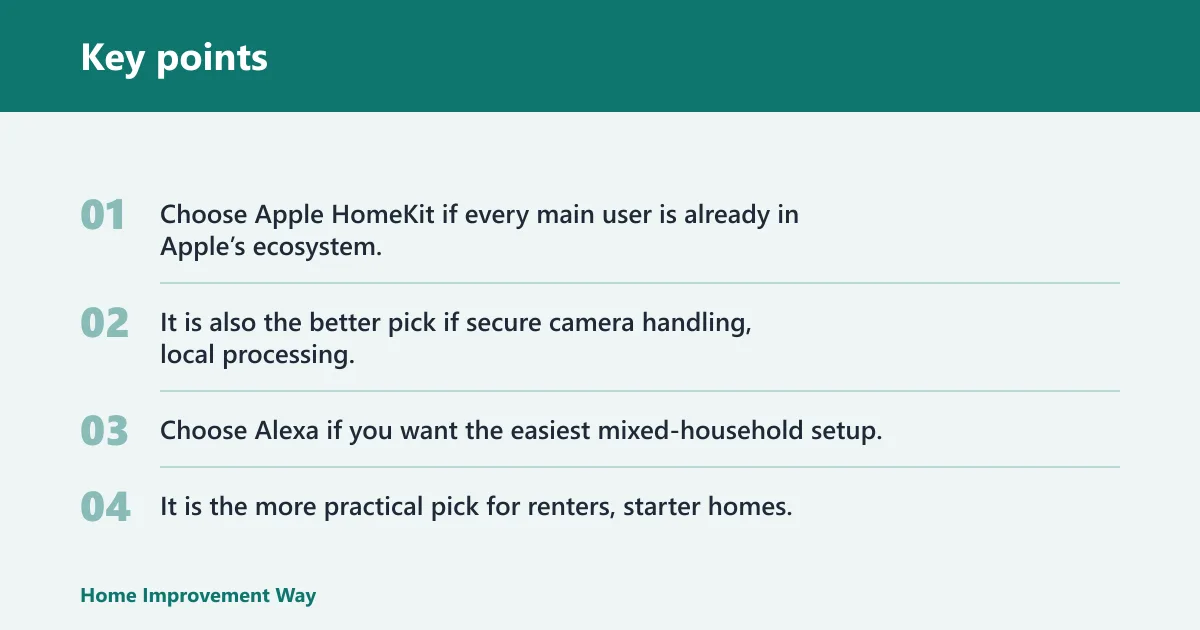
Choose Apple HomeKit if every main user is already in Apple’s ecosystem. It is also the better pick if secure camera handling, local processing, and a cleaner privacy story matter more than the widest device catalog.
Choose Alexa if…
Choose Alexa if you want the easiest mixed-household setup, the broadest accessory choice, and stronger routines. It is the more practical pick for renters, starter homes, and anyone who wants to add rooms without paying for Apple hub hardware first.


Frequently asked questions
Apple HomeKit vs Alexa: which ecosystem is better for my house?
The better fit depends on the house itself. Apple HomeKit is better for all-iPhone homes and privacy-focused camera setups. Alexa is better for mixed-phone households, cheaper startup, and broad device choice across more rooms.
Is Alexa better than HomeKit for smart home devices?
Alexa is better if you care most about device variety and easy expansion. It has the widest device support and broader third-party integrations, while HomeKit keeps a smaller certified catalog and asks more of Apple users at the start.
Which is more private, Apple HomeKit or Alexa?
Apple HomeKit is more private. Its advantage comes from HomeKit Secure Video, local processing through Apple hubs, and a tighter privacy posture overall. Alexa is more cloud-dependent, so voice history and account data matter more.
Do Apple HomeKit devices work with Alexa?
Some devices work with both, but not always with the same features. Matter helps bridge the gap, yet advanced scenes, camera functions, and some automations do not transfer equally between Apple HomeKit and Alexa.
Do I need a HomePod or Echo to use these ecosystems?
For Apple HomeKit, a HomePod mini or Apple TV is the practical hub path for remote access and automations. Alexa can start with an Echo speaker, and budget models like Echo Pop or Echo Dot make the first step cheaper.
Which ecosystem is cheaper to start with, Alexa or HomeKit?
Alexa is cheaper to start with. A low-cost Echo speaker can get a room online quickly, while Apple HomeKit usually needs a HomePod mini or Apple TV before you reach the full Apple Home experience.
Sponsored / affiliate links. As an Amazon Associate I earn from qualifying purchases. I may earn additional commission from eligible campaigns.