Amazon Alexa vs Google Home for Smart Devices
Choose Amazon Alexa if your smart devices already lean toward Ring, Fire TV, and many third-party hubs. Choose Google Home for smart devices if your home leans toward Nest, Android, and Google services. Pick the wrong platform and you can spend hours re-pairing devices, rebuilding routines, and losing features that should have worked from the start.
| Decision factor | Amazon Alexa | Google Home for smart devices | Winner |
|---|---|---|---|
| Compatible devices | Alexa is supported on more than 100,000 different devices, and some sources put it at 140,000+. | Google says its assistant works with over 50,000 smart home devices; some sources also describe it as 50,000+. | Amazon Alexa |
| Native ecosystem fit | Strong with Ring, Blink, and Fire TV. Prime shoppers also get useful shopping and package tracking hooks. | Strong with Nest, Chromecast, Android, and Google services. | Tie |
| Voice control and queries | Good for commands and routines, plus custom skills and broad device support. | Good natural language handling, especially for multiple commands in one sentence. | Google Home for smart devices |
| Setup and migration friction | Re-pairing, room setup, routines, and linked services all need to be rebuilt if you switch away. | Re-pairing, room setup, routines, and linked services also need to be rebuilt if you switch away. | Tie |
What each platform does well before you buy anything
Alexa has the wider device catalog. Google Home handles language better. If you want the fewest dead ends with older gear, Alexa usually fits better; if your house already runs on Nest and Android, Google Home tends to feel more natural.
Compatible devices
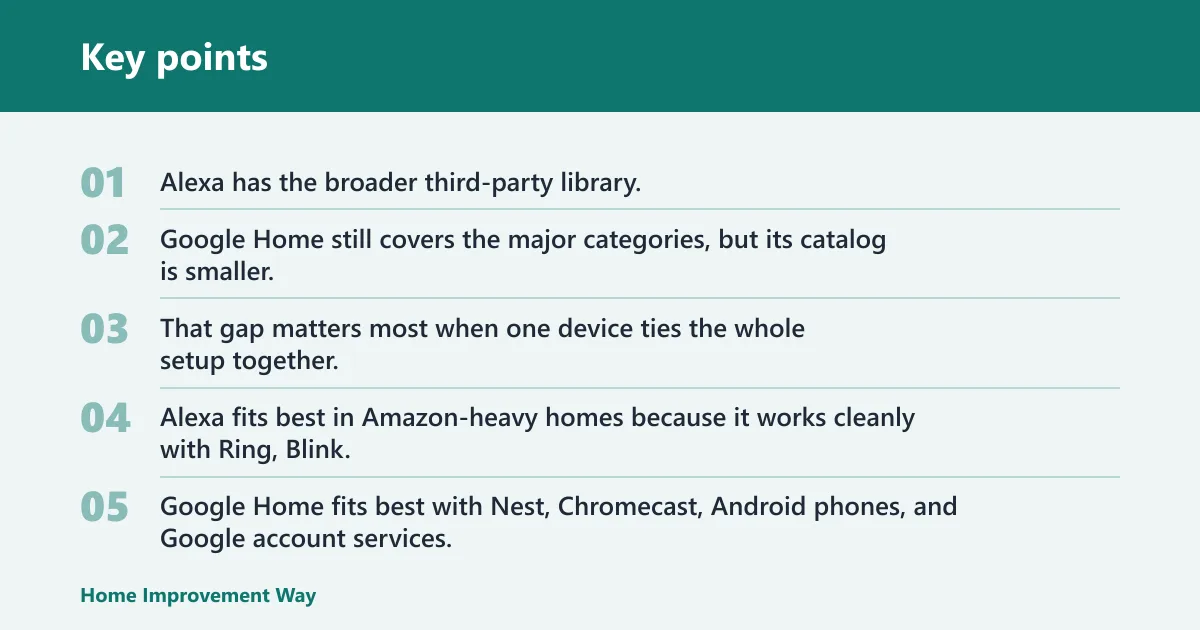
Alexa has the broader third-party library, and that matters most when you already own oddball hubs, older accessories, or a mix of brands. Google Home still covers the major categories, but its catalog is smaller. That gap matters most when one device ties the whole setup together.
Native ecosystem fit
Alexa fits best in Amazon-heavy homes because it works cleanly with Ring, Blink, and Fire TV. Google Home fits best with Nest, Chromecast, Android phones, and Google account services. If your devices already point in one direction, the better platform is usually the one that needs the least translation.
Voice control
Google Home has the edge when you speak in full sentences or stack commands together. Good Housekeeping has said Google handles multiple commands in one sentence better, while Alexa is stronger for third-party smart home integrations. That means Google often feels more conversational, while Alexa often feels more forgiving across mixed hardware.
Setup and migration friction
Switching ecosystems is not a simple app swap. You usually need to re-pair devices, rebuild rooms and groups, recreate routines, and reconnect service-linked gear such as cameras, doorbells, and streaming devices. The more automations you already have, the more the move feels like a reset.
Say your apartment has six smart plugs, two bulbs, and a Nest Thermostat. Moving from Google Home to Alexa may keep the plugs and bulbs working through Matter or shared cloud support, but the thermostat, rooms, and routines still need attention. The less native the device is to the new platform, the more manual cleanup you get.
Smart device compatibility table
| Device category | Amazon Alexa | Google Home for smart devices | Switching cost |
|---|---|---|---|
| Lights | Mixed support; many brands work through Alexa skills or Matter. | Mixed support; many brands work through Google Home or Matter. | Usually re-link the bulb brand, then rebuild rooms and scenes. |
| Plugs | Mixed support, often straightforward with common brands. | Mixed support, often straightforward with common brands. | Usually re-pair, then redo room placement and automations. |
| Thermostats | Mixed support; many third-party models work, but native fit varies. | Google-native for Nest Thermostat, with energy history shown in the Google Home app. | Thermostat linking, schedules, and temperature routines often need a rebuild. |
| Cameras | Alexa-native for Ring and Blink. | Mixed support; many brands work, but Nest devices have the deepest fit. | Camera feeds, motion alerts, and voice announcements may need new permissions. |
| Doorbells | Alexa-native for Ring doorbells, including live feeds on Echo Show displays. | Mixed support; some brands work, but Nest doorbells fit Google Home better. | Live view, chime behavior, and motion routines often need reconfiguration. |
| Displays | Echo Show family, including Echo Show 5, 8, and 15. | Nest Hub family, including Nest Hub 2nd Gen and Nest Hub Max. | Wrist-deep reset: sign-in, calendars, photo settings, and camera permissions. |
| Speakers | Echo speakers are widely supported and common. | Nest Audio and Nest Mini are common Google options. | Low switching cost if you only use voice, higher if the speaker anchors routines. |
Lights and plugs
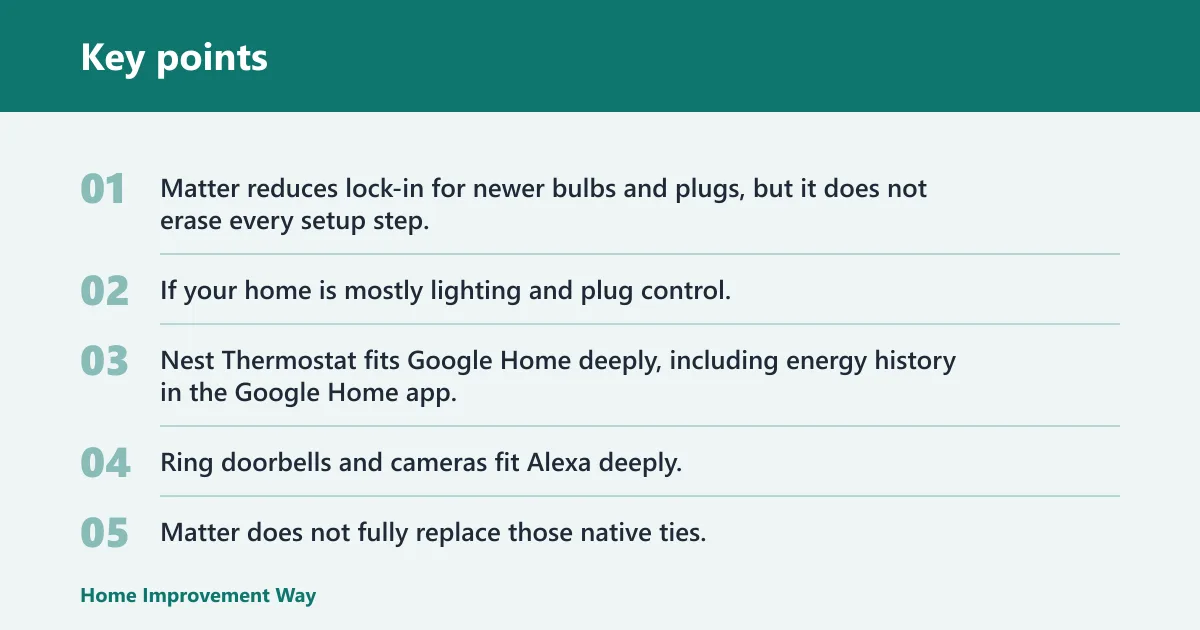
For basic control, both platforms are fine. Matter reduces lock-in for newer bulbs and plugs, but it does not erase every setup step, and cloud features can still differ by brand. If your home is mostly lighting and plug control, this category is the least risky place to switch.
Thermostats, cameras, and doorbells
This is where native support matters most. Nest Thermostat fits Google Home deeply, including energy history in the Google Home app. Ring doorbells and cameras fit Alexa deeply, and live feeds can appear on Echo Show devices. Matter does not fully replace those native ties.
Displays and speakers
Echo Show is Amazon’s smart display line, with camera-enabled models for video calls and camera feeds, and sizes such as Echo Show 5, 8, and 15. Google’s Nest Hub line includes privacy-first variants without a camera, and Nest Hub 2nd Gen is commonly presented as a 7-inch display with sleep tracking via radar. Nest Hub Max is commonly presented as a 10-inch display.
Amazon’s Echo Show 15 is often the best Alexa display for most rooms because the 15.6-inch wall-mountable format works as a dashboard. Google’s Nest Hub line is often easier to place in bedrooms and kitchens if you want a simpler screen with less camera exposure. Ad-heavy home screens are annoying on either platform, especially if you want a quiet wall display rather than a sales surface.
Which platform works with more smart devices?
Amazon Alexa works with more smart devices overall. It is supported on more than 100,000 different devices, while Google says its assistant works with over 50,000 smart home devices. Some sources claim Alexa controls 140,000+ compatible devices, which is roughly 3x Google Home’s catalog.
Alexa-native devices and third-party support
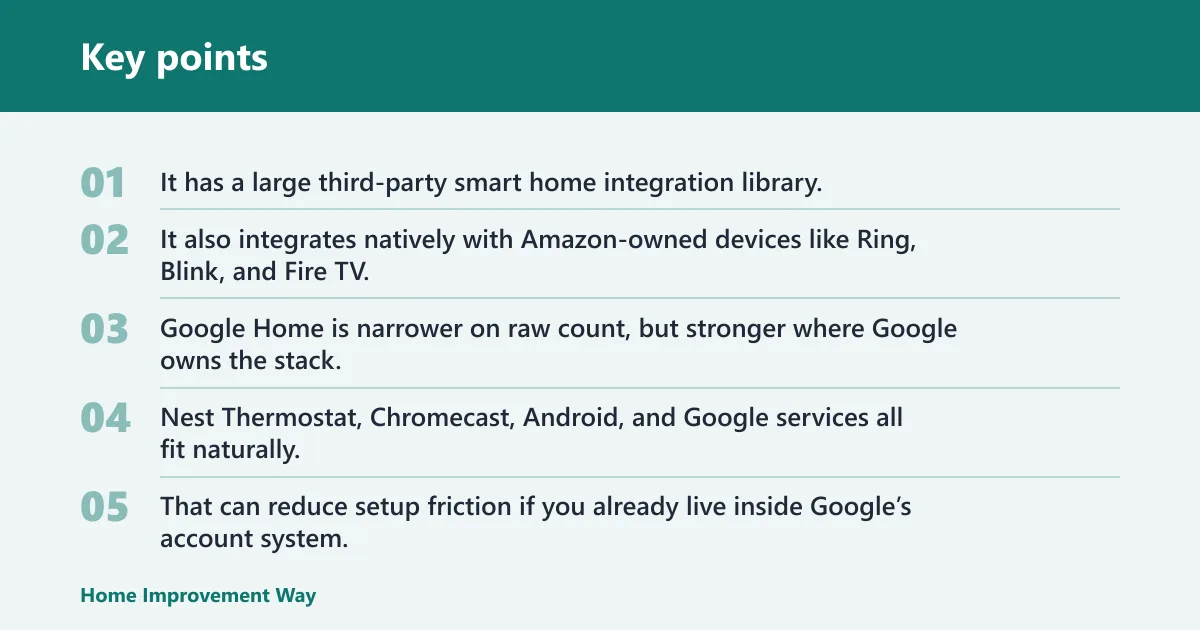
Alexa’s advantage is breadth. It has a large third-party smart home integration library, and that makes it the safer choice if your devices come from different brands or older product lines. It also integrates natively with Amazon-owned devices like Ring, Blink, and Fire TV.
Google-native devices and Google services
Google Home is narrower on raw count, but stronger where Google owns the stack. Nest Thermostat, Chromecast, Android, and Google services all fit naturally. That can reduce setup friction if you already live inside Google’s account system.
Where Matter helps and where it falls short
Matter is a cross-platform smart home standard, and it is commonly supported by major platforms such as Alexa and Google Home. It helps reduce ecosystem lock-in for modern gear, especially for bulbs, plugs, locks, and other new devices that advertise Matter on the box. It does not replace native integrations for every camera, doorbell, or thermostat feature.
A common first-timer mistake is treating Matter as a full replacement for platform support. A Matter bulb may move easily between ecosystems, but a Ring doorbell on Alexa or a Nest Thermostat on Google can still lose convenience features if you switch the whole home over.
How do setup and daily use compare?
Alexa and Google Home both ask for account linking, room setup, and device discovery, but the day-to-day feel is different. Alexa often feels broader and more tolerant of mixed devices. Google Home often feels more natural when you ask a detailed question or speak in a single sentence with several actions.
Account linking, room setup, and app flow
Neither platform is friction-free. The setup path is easiest when your devices already belong to that ecosystem. If not, you may spend more time jumping between manufacturer apps, signing in again, and assigning devices to rooms one by one.
Voice recognition and natural-language queries
Google’s strength is understanding how people actually speak. That matters in homes where one command turns into another, such as “turn off the kitchen lights, set the thermostat to about 68, and play the news.” Alexa handles voice control well, but Google usually sounds more natural for compound requests.
Household friction in noisy or multilingual homes
Noisy homes expose weak voice recognition fast. Google’s language handling can help when family members phrase commands differently, while Alexa’s wider device support can help when the home contains more brands than one ecosystem was built to manage. In multilingual homes, the better pick is usually the one whose language support fits the household’s main command language, not the brand with the longest feature list.
Routines, automations, and voice control
Alexa routines and custom skills give it a strong automation toolkit, especially for cross-brand homes. Google Home automations are easier to read and often easier to set up for simple scenes. If your goal is one-tap control and basic schedules, both work; if your goal is layered triggers and lots of device types, Alexa often gives you more room.
Alexa routines and custom skills
Alexa supports routines and custom skills, which can make it useful when a third-party device needs extra logic or a special bridge. That matters for homes with Ring cameras, Fire TV devices, and a mix of unrelated accessories. It is often the better fit when the smart home is large and a little messy.
Google Home automations
Google Home supports routines and automations too, and they are often cleaner for simple household patterns. That makes it a good fit for a family that wants “good morning,” “movie time,” or “bedtime” scenes without a lot of branching logic. The trade-off is less breadth for oddball gear.
Simple control versus layered control
If you mostly want simple voice control, both platforms can do the job. If you want layered control across many brands, Alexa tends to be easier to expand. If you want the best plain-language interaction, Google Home is usually the better feel.
Choose Amazon Alexa if… / Choose Google Home for smart devices if…
Choose Amazon Alexa if your home already includes Ring, Blink, Fire TV, Echo speakers, or Echo Show displays. Choose Alexa if you want the broadest third-party device support and expect to add more mixed-brand gear over time. Choose Alexa if Amazon Prime shopping and package tracking are part of your smart home use.
Choose Google Home for smart devices if your home already centers on Nest Thermostat, Nest Hub, Chromecast, Android phones, and Google services. Choose Google if you care most about natural-sounding voice control, especially for multi-part commands. Choose Google if you want a cleaner fit for a Google-heavy house and you are less concerned about the absolute largest device catalog.
Choose either platform with caution if your home is a patchwork of old devices, rented gear, and brand-specific cameras. In that case, the winning move is the platform that leaves the fewest native features behind when you move.
Can you use Alexa and Google home together?
Yes, but not as one unified system. A mixed setup can work when some rooms rely on Alexa-native devices such as Ring and Fire TV while others use Google-native devices such as Nest Thermostat or Chromecast. What does not transfer cleanly is the automation layer, so you usually end up managing two control planes.
What works in a mixed ecosystem
You can keep both assistants in the same house, assign different rooms or tasks to each, and use Matter devices across both where supported. That can make sense in a larger home, or in a home that already owns both Amazon and Google gear.
What does not transfer cleanly?
Routines do not carry over neatly, and service-linked devices often need fresh permissions. Doorbell live views, thermostat history, and speaker groups usually need separate setup. If you try to split one home between the two platforms without a plan, you can end up repeating work twice.
Frequently asked questions
Google home vs alexa
Alexa usually wins on device breadth, while Google Home usually wins on natural language control. If you already own Ring, Blink, Fire TV, or many third-party devices, Alexa is the safer fit. If you already own Nest, Android, or Chromecast gear, Google Home is the better match.
Google vs alexa smart home
For a smart home built from mixed brands, Alexa is often easier because it supports more devices. For a Google-heavy home, Google Home often feels simpler because Nest and Android fit naturally. The best answer depends on what you already own, not on feature count alone.
Difference between alexa and google home
The main difference is not voice alone. Alexa has broader third-party support and strong Amazon device ties. Google Home has stronger natural-language handling and tighter integration with Nest, Android, Chromecast, and Google services.
Which is better for Ring vs Nest devices?
For Ring devices, Alexa is the better choice because Ring is Amazon-owned and works natively with Echo Show displays for live feeds. For Nest devices, Google Home is the better choice because Nest Thermostat and other Nest gear fit deeply into Google Home. Pick the platform that matches the brand already on your wall.
What matters more: device compatibility or AI voice control?
Device compatibility matters more if your home already has several smart devices, because the wrong platform can force re-pairing and feature loss. AI voice control matters more if your setup is simple and you care about phrasing, search-like questions, and multi-command sentences. For most homes, compatibility should come first.
Can I use Alexa and Google Home together in the same house?
Yes, but expect to manage two ecosystems. That works best when one assistant handles a room or device family that the other does not fit well. It is a practical choice for mixed-brand homes, not the cleanest path for a new setup.
Sponsored / affiliate links. As an Amazon Associate I earn from qualifying purchases. I may earn additional commission from eligible campaigns.