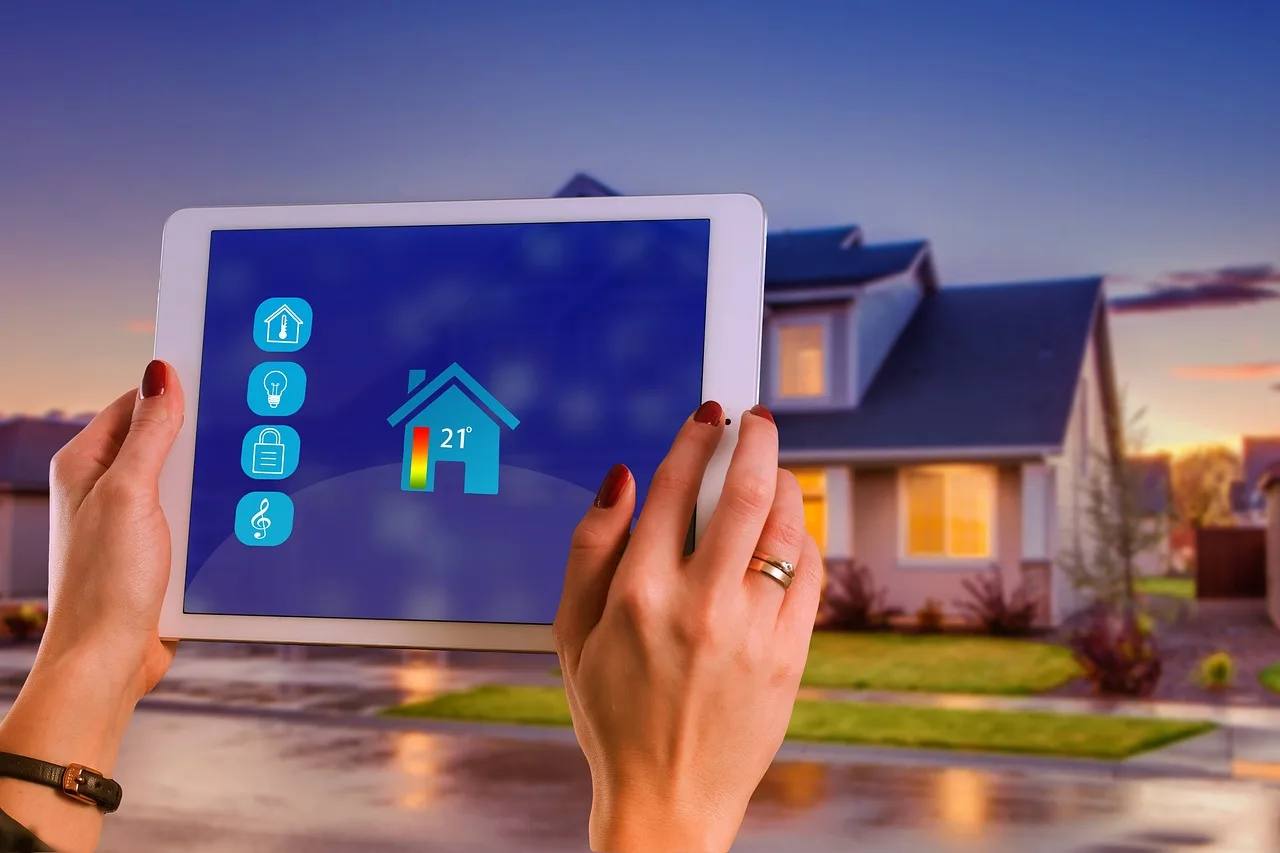
Smart Home Devices for Home Assistant: Best Starters
Start with smart plugs, contact sensors, and motion sensors; they are the easiest Home Assistant starters because they install fast, automate immediately, and tend to stay useful for years. Pick the wrong first devices and you end up with flaky automations, hub clutter, and money spent on gadgets you stop using. This guide ranks starter categories by setup effort, automation value, and long-term reliability, so you can choose the right first devices for Home Assistant.
This guide is part of our Smart home devices guide series.
Why Home Assistant changes device choice
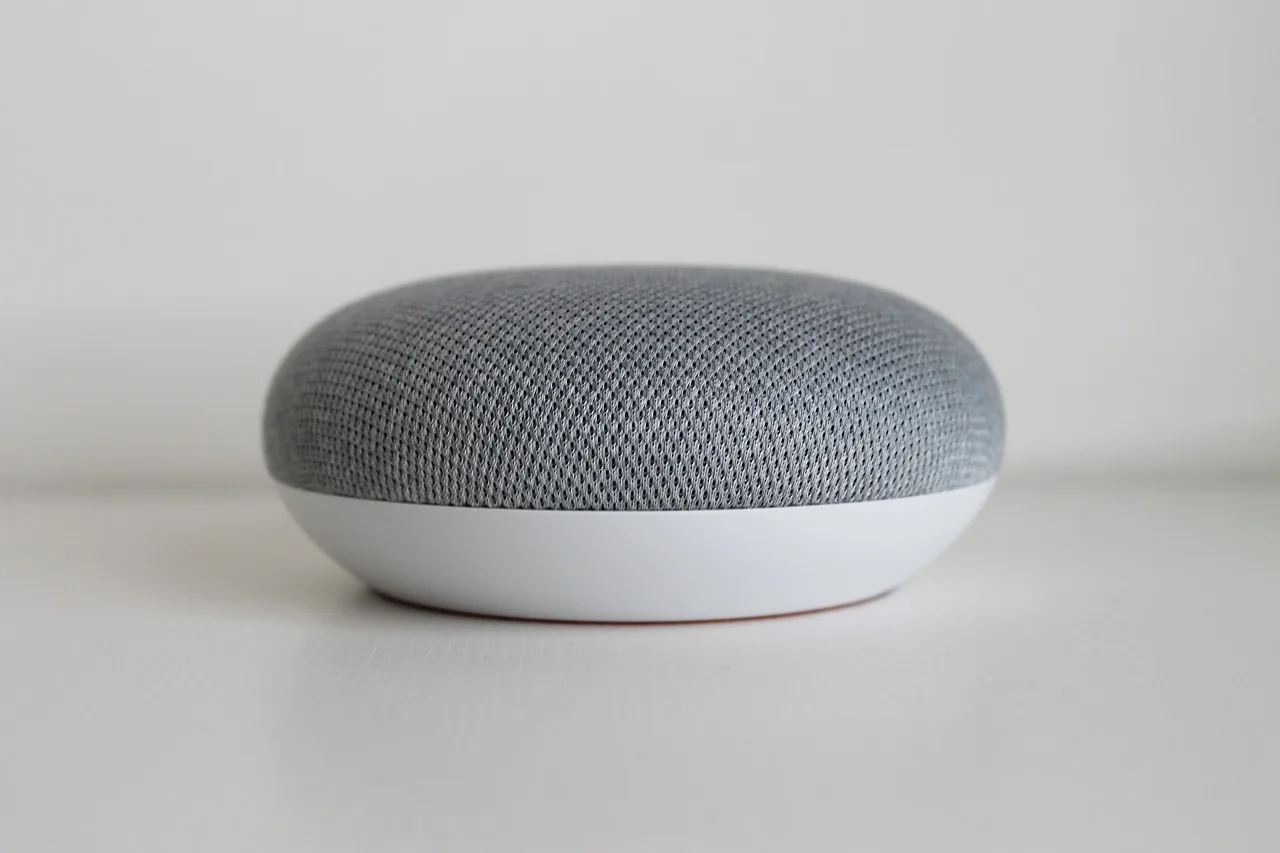


Home Assistant works best when the device choice matches local control, integration depth, and your home’s wiring and radio conditions. Cloud-tied gadgets can still work, but they add account dependence, outage risk, and more maintenance than devices that talk directly to Home Assistant through a supported integration.
Compatibility means more than “shows up in the app.” You want reliable state reporting, useful automations, and support for dashboards and scenes without extra vendor apps. A device that exposes only basic on/off control is simpler than one that needs a bridge, a cloud account, and custom rules just to stay online.
For starter buys, the best choice is the one that gives you a clear trigger or a clear load to control. That is why sensors and plugs usually beat flashy lighting or HVAC gear at the start.
Best starter categories, ranked
The best first categories are the ones that install quickly and create useful automations with little tuning. Smart plugs rank first for simplicity, motion and contact sensors rank first for automation triggers, and temperature and humidity sensors come next for room-level logic.
Smart plugs: easiest first buy
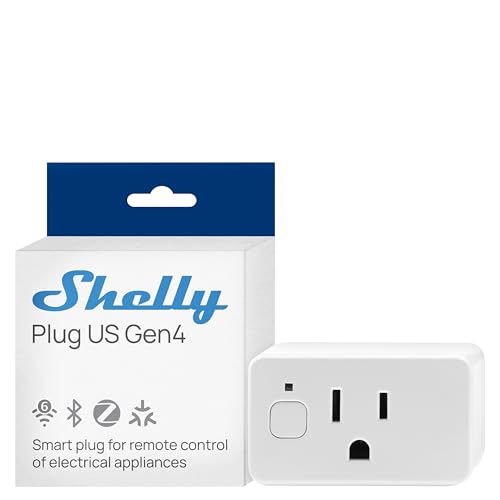
Smart plugs are the simplest path into Home Assistant because they do one thing well: switch a device on or off. Energy-monitoring versions add real value by showing load, standby draw, and run-time trends, which helps with appliances, fans, dehumidifiers, and other plug-in loads.
They are also highly compatible starter devices across Zigbee, Z-Wave, and some Wi-Fi ecosystems. The limits matter, though: do not put high-draw equipment on a plug unless the plug is rated for that load, and avoid anything that must stay powered during a power failure or outage reset.
Motion and contact sensors: best automation triggers
Motion sensors and door/window contact sensors are the fastest way to make Home Assistant feel automatic. Motion sensors can turn on lights, wake dashboards, or start presence-based routines, while contact sensors can trigger entry alerts, garage notifications, and “door left open” rules.
These are usually battery-powered, which keeps maintenance low, but placement matters. Motion sensors need a clear view of the area and can false-trigger near vents, pets, or heat sources. Contact sensors need accurate magnet alignment; a few millimeters off can make the open/close state unreliable.
Temperature and humidity sensors: best for room logic
Temperature and humidity sensors are the best starter category once you want automations based on room conditions instead of only presence. They work well for bathroom fan rules, dehumidifier control, nursery comfort alerts, and climate checks in rooms that run warmer or cooler than the rest of the house.
Placement is the part people get wrong. Keep them away from supply vents, windows, exterior walls, and direct sunlight. Sampling interval matters too: faster updates make the data more useful for automations, but they can shorten battery life on battery-powered models.
Lighting and thermostats: useful, but later
Smart bulbs are useful when you need dimming, color temperature changes, or color scenes, but they are not the best first buy for every room. Smart thermostats can save energy and improve comfort, yet they belong later because HVAC wiring, equipment compatibility, and integration caveats are easy to miss.
If you want reliable first wins, start with triggers and simple loads before moving into lighting scenes or HVAC control. Those later categories make more sense after your core mesh or Wi-Fi strategy is stable.
Starter device decision table
Use this table to compare starter categories by the factors that matter most in Home Assistant. The scores are on a 1-to-5 scale, with 5 indicating a better fit for that criterion. Install complexity scores lower when setup is easier; the other columns score higher when the category performs better.
| Category | Install complexity | Automation value | Reliability | Maintenance | Expansion potential |
|---|---|---|---|---|---|
| Smart plugs | 5 | 3 | 4 | 4 | 4 |
| Motion sensors | 4 | 5 | 4 | 4 | 5 |
| Door/window contact sensors | 4 | 5 | 5 | 4 | 5 |
| Temperature and humidity sensors | 4 | 4 | 4 | 4 | 5 |
| Smart bulbs | 3 | 4 | 3 | 3 | 3 |
| Smart thermostats | 2 | 5 | 4 | 3 | 4 |
Buy first: smart plugs for simple on/off control and one or two contact sensors for the doors you care about most. Buy second: motion sensors for rooms where occupancy matters, then temperature and humidity sensors for rooms with comfort or humidity problems. Buy later: bulbs and thermostats, once the basics are stable.
How to read the protocol notes: Zigbee tends to favor sensors and low-power devices, Z-Wave tends to favor range and dependable mesh behavior, and Wi-Fi tends to work best for a narrow set of plug-and-play cases rather than a whole-home starter plan.
Should you start with Zigbee, Z-Wave, or Wi-Fi?
For most beginners, Zigbee is the best first protocol path because it suits sensors, plugs, and other low-power devices that benefit from mesh behavior. Z-Wave is the better second path when you want stronger range and a very stable mesh. Wi-Fi makes sense for a few devices, not as a default strategy.
Zigbee first for sensors and low-power devices
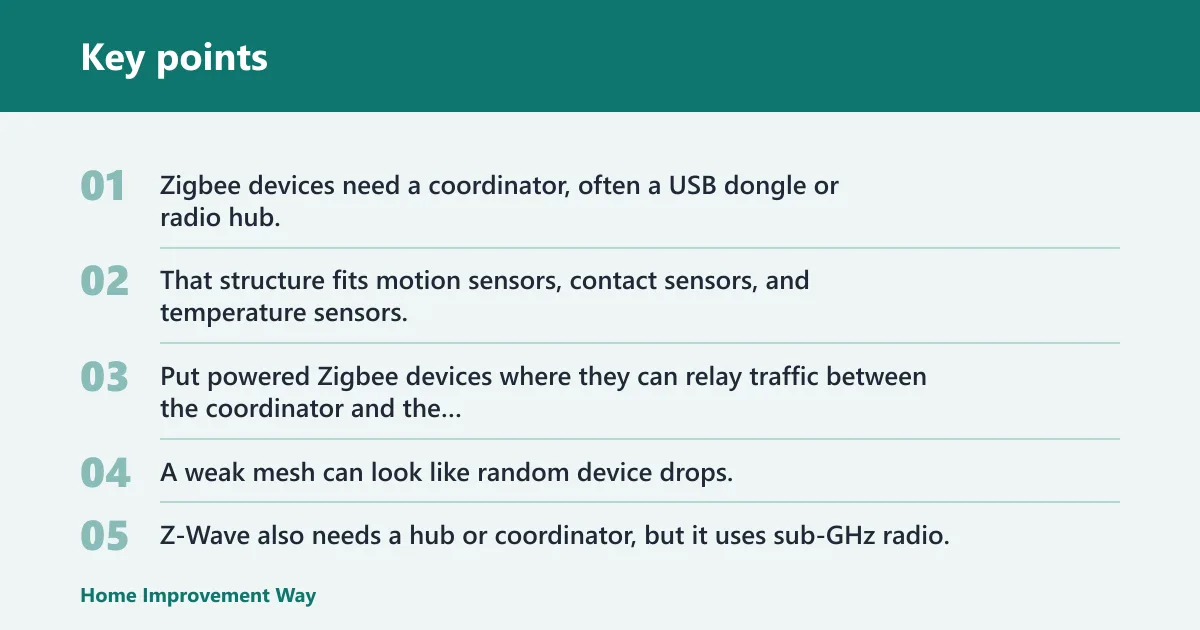
Zigbee devices need a coordinator, often a USB dongle or radio hub, and they commonly build a mesh network through powered devices. That structure fits motion sensors, contact sensors, and temperature sensors, which need long battery life and do not need raw bandwidth.
Placement matters from day one. Put powered Zigbee devices where they can relay traffic between the coordinator and the far rooms, and keep the coordinator away from noisy USB 3.0 ports and crowded radio gear when possible. A weak mesh can look like random device drops.
Z-Wave for range and mesh stability
Z-Wave also needs a hub or coordinator, but it uses sub-GHz radio, which often helps with range and wall penetration. That makes it a strong fit for switches, locks, sensors, and devices spread across a larger house or a place with difficult signal paths.
Z-Wave is often a little slower to fill out than Zigbee, but its mesh behavior is usually a selling point for reliability. If your priority is dependable coverage across floors, garages, or outbuildings, Z-Wave deserves serious consideration.
Wi-Fi for a narrow set of plug-and-play cases
Wi-Fi can be a good start for a few devices, especially when you want a simple plug with no separate radio hub. The tradeoff is that many Wi-Fi devices depend more on cloud accounts, vendor apps, and firmware updates, which can add maintenance and reduce local control.
If you choose Wi-Fi, keep the list short. Use it for devices that integrate cleanly with Home Assistant and do not create a separate app dependency for basic operation. A home full of Wi-Fi gadgets can become harder to manage than a mixed mesh with a coordinator.
What should you buy first for automation?
Start with the devices that create clear triggers and simple outputs in the rooms you use most. For a small apartment, a plug and a contact sensor may be enough. For a house with hallways and bedrooms, motion sensors and door sensors often beat lights as the first automation layer.
Say your hallway light stays on too long after a late-night trip to the kitchen. A motion sensor plus a smart bulb can solve that, but only if the bulb is on a reliable always-on circuit and the motion placement avoids false triggers from the kitchen fan or nearby windows.
Suppose your utility room runs damp after laundry cycles. A temperature and humidity sensor can start a fan or warn you when humidity stays high, while a smart plug can control a dehumidifier on a simple threshold. That is a strong first automation because it uses one room condition and one action.
First buy by room type
- Entryway: door/window contact sensor for open/close status and entry alerts.
- Hallway or stair: motion sensor for occupancy lighting.
- Living room: smart plug for lamps or media accessories, or a bulb if dimming matters more than switch control.
- Bathroom: humidity sensor for fan logic, with motion as a backup trigger.
- Laundry or utility room: smart plug plus temperature and humidity sensor.
First buy by budget
- Buy one smart plug and one sensor class that solves an obvious problem.
- Add a coordinator and a second device only after the first automation is stable.
- Expand room by room, not by brand by brand.
What to delay until the basics are stable
Delay full lighting retrofits, whole-home climate control, and any device that needs special wiring until your coordinator, mesh, and automations are working cleanly. That keeps troubleshooting simple and makes it easier to tell whether a problem is the device, the radio path, or the automation itself.
When bulbs are worse than switches
Smart bulbs are often a poor starter buy when the wall switch still controls the power. A bulb that loses power at the switch is not smart anymore, which makes the whole setup dependent on always-on power and good household habits.
Bulbs make sense when you want dimming, color temperature control, scene lighting, or accent lighting in lamps and fixtures that stay energized. They are weaker choices for shared ceiling fixtures in busy rooms, where a smart switch usually gives better reliability and less user confusion.
That tradeoff matters in Home Assistant because switching the load at the wall can break the automation path for a bulb. A smart switch keeps the fixture usable by everyone in the room, while the automation still has a reliable control point.
Coordinator hub basics
A Home Assistant coordinator hub is the radio bridge that lets Zigbee or Z-Wave devices join your system. It may be a USB dongle or a dedicated radio hub, and its placement can affect pairing success, mesh quality, and whether distant devices stay online.
Put the coordinator away from metal cases, crowded USB ports, Wi-Fi routers, and other radio noise when you can. A short USB extension cable is often useful because it moves the coordinator out of the computer’s interference zone and can improve reliability.
The coordinator choice also affects expansion. If you plan to build a sensor-heavy setup, pick a path with a strong mesh and a coordinator that matches the protocol you want to grow into.
Frequently asked questions
What smart home devices should I start with on Home Assistant?
Start with smart plugs, contact sensors, and motion sensors. Those categories install quickly, create useful automations right away, and stay relevant as your setup grows. They also help you learn the radio path, placement rules, and integration behavior before you move into lighting or HVAC.
Which device categories work best with Home Assistant first?
Motion sensors, contact sensors, and smart plugs usually work best first because they create clear automation triggers with low setup effort. Temperature and humidity sensors are next if you want room logic. Bulbs and thermostats are more useful later, after you know which rooms need deeper control.
Do I need Zigbee, Z-Wave, or Wi-Fi devices for home assistant?
You do not need all three. Zigbee is usually the best starter path for sensors and low-power devices. Z-Wave is a strong choice for range and mesh reliability. Wi-Fi is fine for a few simple devices, but a large Wi-Fi fleet can add cloud dependence and maintenance.
What is the easiest Home Assistant starter setup?
The easiest starter setup is a Home Assistant instance plus one coordinator and a small group of Zigbee or Z-Wave devices. A smart plug, a motion sensor, and a contact sensor are enough to build useful automations without wiring work. That gives you clear wins and low troubleshooting overhead.
Which smart home devices are the most reliable with Home Assistant?
For many homes, contact sensors and smart plugs are the most reliable starter devices because they have simple jobs and clear states. Z-Wave devices often perform well for range and mesh stability, while Zigbee sensor networks can be very reliable when the coordinator and powered repeaters are placed well.
What should I buy first for Home Assistant if I want automation?
Buy a coordinator, then one smart plug and one or two sensors that solve a real problem in your home. If your goal is lighting, begin with motion in a hallway or entry. If your goal is comfort or humidity control, begin with a room sensor before buying thermostats or bulbs.
Sponsored / affiliate links. As an Amazon Associate I earn from qualifying purchases. I may earn additional commission from eligible campaigns.