Matter vs Zigbee vs Z-Wave: Which to Choose?
Use Matter for new purchases if your hub and devices support it, and keep Zigbee or Z-Wave for gear that already works, especially battery sensors, switches, and older devices. Skipping the mix can leave you with split apps, broken automations, and a hub that cannot reach part of the house. This guide compares compatibility, radio behavior, hub options, and a practical migration path for mixed smart homes.
| Criteria | Matter | Zigbee | Z-Wave | Winner |
|---|---|---|---|---|
| New-home fit | Best default for new purchases when devices and controllers support it; Matter launched in 2022 and is built for cross-ecosystem control. | Good if you already know you want a hub-based low-power mesh and a deep device catalog. | Good for homes that prioritize locks and security devices, especially with existing Z-Wave gear. | Matter |
| Hub and border-router burden | Some devices work directly over Wi-Fi or Ethernet; Thread devices still need a border router. | Hub or coordinator required. | Hub required. | Matter |
| Low-power devices | Strong for Thread-based sensors, switches, and locks. | Strong for bulbs, sensors, plugs, and switches. | Strong for locks and security devices. | Mixed |
| Interference and range behavior | Wi-Fi versions depend on the home network; Thread improves low-power mesh behavior. | 2.4GHz can run into Wi-Fi congestion. | Sub-GHz tends to handle wall penetration and interference better. | Z-Wave |
What each smart home standard actually does
Matter is the default choice for new buys when you want one control layer across Apple Home, Google Home, Amazon Alexa, and SmartThings. Zigbee and Z-Wave still matter because they already handle two hard jobs well: low-power device life and local mesh control. The right choice is often mix, not replacement.
What each standard is in plain terms
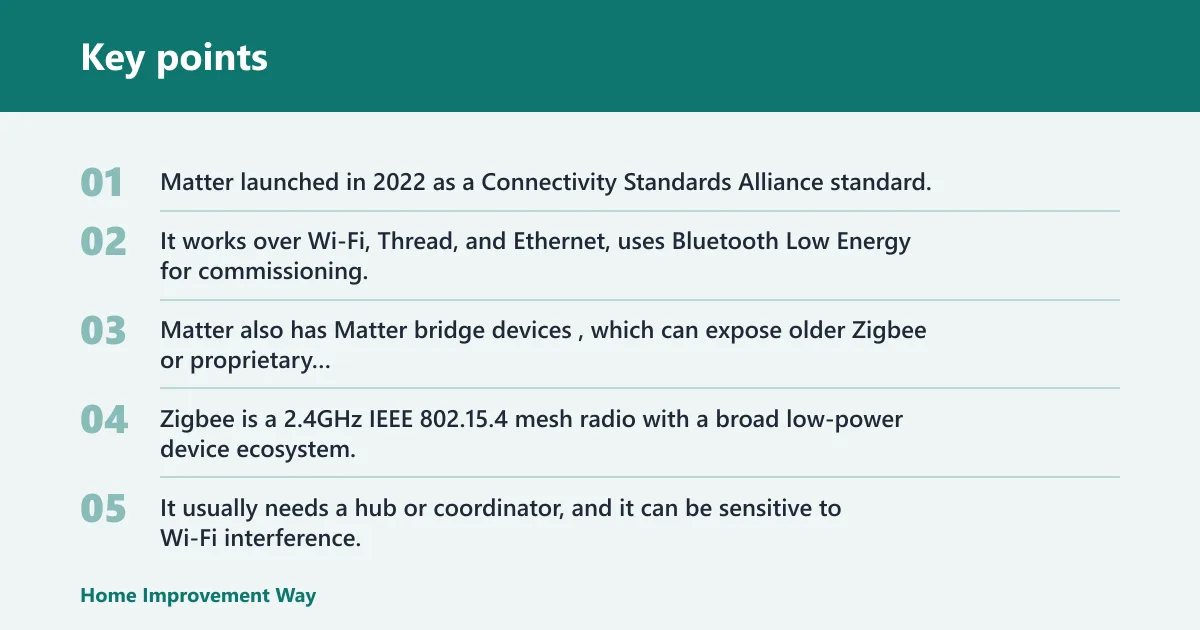
Matter launched in 2022 as a Connectivity Standards Alliance standard. It works over Wi-Fi, Thread, and Ethernet, uses Bluetooth Low Energy for commissioning, and supports multi-admin control across ecosystems. Matter also has Matter bridge devices, which can expose older Zigbee or proprietary gear to Matter controllers.
Zigbee is a 2.4GHz IEEE 802.15.4 mesh radio with a broad low-power device ecosystem. It usually needs a hub or coordinator, and it can be sensitive to Wi-Fi interference. Z-Wave is a sub-GHz mesh radio, around 908MHz in North America, with a mandatory hub and strong fit for locks and security devices. (Wikipedia)
How the choice affects a real home setup
The practical question is not which label looks newer. It is which radio survives the next router swap, hub move, or internet outage with the least disruption. A Matter thermostat on Wi-Fi may keep working if the controller app changes. A Zigbee motion sensor may keep automations local even if the internet drops, as long as the hub stays alive.
That same setup can fail in a different way. If you move from one ecosystem to another and your bulbs sit behind a proprietary bridge, you may need a bridge replacement, a hub transfer, or a full device swap. The cheapest future-proof move is often keeping the working low-power mesh and adding Matter only where it fits cleanly.
One-sentence comparison of hubs, border routers, and control
Zigbee and Z-Wave usually need a hub; Matter may not, but Thread devices still need a Thread border router, and the control app you choose still shapes which automations, assistants, and sharing features are available.
Which standard should I buy for this room/device?
| Room/device | Matter over Wi-Fi | Matter over Thread | Zigbee | Z-Wave |
|---|---|---|---|---|
| Bulbs | No hub for many models; reliability risk rises if too many always-on devices crowd Wi-Fi. Best when you want simple ecosystem control. | Needs a Thread border router; fewer bulbs today than Zigbee. Best for low-power lighting in a Matter-first home. | Usually needs a hub; risk is Wi-Fi interference on 2.4GHz. Best for large lighting groups and mixed dimmer/bulb setups. | Usually needs a hub; fewer bulb choices than Zigbee. Best only if your home already runs Z-Wave lighting. |
| Switches | May need no hub; good for wall switches that should join Apple, Google, Amazon, or SmartThings with less friction. | Needs a Thread border router; good for low-power wall controls. Best when you are standardizing on Matter. | Usually needs a hub; mature switch ecosystem. Risk comes from 2.4GHz congestion and hub migration. | Usually needs a hub; strong for whole-home wall controls. Best if locks and other Z-Wave devices are already present. |
| Locks | Good if the model is certified and your controller supports the feature set you need. Hub may still be needed through Thread. | Needs a Thread border router; good for battery life and local mesh. Best for Matter-first installs. | Usually needs a hub; can be solid, but Wi-Fi crowding can still affect the mesh. Best if your existing security devices are Zigbee. | Usually needs a hub; likely the safest fit for many lock and security setups because of sub-GHz behavior and wall penetration. |
| Sensors | Good for new sensors if the model uses Thread or a direct Matter path. Risk is higher on Wi-Fi for tiny battery devices. | Needs a Thread border router; strong fit for motion, contact, and leak sensors. | Usually needs a hub; common and proven for tiny sensors. Best for large sensor counts. | Usually needs a hub; strong battery life and good penetration. Best for distant sensors in larger homes. |
| Plugs | Good for simple control; no hub for many models. Risk rises if you place too many on congested Wi-Fi. | Needs a Thread border router; good if you want a low-power mesh without adding Wi-Fi load. | Usually needs a hub; very common. Best for repeating the mesh and anchoring nearby devices. | Usually needs a hub; fine for outlet control. Best when you want to stay on a Z-Wave mesh. |
| Thermostats | Usually the cleanest fit; often no extra hub if the thermostat speaks Matter over Wi-Fi. Best for ecosystem control and app portability. | Less common; needs a Thread border router. Best only if the model is specifically chosen for Matter-threaded homes. | Usually needs a hub; can work well, but model choice is narrower. Best for homes already using Zigbee. | Usually needs a hub; common in security-minded installs. Best if the thermostat sits inside a Z-Wave-centered system. |
| Cameras | Best fit among these choices because cameras need higher bandwidth and usually belong on Wi-Fi or Ethernet, not low-power mesh. | Not a good fit; Thread is for low-power devices, not cameras. | Not a good fit for cameras. | Not a good fit for cameras. |
Why that table resolves this way
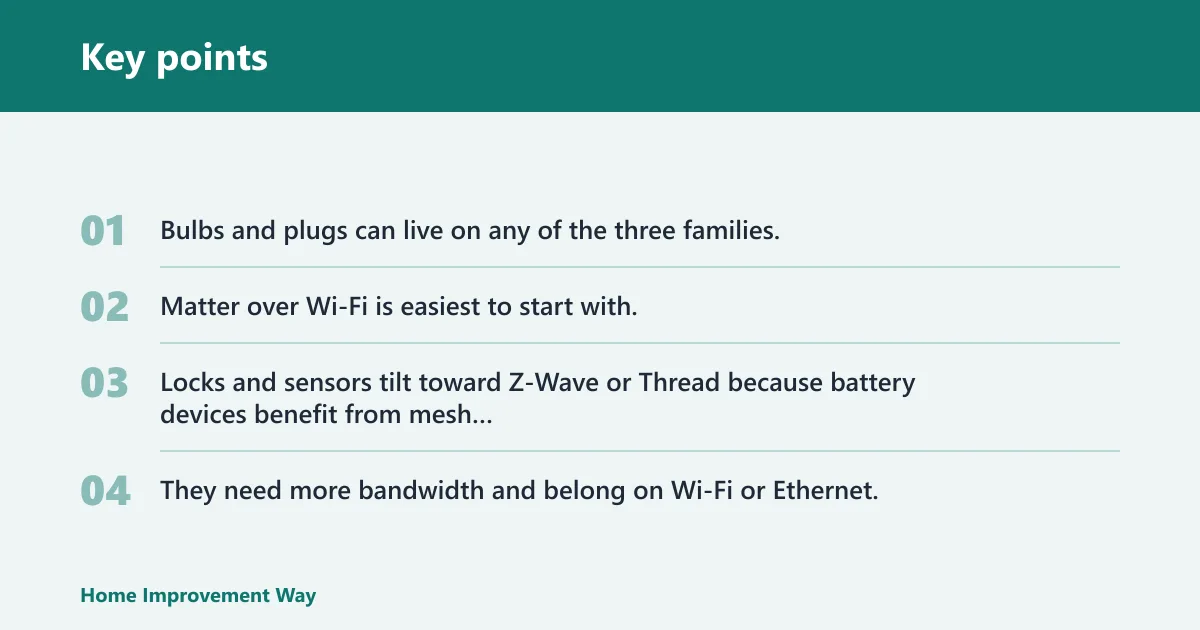
Bulbs and plugs can live on any of the three families, but Zigbee and Thread tend to keep low-power traffic off the main Wi-Fi network. Matter over Wi-Fi is easiest to start with, while Matter over Thread is the cleaner long-term path if you already have Thread border routers in place.
Locks and sensors tilt toward Z-Wave or Thread because battery devices benefit from mesh radios that do not depend on a crowded Wi-Fi band. Cameras are different. They need more bandwidth and belong on Wi-Fi or Ethernet, which makes Matter over Wi-Fi useful there, while Zigbee, Z-Wave, and Thread are poor fits.
Which standard fits your setup?
If you are starting from zero, choose Matter first for mainstream devices, then add Zigbee or Z-Wave only if a specific product category or controller gap forces the issue. If you already own a working hub and a stack of battery devices, keeping that mesh is often cheaper and safer than replacing everything at once.
New home with no devices yet
Start with Matter where possible. That gives you a single buying rule, better cross-ecosystem control, and less lock-in if you later switch from one assistant platform to another. Use Thread devices when you want low-power mesh behavior and have a border router available.
Existing home with Zigbee or Z-Wave devices already installed
Keep the working hub unless there is a clear reason to replace it. Rebuilding a stable Zigbee or Z-Wave mesh can mean replacing repeaters, re-adding devices, and redoing automations. Matter can still join the home as a front door for new purchases, while the old mesh keeps doing the work it already does well.
Mixed setup with one app ecosystem across several brands
Use Matter to reduce app sprawl, but do not force every legacy device through a rewrite. A Matter bridge can expose Zigbee or proprietary devices to a Matter controller, which helps one app see more of the house. That is useful when you want one front end without throwing away functional hardware.
How the networks differ
The biggest practical differences are radio band, mesh behavior, and what happens when the network around them changes. Zigbee lives at 2.4GHz and uses mesh topology. Z-Wave runs below Wi-Fi, around 908MHz in North America. Matter rides over Wi-Fi, Thread, or Ethernet, depending on the device.
Frequency and mesh behavior
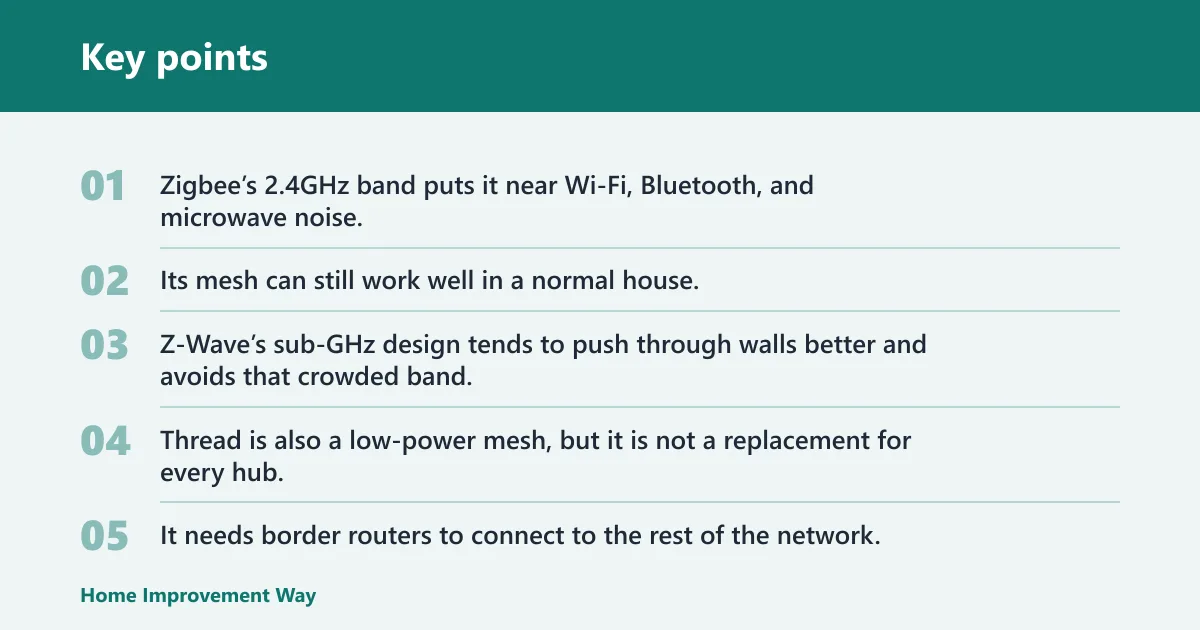
Zigbee’s 2.4GHz band puts it near Wi-Fi, Bluetooth, and microwave noise, so placement matters. Its mesh can still work well in a normal house, but congestion can show up as missed commands or slower retries. Z-Wave’s sub-GHz design tends to push through walls better and avoids that crowded band.
Thread is also a low-power mesh, but it is not a replacement for every hub. It needs border routers to connect to the rest of the network. Matter uses that Thread layer for some devices, while other Matter gear talks over Wi-Fi or Ethernet and skips the low-power mesh entirely.
Range, wall penetration, and interference
Z-Wave usually wins on wall penetration and reduced interference. Zigbee often wins on device variety and cost, especially for bulbs, sensors, plugs, and switches. Matter does not change physics; it changes how the device is exposed to controllers and how much vendor lock-in you carry.
A common first-timer mistake is buying a Thread sensor and forgetting the border router question. The sensor may be certified, but it still needs a Thread path into the network. The same mistake appears with Zigbee and Z-Wave devices when the home has no compatible hub.
Thread border routers and Zigbee or Z-Wave hubs
Thread border routers are the hidden piece many buyers miss. Apple Home supports Matter, and a HomePod mini or HomePod (2nd gen) can often serve as a Thread border router. Google Home supports Matter, and Nest Hub Max, Nest Hub (2nd gen), and Nest WiFi Pro can act as Thread border routers. Amazon Alexa supports Matter over Wi-Fi, and newer Echo hardware adds Thread border router functionality. Samsung SmartThings supports Thread and has early Matter Multi-Admin support.
Why Wi-Fi matters for cameras but not most sensors
Cameras are high-bandwidth devices. Wi-Fi or Ethernet is the practical home for them, and Matter over Wi-Fi fits that category better than any mesh radio. For sensors and battery switches, the goal is usually the opposite: low power, local control, and less load on the main Wi-Fi network.
Can Matter work with Zigbee and Z-Wave devices?
Yes, but usually through a bridge rather than native radio support. A Matter bridge exposes legacy devices to Matter controllers, so your app can see and control them through a Matter layer. The original Zigbee or Z-Wave radio still does the real device work behind the bridge.
What stays local to the old radio
The Zigbee or Z-Wave network does not disappear. Sensors still talk to the hub or coordinator. Locks still use the existing mesh. The bridge mainly changes the control surface, not the underlying radio path, so reliability still depends on the old network staying healthy.
What changes for app control and automations
With a bridge, you can often move device control into a Matter-capable app while keeping the old devices in place. That helps when one family member wants Apple Home and another uses Google Home, or when you want a single view across brands. It does not erase feature gaps, so advanced device functions may still live in the original app or hub.
Apple home, google home, alexa, and smartThings
Platform choice affects whether Matter feels simple or fragmented. The same device may be easy to add in one ecosystem and limited in another because of hub support, Thread border router hardware, or feature availability. Matter reduces friction, but it does not make every controller identical.
Apple Home and Thread border router hardware
Apple Home supports Matter, and HomePod mini or HomePod (2nd gen) can serve as Thread border routers. That makes Thread-based sensors and locks a practical fit if you already live in Apple’s ecosystem. Matter devices also help if you want to mix brands without breaking Home app control.
Google Home and compatible Nest or Wi-Fi hardware
Google Home supports Matter, and Nest Hub Max, Nest Hub (2nd gen), and Nest WiFi Pro can act as Thread border routers. That gives Google homes a practical path for Thread-based devices while keeping Wi-Fi Matter gear easy to add. It is a solid match for mixed-brand setups.
Amazon Alexa and Matter support limits
Amazon Alexa supports Matter over Wi-Fi, and newer Echo hardware adds Thread border router functionality. That works well for common new devices, but you still need to check which features a given Echo model exposes and whether the device needs Thread support or only Wi-Fi Matter support.
SmartThings and Multi-Admin support
Samsung SmartThings is notable for early Matter Multi-Admin support and strong automation logic. That makes it useful when you want one home to live across more than one platform. It is also one of the more practical places to mix Matter with existing Zigbee or Thread gear.
Choose Matter if… / Choose Zigbee or Z-Wave if…
Choose Matter if you are building a new home setup, buying mostly current-gen devices, or want the least painful path across Apple Home, Google Home, Alexa, and SmartThings. Choose Zigbee or Z-Wave if your existing devices already work, especially when you rely on battery sensors, locks, or a mature security hub.
Choose Matter if…
- You want new devices to work across multiple ecosystems with less brand lock-in.
- You are buying cameras, thermostats, and other mainstream devices that already ship with Matter support.
- You want a home that can shift controllers later without replacing every device.
- You already have the needed Thread border routers, or you are comfortable adding them.
Choose zigbee or Z-Wave if…
- You already own a stable hub and a large set of sensors or switches.
- You care more about keeping battery devices working than about moving everything to one new label.
- You have locks or security devices that already sit on Z-Wave and should stay there.
- You want the lowest-cost migration, which often means leaving the old mesh in place and adding Matter only for new purchases.
Frequently asked questions
What is the difference between Matter, Zigbee, and Z-Wave?
Matter is a cross-ecosystem control standard that can run over Wi-Fi, Thread, and Ethernet. Zigbee is a 2.4GHz mesh radio with a large low-power device ecosystem. Z-Wave is a sub-GHz mesh radio around 908MHz in North America. Matter aims at interoperability; Zigbee and Z-Wave focus on device networking.
Which smart home standard is best for a new home setup?
Matter is usually the best starting point for a new home because it reduces vendor lock-in and fits major ecosystems. That said, choose the radio that matches the device. Cameras belong on Wi-Fi. Battery sensors may be better on Thread or Z-Wave. The best plan is Matter first, with exceptions.
Do I need a hub for Matter, zigbee, or Z-Wave?
Zigbee and Z-Wave usually need a hub or coordinator. Matter may not need a hub for Wi-Fi or Ethernet devices, but Thread devices still need a border router. In practice, many homes still end up with a hub somewhere, even when Matter is the main standard.
Is Zigbee or Z-Wave more reliable for sensors and locks?
Z-Wave is often the safer pick for locks and security devices because its sub-GHz radio handles wall penetration and interference well. Zigbee remains strong for sensors and switches, especially in larger device ecosystems. Reliability still depends on hub quality, mesh placement, and whether your home has Wi-Fi congestion nearby.
Is Matter better than Zigbee for smart lighting?
Not always. Matter is the better default for new purchases, but Zigbee still has a deep lighting catalog and a long record in low-power bulbs and switches. If you already have a working Zigbee lighting mesh, keeping it can be smarter than swapping hardware only to say the system is newer.
Should I buy Matter devices or keep using Zigbee/Z-Wave?
Buy Matter for new devices when the feature set matches your needs and the platform support is there. Keep Zigbee or Z-Wave when the existing gear is stable, especially for sensors, locks, and whole-room automations. The lowest-risk path is usually a mixed home with a clear rule: Matter for new buys, old mesh for proven devices.
Sponsored / affiliate links. As an Amazon Associate I earn from qualifying purchases. I may earn additional commission from eligible campaigns.