Best USB-C Outlets for Charging Stations: Research Shows
For most charging stations, a USB-C wall outlet with about 30W per USB-C port is commonly enough for phones and tablets, and roughly 45W to 65W total output is a common target if you want one outlet to handle a laptop too. Low wattage slows charging, and shared stations get crowded fast when adapters and extra cords fill the space. This guide compares USB-C outlet options by wattage, port mix, and room use so you can match the right outlet to a nightstand, desk, kitchen, or family charging hub.
Quick comparison
| Product | Badge | Best for | Price | ||
|---|---|---|---|---|---|
 |
Leviton Decora 30W USB-C PD Wall Outlet, 15A TR ReceptacleLeviton | Our pick | 30W · 15A · USB-C PD outlet | $27.99
Price as of 25 Oct 2026
|
View |
 |
BESTTEN GaN 65W USB C Wall Outlet for Laptop, 3-Port USBBESTTEN | Budget pick | 65W · 15A · 3-port USB outlet | $27.99
Price as of 25 Oct 2026
|
View |
 |
ELEGRP 65W Ultra-Speed USB C Outlet Receptacle for Laptop,ELEGRP | Also great | 65W · 20A · dual USB-C outlet | $64.99
Price as of 25 Oct 2026
|
View |
 |
TOPGREENER USB Outlet Receptacle,36W Power Delivery WallTOPGREENER | Pair with it | 36W · 15A · 2-pack USB outlet | $34.15
Price as of 25 Oct 2026
|
View |
 |
Legrand adorne 65W USB Outlet Module, Dual USB-C Poweradorne | Upgrade pick | 65W · dual USB-C · module | $145.60
Price as of 25 Oct 2026
|
View |
The main trade-off is direct: lower-watt outlets work well for phones and earbuds, while higher-watt models fit better when a tablet or laptop may join the station. Port count matters too, because a second USB-C port helps only if the outlet can keep output at a useful level when both ports are active.
Also check the AC outlets. In a room where lamps, clocks, or a desktop monitor still need plugs, a USB-C receptacle that keeps two AC outlets available is more practical than a USB-only layout.
How we chose
The picks here are based on USB-C wattage, Power Delivery support, port mix, safety listing, and fit details that matter in a wall opening. That means looking at whether the output is shared or single-port, whether AC outlets remain available, and whether the wall plate is included or needs to be reused.
For in-wall products, UL certification or UL listing matters because the device is part of a permanent electrical circuit. Tamper-resistant shutters matter in homes with children, and wall-box depth matters because not every opening has the same amount of space behind the receptacle.
There is also a practical split between phone-first outlets and charging-station outlets. A phone-first model can fit a nightstand, while a higher-watt option makes more sense at a desk where tablets or laptops may show up.
 As an Amazon Associate we earn from qualifying purchases. Prices and availability are accurate as of the date shown and are subject to change.
Leviton T5635: best for compact phone charging
The Leviton T5635 suits a compact charging station where two USB-C ports are enough and you still want two standard AC outlets free. Its 30W combined output fits phones and earbuds, and the tamper-resistant shutters are useful in bedrooms, nurseries, and other family spaces.
What stands out is the balance of port mix and backup AC capacity. Leviton lists six color options, a UL-listed design, and a two-year warranty, so it is easier to match to a room than many plain white outlets.
The drawback is output ceiling. Thirty watts combined is fine for phone-centric stations, but it is not the right choice if you want one USB-C port to cover a laptop or if both USB-C ports need to charge demanding devices at full speed.
Where it fits best
Choose this one for a nightstand, hallway charging spot, or a kitchen counter where the main job is keeping phones topped up. It also works well when you want the receptacle to behave like a normal outlet with USB-C added, not a USB hub that replaces your AC plugs.
What to check before buying
- Confirm your box has room for an in-wall replacement receptacle.
- Check that you still need two AC outlets for lamps or small appliances.
- Match the finish to the existing decor, since color choice is part of the fit.
- Use it for phone and earbud charging, not laptop duty.
As an Amazon Associate we earn from qualifying purchases. Prices and availability are accurate as of the date shown and are subject to change.
TOPGREENER USB outlet receptacle: best for budget-minded tablet charging
The TOPGREENER model is the lower-cost path when you want USB-C Power Delivery in a familiar duplex outlet format. It pairs a 36W USB output with a 15A tamper-resistant receptacle, and the package includes a wall plate, which removes one extra part from the install list.
This is a sensible middle ground for a bedroom, guest room, or secondary desk where a phone or tablet is more likely than a laptop. The two-pack also makes it easier to outfit more than one room without buying two separate products at full retail one at a time.
The drawback is that this is not the strongest option for a laptop-heavy desk. The listing includes one USB-C Power Delivery port rather than a dual-USB-C layout, so the station is more limited if two USB-C devices are plugged in at once.
As an Amazon Associate we earn from qualifying purchases. Prices and availability are accurate as of the date shown and are subject to change.
ELEGRP 65W USB-C outlet: best for higher-wattage charging
The ELEGRP outlet is the strongest fit in this group for a desk that may need laptop charging. It has dual USB-C ports, 65W charging support, a 20A receptacle, a wall plate included, UL listing, and tamper resistance, so it is aimed at more demanding charging stations rather than basic phone duty.
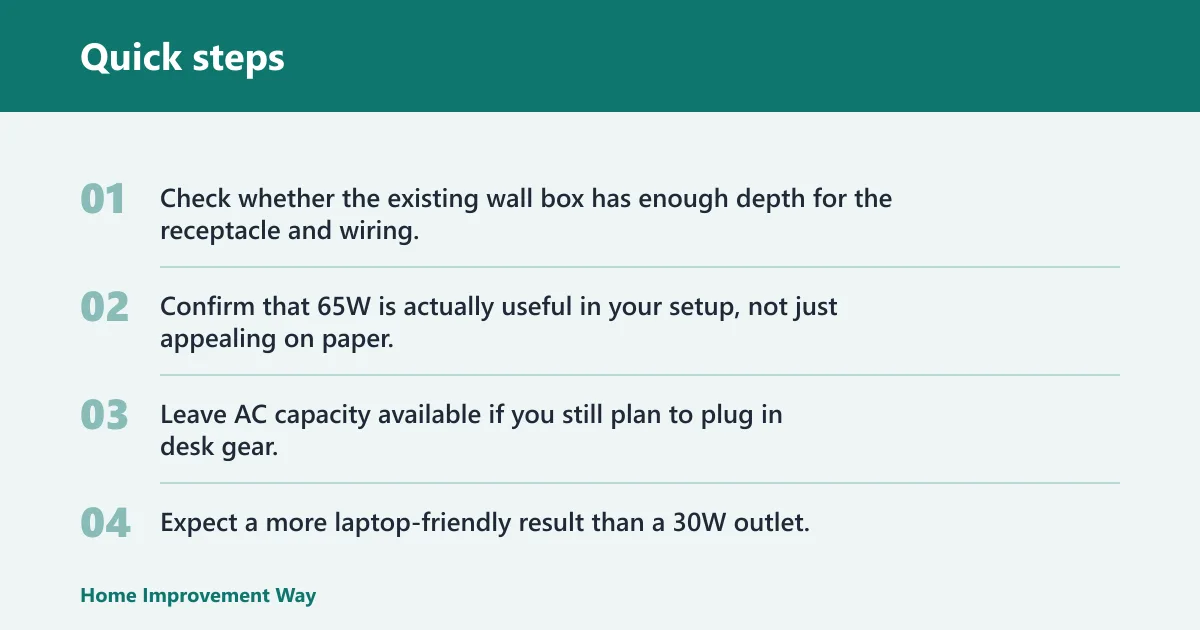
That higher output is the key advantage. If your station needs to cover a tablet now and a laptop later, 65W gives you much more room than a 30W receptacle, especially when one port has to do the heavy lifting.
The drawback is price and fit caution. This is the costliest of the compact in-wall choices here, and the stronger charging hardware makes it worth checking box depth, conductor space, and the rest of the wall cavity before you buy.
What makes it different
The 20A rating can matter in rooms with more demanding plug-in loads, but the USB side is the main reason to pick it. This is the outlet for a home office, study, or shared workstation where fast charging matters more than having extra finish options.
As an Amazon Associate we earn from qualifying purchases. Prices and availability are accurate as of the date shown and are subject to change.
adorne 65W USB outlet module: best for style-matched desks
The adorne USB outlet module is the style-first choice for a designer outlet system that also needs serious charging output. It offers dual USB-C Power Delivery and up to 65W, which gives it the same charging class you want for a laptop-capable desk station.
Its main advantage is integration. If the room already uses adorne hardware, this module keeps the finish consistent while adding high-output USB-C charging in the wall.
The drawback is cost. At this level, you are paying for both performance and the designer system, so it is not the value pick if you only need straightforward phone charging.
As an Amazon Associate we earn from qualifying purchases. Prices and availability are accurate as of the date shown and are subject to change.
BESTTEN 65W USB C wall outlet: best for mixed-device charging
The BESTTEN outlet works well when a charging station needs both USB-C and USB-A, plus AC outlets for everything else. It has two USB-C ports, one USB-A port, 65W USB-C support, tamper resistance, and an included screwless wall plate, so it covers a broad mix of everyday devices.
That port mix matters in real homes. A phone, a pair of earbuds, and an older accessory can all live on the same outlet without forcing you to add another adapter.
The drawback is that the extra flexibility can complicate the fit. More ports do not make the wall box larger, so a crowded box or shallow cavity can be a problem if the opening already has tight wiring space.
When the port mix helps
This is the most practical choice if your household still has older USB-A cables in circulation. It also helps if one room needs to serve guests, kids, and mixed devices without forcing everyone onto the same cable type.
Charging station fit matrix
This matrix turns room setups into outlet specs. It is the fastest way to avoid buying by price alone.
| Common setup | Minimum USB-C wattage | Shared output acceptable? | Keep AC outlets available? | Tamper-resistant recommended? | Install caveat |
|---|---|---|---|---|---|
| One phone at a nightstand | 30W | Yes, if only one USB-C device is charging at a time | Usually yes, for a lamp or clock | Yes, if children use the room | Wall plate may need to be reused if not included |
| Two phones plus earbuds | 30W combined or higher | Yes, but charging slows when both USB-C ports are busy | Usually yes | Yes in family spaces | Check whether combined output is shared across both ports |
| Tablet charging | 36W to 60W | Preferably yes, but only if the tablet can still get enough power | Often yes in bedrooms and kitchens | Recommended for homes with children | Look for Power Delivery and confirm the wall box has enough depth |
| Laptop-capable desk charging | 45W to 65W total | Yes, if one port can carry the laptop load alone | Yes, for monitor, lamp, or dock power | Not required, but still useful in family offices | Verify both box depth and whether the outlet is actually laptop-capable |
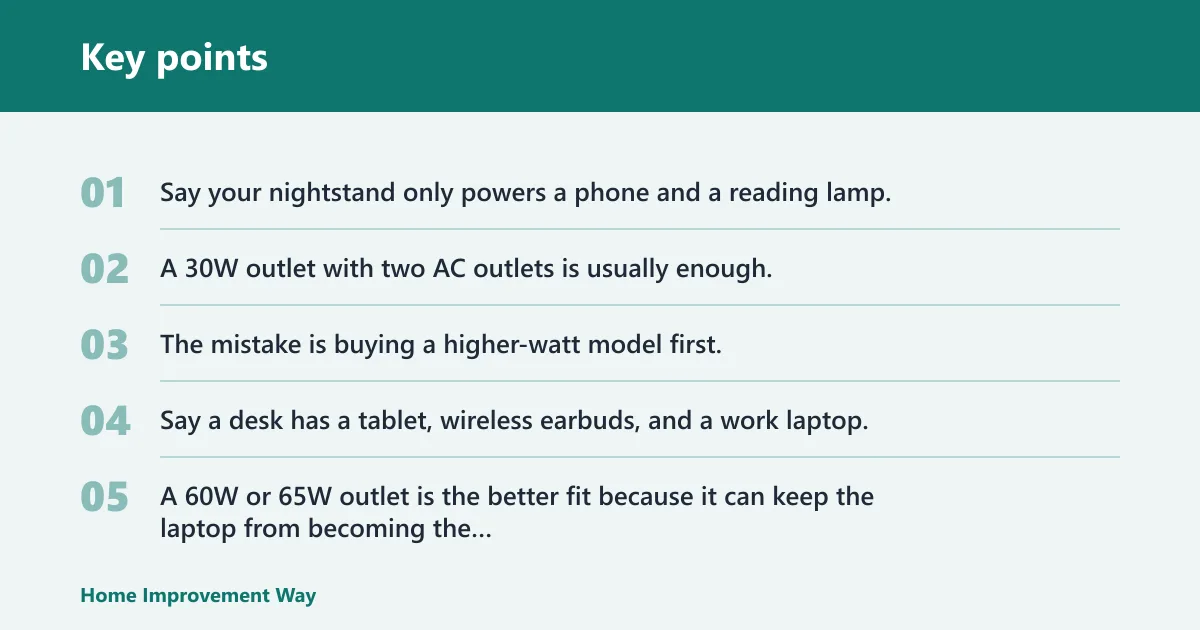
Say your nightstand only powers a phone and a reading lamp. A 30W outlet with two AC outlets is usually enough, and the extra USB-C port can sit idle until a second device shows up. The mistake is buying a higher-watt model first, then discovering the room needed finish matching more than extra power.
Say a desk has a tablet, wireless earbuds, and a work laptop. A 60W or 65W outlet is the better fit because it can keep the laptop from becoming the bottleneck. If the outlet only offers 30W combined, the desk quickly turns back into a cable pile.
Which one should you buy?
Choose by wattage first, not by price. If the station is for phones and earbuds, the Leviton T5635 is the cleaner fit because it keeps two AC outlets available and delivers 30W combined. If a tablet is likely to charge there, move up to the TOPGREENER option or another higher-output model rather than hoping a lower-watt outlet will keep up.
Choose by room use next. For a bedroom or guest room, compact charging and a matching finish matter more than raw output. For a home office, the ELEGRP 65W outlet is the better technical fit, while the adorne module makes sense when the outlet must match an existing designer system.
Choose by safety and finish requirements last. If a child uses the room, tamper-resistant shutters are worth having. If the wall plate matters to the room’s appearance, check whether it is included before you buy; that single detail can change both the total cost and how clean the install looks.
A USB-C wall outlet is a bad fit when the wall box is cramped, the room already depends on bulky plugs, or you really need a desktop charging dock with multiple cables fanned out in front of you. In those cases, a power strip or charging station on the surface is often easier to manage.
Which USB-C outlet is best for your charging station?
The best USB-C outlet is the one that matches the devices you actually charge. For phones and earbuds, a 30W outlet with two USB-C ports is usually enough. For tablets, step up to a higher-output model. For a desk that may charge a laptop, choose 60W or 65W and confirm the outlet can support that load on a single port.
The room matters too. A nightstand often needs AC backup for a lamp, while a desk may need the USB-C power first and the AC outlets second. If the room is used by children, tamper-resistant shutters deserve real weight in the decision, not a quick afterthought.
Finally, check the small details that make installation annoying or smooth. Wall plate inclusion, finish color, and wall-box depth can decide whether the job is a straightforward swap or a return trip for parts.
Are USB-C outlets safe and UL listed?
USB-C outlets can be safe when they are properly listed or certified and installed in a compatible wall box. UL listing matters because it means the product has been evaluated by an independent testing body, which is especially important for an in-wall electrical device that will sit behind a wall plate for years.
Do not treat a USB-C receptacle like a phone charger cube. It is part of the building wiring, so the quality of the device, the box fit, and the installation all matter. If the product is marked UL listed or UL certified, that is a stronger buying signal than a plain marketing claim about speed.
Will a USB-C outlet fit in a standard wall box?
Often, yes, but not always without checking depth. Many USB-C wall outlet receptacles are designed as direct replacements for a standard receptacle, yet the rear wiring space can still be tight if the box is shallow or already crowded with conductors and splices.
Fit problems show up most often with bulky plugs, tight cable bends, or hidden heat buildup behind a wall plate. If the old receptacle was already hard to seat, do not assume a USB-C version will be easier. Check the box depth and the wiring space before you commit.
Do USB-C outlets come with a wall plate?
Some do, and some do not. That detail changes the total cost, so it should be checked before purchase. A model with an included wall plate is simpler and avoids color-matching headaches, while a model that expects you to reuse the existing plate may save money if the finish already matches.
Wall plate choice also affects appearance. If you are matching trim, switches, and nearby receptacles, a plate that is included in the right color can be worth paying for. If not, the old plate may be fine as long as the fit is clean and the finish is still acceptable.
Frequently asked questions
How many watts should a USB-C outlet have for phones and tablets?
For phones and earbuds, 30W is a practical minimum target for a charging station. For tablets, look higher, especially if you want faster charging or expect to use both USB-C ports at once. Once the station needs to handle a laptop too, move toward 45W to 65W total output.
Can a USB-C wall outlet charge a laptop?
Some can, but not all. A laptop-capable outlet needs enough wattage on one USB-C port, and the shared-output behavior matters if two ports are active at the same time. A 30W outlet is usually a phone-and-tablet solution, while 60W and 65W models are the safer laptop choices.
Do I need a USB-C outlet with both USB-A and AC outlets?
Not always, but many rooms benefit from it. If older cables are still in use, USB-A helps. If the room still needs a lamp, clock, or another plug-in device, keeping AC outlets available is smart. A charging station should add convenience, not remove useful outlets you still need.
Should I choose a 15-amp or 20-amp USB-C outlet?
A 15A receptacle is common in many homes, while a 20A model may fit better in heavier-use locations. The USB side still depends on wattage and Power Delivery, so the amp rating is only one part of the decision.
What is the difference between USB-C outlets and power strips?
A USB-C outlet is an in-wall receptacle replacement. A power strip is a surface device with more visible cord clutter and more flexibility for device placement. If you want a permanent charging station that clears the counter or nightstand, an in-wall outlet is the cleaner solution; if you need mobility, a strip is easier.
Sponsored / affiliate links. As an Amazon Associate I earn from qualifying purchases. I may earn additional commission from eligible campaigns.