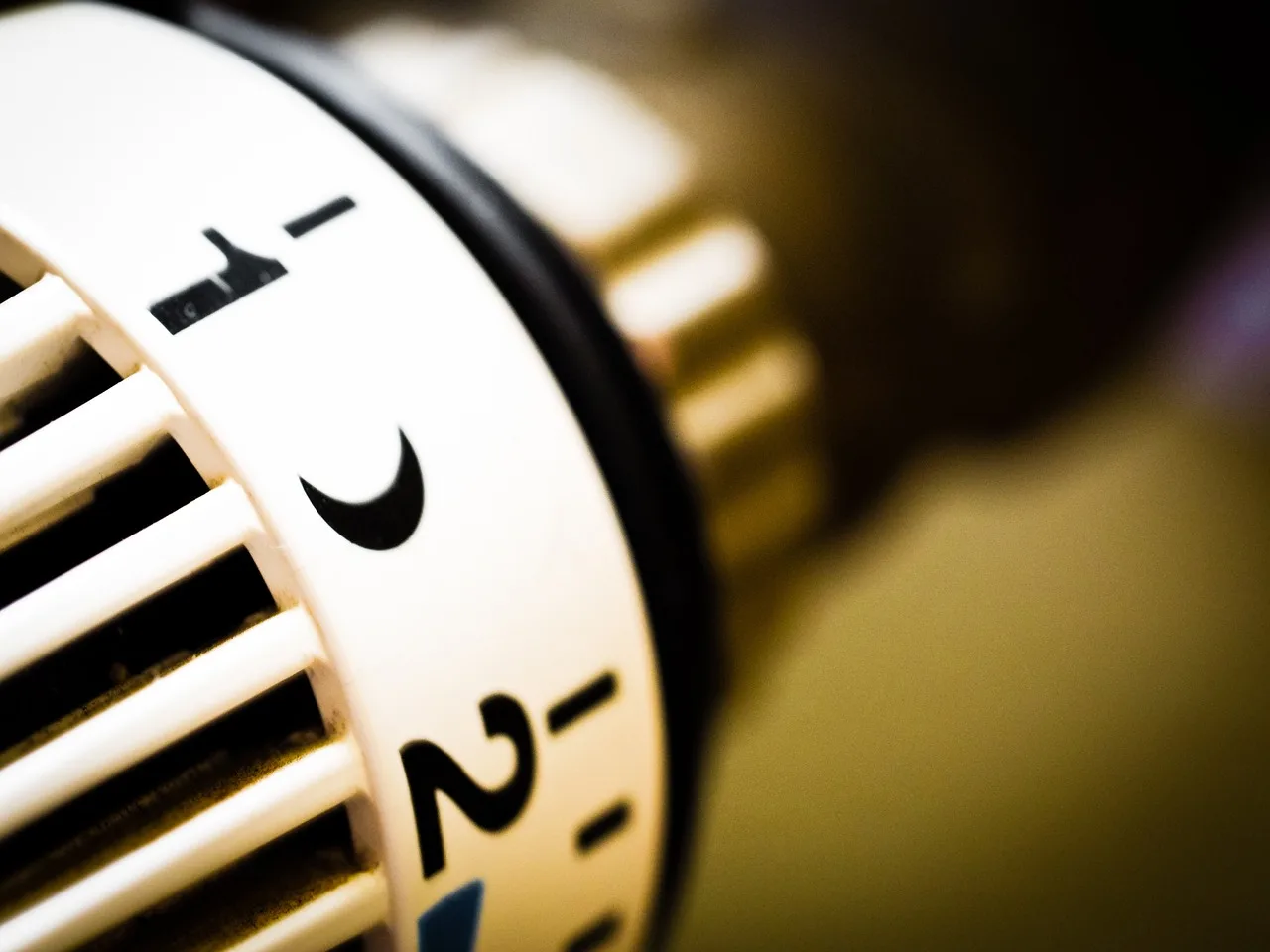
Why Does My Thermostat Keep Changing the Temperature by Itself?
Your thermostat usually changes by itself because a schedule, smart-home rule, low batteries, faulty sensing, or an HVAC control conflict is overriding the setpoint, not because the thermostat is acting on its own. Ignore it, and you can waste energy, miss comfort settings, and chase the wrong fix. This guide shows how to tell whether the setpoint truly changed, whether the thermostat is only reacting to bad readings, and which checks to run first.
This guide is part of our Furnace Troubleshooting: Fix Common Winter Heating Problems series.
Thermostat changes: Control versus sensing issues


The key question is whether the setpoint changed or the room temperature changed. If the number on the display moved, something is telling the thermostat to change that target. If the display stayed the same but the house feels different, the problem is usually sensing, airflow, or HVAC behavior.
Setpoint changes versus room-temperature changes
A programmable thermostat can typically revert to weekday or weekend schedules, default setpoints, or a programmed hold that later ends. A smart thermostat can also change from an app command, geofencing, learning mode, eco mode, remote sensor input, or a utility demand response event. Those are control changes, not sensor errors.
By contrast, a thermostat with a temperature sensor or thermistor may read the room wrong if sunlight, drafts, nearby vents, registers, or local heat sources skew the reading. In that case, the thermostat may be working as designed while the room temperature at the wall unit does not match the rest of the home.
Normal behavior after schedule updates or power loss
Some changes are expected. After a power outage, battery loss, app sync, or schedule reset, a thermostat may return to programmed temperatures or a default profile. That can look random if no one noticed the reset prompt, a power blink, or a changed schedule in the app.
Wyckoff says thermostats can be either “programmable and non-programmable,” and some systems use a “HOLD” setting to override the schedule. That matters because a hold can end later, allowing the thermostat to snap back to a programmed target without any fault at all.
When the display is reacting to another control source
In a multi-user home, another person may change the wall unit or the app. Smart thermostats also accept remote changes from shared app access and automations. If the change happens at the same time each day, after work hours, or during a utility event, look for another control source before blaming the thermostat itself.
Thermostat change troubleshooting matrix
| Symptom pattern | Likely cause | Next test | Call a pro |
|---|---|---|---|
| Setpoint drops or rises at the same time each day | Programmable schedule, weekday/weekend program, or default setpoint reset | Check the schedule on the wall unit, then in the app, and look for hold mode | No, unless the unit will not keep settings after you change them |
| Setpoint changes after someone uses the phone app | Shared app access, automation, geofencing, or learning mode | Review app users, routines, geofence settings, and eco or learning modes | No, unless the thermostat loses Wi-Fi or refuses commands |
| Temperature shown on the display seems wrong, but the setpoint did not change | Sensor placement, sunlight, drafts, vents, or local heat source affecting the thermistor | Compare the wall location with nearby windows, registers, lamps, or appliances | Yes, if the HVAC runs oddly or the sensor reading is unstable after relocation checks |
| Thermostat blanks, reboots, or forgets settings | Low battery, weak power, loose 24-volt wiring, or control-board issue | Check battery status, display dimming, and any error messages | Yes |
| Temperature seems to change, but the home only feels uneven or drafty | Duct leakage, airflow imbalance, short cycling, or HVAC performance problem | Watch run time, room-to-room comfort, and whether supply air cycles too fast | Yes |
Could a schedule or hold setting be changing it?
Yes. A programmable thermostat can follow weekday and weekend schedules, and a temporary or permanent hold can override the schedule until a later time or until someone cancels it. If the change happens at predictable times, the schedule is usually the first place to look.
Weekday and weekend schedules
Many thermostats store separate temperature targets for weekdays and weekends. If someone edited only one period, the thermostat may appear to “change itself” when it simply moves to the next scheduled block. That is why time-based schedules are the usual first check in many guides.
Check the current time, day, and active program on the wall unit first. Then open the app, because the app may show a different schedule version if someone edited it remotely. In a shared household, the schedule can be changed without anyone touching the thermostat face.
Temporary hold and permanent hold
The same source notes that some systems use a “HOLD” setting to override the schedule. A hold can be temporary or permanent, depending on the model. If a hold expires, the thermostat returns to programmed temperatures and looks like it “turned itself down.”
Say your thermostat is set to 72°F at night, then drops to 68°F every morning at 7 a.m. That is not random if a weekday schedule is active. The next test is to find the schedule block, not replace the thermostat.
Default setpoints and schedule resets
After a power interruption, app reset, or firmware update, some thermostats return to factory or default settings. That can erase a custom schedule or restore a baseline temperature. If the change started right after an outage or update, compare the current schedule against the one you expect.
Why does my smart thermostat keep changing the temperature?
Smart thermostats can change setpoints from app control, geofencing, learning modes, eco modes, remote sensors, or utility demand response. If the thermostat is online, another device or automation may be sending valid commands. That makes the problem look random when it is actually coordinated from somewhere else.
Start in the app if the thermostat is connected to Wi-Fi. Look for shared users, automation rules, recent manual changes, and any cloud-linked schedule edits. A family member, landlord, tenant, or installer can change the setpoint from a phone without touching the wall unit.
Geofencing and learning modes
Geofencing uses phone location to change the thermostat when someone leaves or returns home. Learning or eco modes can also adjust setpoints based on patterns. Those features are helpful when expected, but they are confusing when nobody remembers turning them on.
A common first-time mistake is blaming the thermostat for a setback that a geofence triggered. If the temperature changes when the last phone leaves the area, disable geofencing for a day and see whether the pattern stops.
Remote sensors and zone priority
Remote room sensors can average temperatures or prioritize one zone over another. That means the thermostat may respond to a bedroom sensor, not the wall unit itself. If a remote sensor sits near a warm appliance or drafty doorway, it can steer the system away from the main thermostat reading.
Utility demand response events
Utility demand response programs can adjust thermostat settings during peak usage. The same source says energy companies may adjust thermostats during grid strain, and Fixly Guide says utility demand response can change thermostat settings during peak usage. The change may be temporary and tied to a rebate, savings program, or event window.
Check whether the thermostat or app shows an event, participation notice, or utility-connected mode. If the setpoint changes only during those periods, the thermostat may be doing exactly what the program requested.
Could the thermostat be reading the room wrong?
Yes. A bad reading can make the thermostat appear to change by itself even when the setpoint stays put. If the room feels too warm or too cold while the display number looks off, suspect the sensor, its location, or nearby airflow before you suspect the control logic.
Thermistor or sensor drift
The thermostat’s temperature sensor, often a thermistor, reads ambient air near the unit. If it drifts or reacts slowly, the display can lag real conditions. That does not always mean the thermostat is bad, but it does mean the reading may no longer match the room.
Sunlight, drafts, vents, and registers
Direct sunlight can warm the thermostat face. Drafts from doors, windows, or supply registers can cool it. Nearby vents or registers can also push conditioned air across the sensor and distort the reading. Location matters more than many homeowners expect.
Nearby appliances and local heat sources
Heat from lamps, TVs, ovens, gaming consoles, or a nearby refrigerator can bias the reading upward. That can make the thermostat think the room is warmer than it really is, so it may lower the target or shorten run time. Relocating the unit is often the real fix.
Picture a thermostat mounted beside a sunny window in a 1,400-square-foot home. The display may read 74°F while the back bedroom feels much cooler. The issue is not the setpoint; the sensor is being skewed by wall location and local heat.
Could wiring or power be causing resets?
Yes. HVAC control wiring typically uses 24-volt low-voltage circuits, and loose, frayed, or corroded connections can sometimes create intermittent power or signal loss. On wireless or battery-powered models, weak batteries can also cause resets, glitches, or blank screens. Those symptoms often point to power, not programming.
24-volt control wiring
If the thermostat drops settings, reboots, or stops responding, inspect the low-voltage connections at the wall unit only if you are comfortable doing so and the power is off. A loose common wire, frayed conductor, or damaged terminal can interrupt control signals.
Battery warnings and blank displays
Some thermostats use batteries even when they are mounted on a wired system. Low batteries can cause odd behavior, resets, or display glitches. A dim screen or blank display is a strong clue that power is slipping rather than the schedule being wrong.
Control-board faults and intermittent loss of power
Appliance Analysts says there can be “several reasons for a thermostat to keep resetting itself,” and The Home Reviews notes that faults can involve “faulty wiring” and “software glitches.” If the thermostat keeps losing settings despite fresh batteries and clean wiring, the HVAC control board may be dropping power or signal intermittently.
When is the HVAC system the real problem?
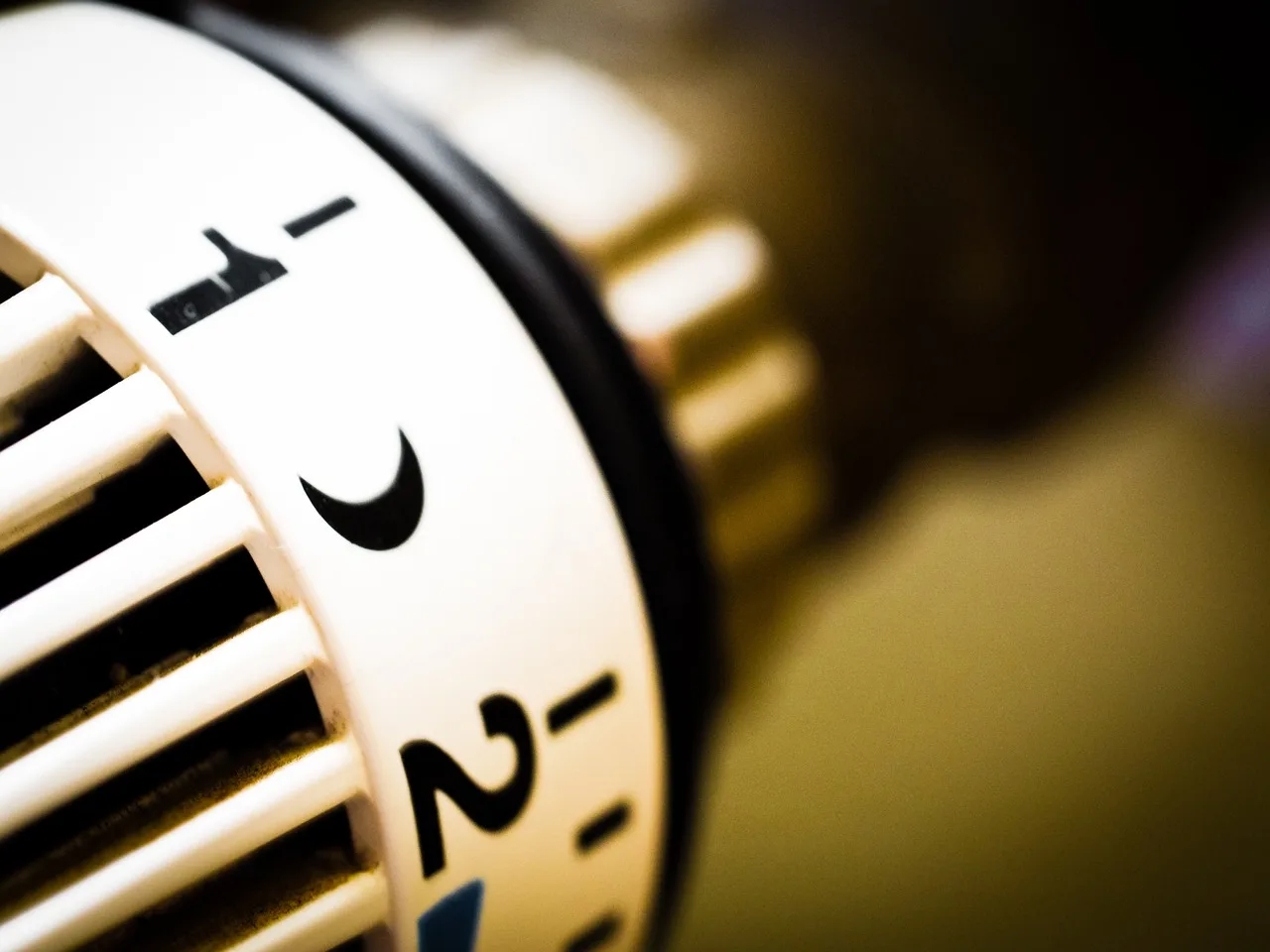
The HVAC system may be driving the complaint when the thermostat is fine but the home still feels wrong. Short cycling, uneven run times, duct leakage, and airflow imbalance can make occupants think the setpoint changed when the real issue is heat delivery.
Short cycling and uneven run times
If the system starts and stops too often, rooms may never settle at the requested temperature. The thermostat may be displaying the correct setpoint while the equipment fails to reach it consistently. That can look like a thermostat that keeps dropping temperature when the underlying issue is performance.
Airflow imbalance and duct leakage
Leaks in ductwork, closed dampers, clogged filters, or uneven airflow can leave one room overconditioned and another underconditioned. The thermostat in the hallway may see an average condition that does not match the bedrooms, so the setting seems wrong even though the control is behaving normally.
When thermostat behavior looks like a setpoint change
If the display stays steady but the home cools or heats unevenly, do not assume a setpoint change. Look at supply air, return air, filter condition, and whether some rooms are much warmer or cooler than others. That pattern points toward HVAC delivery, not thermostat programming.
Suppose a thermostat is set to 70°F, but the living room drops to 66°F while the hallway stays near 70°F. If the display never changes, the likely cause is airflow or duct leakage, not an automatic temperature change.
How to check the wall unit before the app
- Confirm the current setpoint on the wall unit.
- Check whether hold mode is active.
- Look for a schedule block, weekday or weekend change, or default temperature.
- Check the display for low battery, blanking, or restart behavior.
- Note whether the room temperature changed, or only the target changed.
That order matters because the wall unit shows the local state first. If the unit itself shows the wrong target, you are likely dealing with schedule logic, battery trouble, or control wiring. If the wall unit looks normal but the app keeps changing it, the issue is elsewhere.
When should I call an HVAC technician for this problem?
Call a technician when the thermostat loses power, reboots repeatedly, shows persistent wiring errors, or the HVAC system behaves oddly even after you clear schedules, app automation, and sensor placement issues. If the problem involves 24-volt wiring, control-board faults, or short cycling, it is time for service.
Also call for help if the thermostat keeps reverting after fresh batteries, if the display blanks without warning, or if the house has uneven temperatures that do not match the setpoint. At that point, the thermostat may be only the messenger, not the cause.
Frequently asked questions
Why does my thermostat keep changing the temperature on its own?
Most cases trace back to a schedule, hold ending, app command, geofence, learning mode, weak batteries, or a sensing issue. First check whether the setpoint changed or the room temperature changed. That distinction tells you whether to look at programming, sensor placement, wiring, or HVAC behavior.
Why does my nest thermostat keep changing the temperature on its own?
A Nest thermostat can change due to app control, shared users, geofencing, learning behavior, eco settings, or remote sensor input. If the change appears at predictable times, review schedules and automations first. If it happens after people leave or return, geofencing is a likely suspect.
Why does my thermostat turn itself down?
A thermostat often “turns itself down” because a programmed schedule, temporary hold expiration, eco mode, or utility event changed the target temperature. If the number drops but the room still feels off, confirm whether the thermostat is reacting to a sensor reading or another control source.
Why does my thermostat keep dropping temperature?
If the setpoint keeps dropping, the most likely causes are a schedule block, hold release, app automation, or utility demand response. If the display does not actually change, the room may be cooling because of short cycling, duct leakage, airflow imbalance, or a bad sensor location.
Is my thermostat reset, restarting, or randomly changing?
A reset usually means it lost settings or returned to defaults. A restart means the screen or processor rebooted, often from power loss. Random changes can be valid commands from schedules, smart-home routines, or utility programs. Check the display for blinking, blanking, or lost time first.
Can smart home routines or geofencing change my thermostat?
Yes. Smart-home routines, geofencing, learning modes, and eco modes can all change the setpoint automatically. In a multi-user home, another person’s phone can also trigger a change. Review app permissions, automations, and location-based settings before assuming the thermostat is faulty.
Sponsored / affiliate links. As an Amazon Associate I earn from qualifying purchases. I may earn additional commission from eligible campaigns.