Best Smart Door Sensors for Entry Points (2026): We Compared
For most homes, the best smart door sensor matches the entry point: Zigbee for low-cost multi-door coverage, Matter over Thread for broad platform support, Ring for a Ring Alarm home, and SimpliSafe for monitored security. Pick the wrong one, and you can end up with missed alerts, extra hub costs, or a sensor that does not fit the frame cleanly.
Quick comparison
| Product | Best for | Protocol support | Hub or controller needed | Battery type and life | Gap, range, or latency | Main drawback |
|---|---|---|---|---|---|---|
| Ring Alarm Contact Sensor 2-Pack | Ring and Alexa homes | Ring Alarm ecosystem | Ring Alarm Base Station required | 2 CR2032 batteries; about 3 years | Instant alerts in Ring; no published open/close latency claim in the product page | Locked to Ring Alarm |
| Third Reality Zigbee Contact Sensor | Budget multi-door coverage | Zigbee | Zigbee hub required | 2 AAA batteries; battery life varies by hub and use | Range depends on the Zigbee mesh and hub placement | Needs a compatible Zigbee hub |
| SimpliSafe Entry Sensor | Monitored security systems | SimpliSafe system | SimpliSafe base station required | Battery life up to 5 to 10 years | About 400-foot wireless range; about 2-inch gap distance | Works only inside SimpliSafe |
| Aqara Door and Window Sensor P2 | Mixed-platform smart homes | Matter over Thread | Matter controller and Thread border router required | CR123A battery; battery life depends on use and Thread coverage | About 1-second latency | Requires Thread-ready infrastructure |
How we chose
The main filter is fit for the entry point. A front door, a side door, and a detached garage do not fail in the same way. Protocol support, hub requirements, alert path, battery plan, and range matter more than marketing claims. For protocol and controller requirements, see the manufacturer and platform docs for Matter accessories in Apple Home, Google Home Matter support, SmartThings hub support, and Home Assistant Matter support.
- Protocol fit: Matter over Thread, Zigbee, or a closed ecosystem.
- Hub and controller needs: whether you need a Matter controller, Thread border router, Zigbee hub, or a base station.
- Alert style: phone alerts, activity history, or local automations.
- Battery plan: whether the sensor uses common coin cells, AAA batteries, or another battery format.
- Layout risk: range walls, detached structures, and subscription lock-in.
Smart door sensors are contact sensors. They use a small magnet pair to detect open and closed state on doors or windows. Most mount with adhesive, many are battery powered, and the best choice depends on whether your home needs local automation, a hub, or a larger wireless footprint.
| Product | Badge | Best for | Price | ||
|---|---|---|---|---|---|
 |
Ring Alarm Contact Sensor 2-PackRing | Our pick | Ring Alarm home | $19.99
Price as of 3 Nov 2026
|
View |
 |
Aeotec SmartThings Multipurpose SensorAEOTEC | Our pick | $38.99
Price as of 19 Nov 2026
|
View | |
 |
Eve Door & Window (Matter) 3 PackEve | Our pick | $109.95
Price as of 19 Nov 2026
|
View | |
 |
Aqara Door and Window Sensor P2Aqara | Also great | P2 · Matter · Thread | $27.99
Price as of 3 Nov 2026
|
View |
This guide compares the best options by front door, detached garage, and multi-door home, then matches each to protocol, hub, battery, range, and alert style.
Aqara Door and Window Sensor P2: best for most homes
For most households, this is the cleanest starting point because it works with Apple Home, Alexa, Google Home, and SmartThings through Matter support. Apple’s Matter guidance, Google Home Matter support, and SmartThings Matter support all describe the controller/border-router setup that Thread accessories need. Aqara’s product page also lists a roughly 1-second latency, which helps on a front door where fast alerts matter.
Compatibility
Choose the P2 if you want one sensor family that can live across major platforms instead of being tied to one alarm brand. It is the broadest cross-platform option in this comparison, but it still depends on a Matter controller and Thread border router for setup and operation.
Battery
The P2 uses a CR123A battery. That is useful if you want a common, replaceable battery format instead of a built-in pack. Battery life depends on how often the door opens and how strong the Thread path is, so the practical takeaway is to check the battery-format fit rather than assume a universal runtime.
Gap, range, and latency
Aqara publishes about 1-second latency. That is the specific performance claim that matters most for buying because it tells you how quickly the system can reflect a door event. Like any contact sensor, it still needs clean magnet alignment; a poor fit can matter more than latency in real use.
Drawbacks
The drawback is the setup stack. Matter over Thread requires a controller and border router, so this is not truly hub-free. If your home does not already have Thread coverage, add that hardware cost to the comparison before buying.
Best fit: front doors and mixed-platform homes that want one sensor standard across Apple, Alexa, Google, and SmartThings.
Ring Alarm Contact sensor: best for alexa and Ring
This is the right choice if your security setup already lives inside Ring. The Ring Alarm Contact Sensor requires a Ring Alarm Base Station, and that base station ties the sensor into the Ring ecosystem for alerts. The product page lists approximately 3-year battery life, which is solid for an entry point that gets used often.
Compatibility: ring fits best
Ring fits best when your home is already committed to Ring Alarm. It is not the most flexible choice for Apple Home, Google Home, or SmartThings buyers. The upside is a simple alert path inside one system, which can be easier to manage than mixing brands across doors.
Battery: the listed battery life
The listed battery life is about 3 years, and the sensor uses CR2032 batteries. That makes it a practical choice for a front door or frequently used side door where you want a low-maintenance battery schedule.
Gap, range, and alerts
Ring’s alert path goes through the Ring Alarm Base Station. The product page emphasizes instant window and door alerts, but the key buying detail is that the base station is the required controller. If the base station is offline, the sensor does not behave like a standalone smart-home accessory.
Drawbacks: the trade-off is lock-in
The trade-off is lock-in. This is not the sensor for a mixed-platform home that wants to switch between Apple Home, Google Home, and SmartThings. It is best when Ring is already your central alarm platform.
Best fit: Alexa-centric homes and users who want the sensor to stay inside a Ring Alarm system.
Third Reality Zigbee Contact Sensor: best budget pick
For low-cost coverage on several doors, this Zigbee option makes sense because Zigbee sensors are commonly sold in multipacks and usually cost less per door than premium Thread models. It uses AAA batteries, which is convenient if you prefer a common battery format. Zigbee also has broad platform support through hubs like SmartThings and Home Assistant, depending on the hub and integration you already own.
Compatibility: third Reality is the value
Third Reality is the value play when you already have a Zigbee hub. That makes it a better fit for homes with an existing smart-home backbone than for buyers starting from zero. The sensor itself is simple; the real decision is whether your hub already speaks Zigbee and can surface the alerts where you want them.
Battery: the sensor uses two AAA
The sensor uses two AAA batteries. That is useful if you prefer easy-to-source replacements rather than a specialty cell. Battery life varies by hub quality, signal strength, and how often the door opens, so the key check is the battery format and not a single universal runtime claim.
Gap, range, and controller need
Zigbee requires a hub, and range depends on mesh quality, walls, and the hub’s placement. For a door that sits far from the main hub or in a detached structure, range planning matters more than sticker price. A strong mesh can make Zigbee very reliable; a weak one can create missed events.
Drawbacks: the main drawback
The main drawback is that Zigbee is not hub-free. If your home lacks a Zigbee hub, the price advantage drops because you must add one. That hidden cost is the biggest reason budget sensors end up costing more than expected.
SimpliSafe Entry Sensor: best for monitored security
This is the right call when the sensor needs to live inside a monitored security system rather than a broad smart-home ecosystem. SimpliSafe lists a wireless range of about 400 feet, a gap distance of about 2 inches, and battery life of about 5 to 10 years. That combination is useful when the protected entry is far from the main base unit or when battery changes need to be rare.
Compatibility: simpliSafe is the right choice
SimpliSafe is the right choice if you already use SimpliSafe monitoring. It is not meant for Apple Home, Google Home, or SmartThings as a cross-platform accessory. The benefit is a straightforward security stack with one app, one base station, and one alert path.
Battery: simpliSafe’s published battery life
SimpliSafe’s published battery life is about 5 to 10 years. That is the longest runtime in this comparison and a major reason to buy it if you want to minimize maintenance. Long battery life is most useful on entry points that you do not want to open often just to service the sensor.
Gap: the 400-foot wireless range
The 400-foot wireless range and 2-inch gap distance are the critical specs. The range matters for larger homes or longer layouts, while the gap distance matters for frame fit. Contact sensors are unforgiving when the magnet and sensor sit too far apart, so door geometry is a real buying factor.
Drawbacks: there is no cross-platform flexibility
There is no cross-platform flexibility here. You get a monitoring-focused sensor with long battery life and a wide stated range, but you give up broad smart-home compatibility outside SimpliSafe.
Entry sensor decision matrix
The simplest decision rule is this: match the sensor to the door, then match the protocol to the home. Front doors usually favor fast alerts and clean ecosystem support. Detached garages and remote entries need more range discipline. Multi-door homes need lower per-door cost and a hub plan that will not break halfway through the project.
| Scenario | Recommended protocol | Recommended gap tolerance band | Typical battery type | Controller or hub needed | Alert path | Most common failure mode |
|---|---|---|---|---|---|---|
| Front door | Matter over Thread | Standard door-frame clearance; verify magnet alignment carefully | CR123A or coin cell, depending on brand | Matter controller plus Thread border router | Phone alerts and local automations through the home platform | Missing Thread coverage or weak alignment |
| Detached garage | Closed-system security or strong mesh protocol | Wider practical tolerance only if the frame is stable and the sensor is mounted firmly | Coin cell or AA/AAA depending on the system | Dedicated hub or base station | Security app and alarm flow | Range loss through walls, metal siding, or distance from the hub |
| Side door | Zigbee | Typical door gap; avoid recessed frames unless the manufacturer says otherwise | AAA or coin cell | Zigbee hub | Hub app notifications and routines | Weak mesh path or hub mismatch |
| Sliding door | Depends on frame geometry and ecosystem | Tight magnet spacing; check the slider track and travel path first | Varies by model | Compatible hub or controller | App alert plus automation | Gap distance too large or awkward mounting location |
| Multi-door home | Zigbee or Matter over Thread | Standardized installation across all openings | Usually coin cell or AAA | Hub or Thread border router, depending on protocol | Centralized app alerts across doors | Protocol sprawl and uneven coverage |
| Monitored security system | Closed-system security protocol | Fit to the exact frame and magnet placement required by the system | Long-life battery pack or coin cell | System base station | Monitored alarm path | Vendor lock-in |
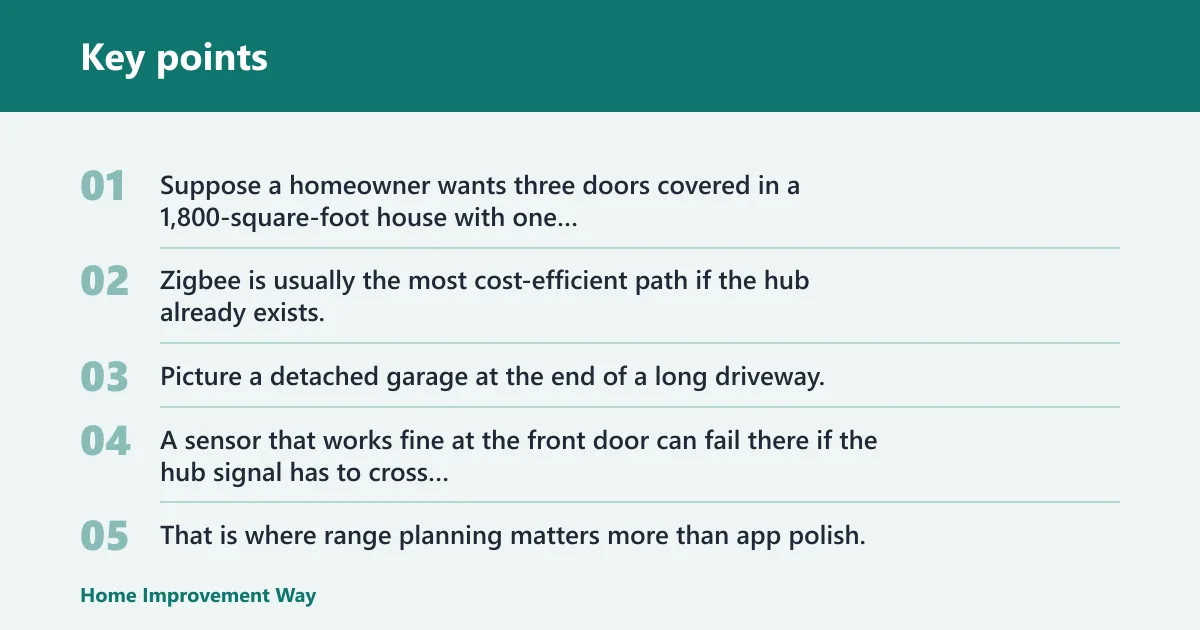
Suppose a homeowner wants three doors covered in a 1,800-square-foot house with one central hub. Zigbee is usually the most cost-efficient path if the hub already exists, because the budget problem shows up at the second and third door, not the first.
Picture a detached garage at the end of a long driveway. A sensor that works fine at the front door can fail there if the hub signal has to cross too many walls or reach a metal-sided outbuilding. That is where range planning matters more than app polish.
Do you need a hub?
Yes for Zigbee. Yes for Ring Alarm. Yes for SimpliSafe. Matter over Thread also needs a Matter controller and a Thread border router, so it is not truly hub-free even when the marketing sounds simpler.
The practical question is not whether a hub exists. It is whether the hub is already part of your home. If it is, the sensor can be simple. If it is not, the total cost and complexity go up fast.
Matter over Thread vs Zigbee
Matter over Thread is the better fit when you want cross-platform support across Apple Home, Alexa, Google Home, and SmartThings. Zigbee is the budget-leaning choice when you already own a compatible hub and want lower-cost sensors across several doors. For platform support details, see the official Matter ecosystem docs and the platform pages linked above.
When a base station is required
Ring Alarm requires the Ring Alarm Base Station. The sensor does not work as intended without it. That is a hard requirement, not a preference. SimpliSafe also depends on its own base station for the security flow.
When hub-free is still not truly free
Some products feel hub-free only because the hub is hidden inside another device or ecosystem. That still counts as a hub in real use. You are just buying it indirectly.
If you want true simplicity, check the entire chain: sensor, controller, border router, and app. A missing piece can turn a simple door sensor into a stalled setup.
Which one should you buy?
Choose the Aqara Door and Window Sensor P2 if you want the broadest cross-platform fit for a front door or mixed smart-home setup. Choose the Ring sensor if your home already runs on Ring and you want simple alarm-style alerts. Choose the Third Reality sensor if you need the lowest-cost path to covering several doors and already have a Zigbee hub. Choose the SimpliSafe sensor if your priority is monitored security, long battery life, and a system that stays inside one alarm platform.
Choose by entry-point scenario
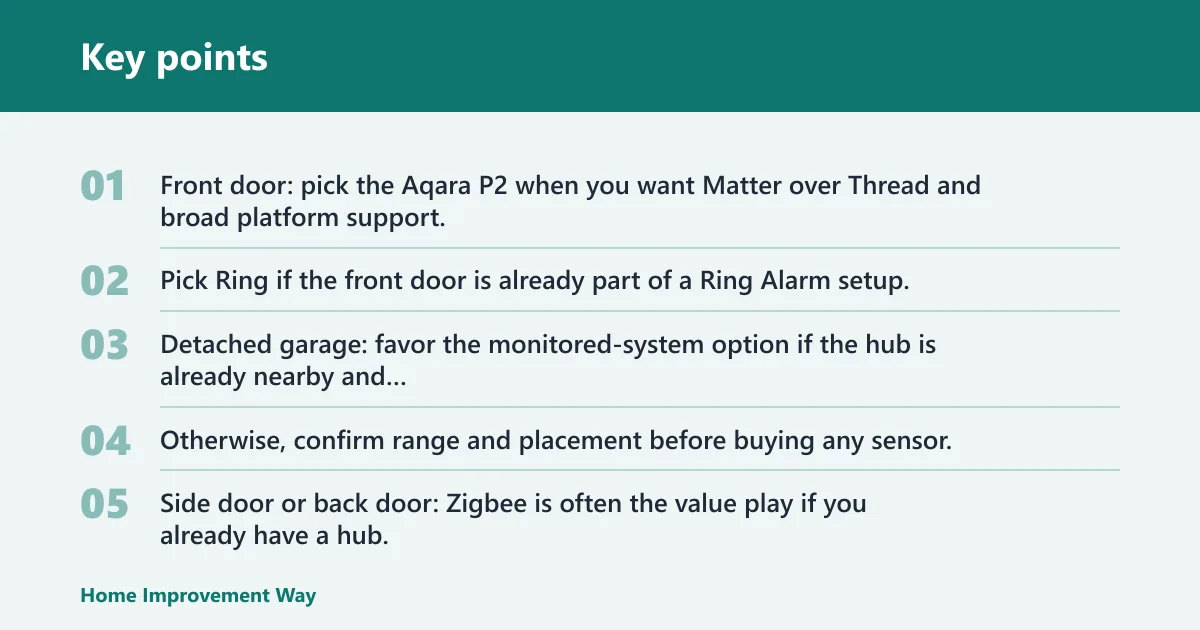
Front door: pick the Aqara P2 when you want Matter over Thread and broad platform support. Pick Ring if the front door is already part of a Ring Alarm setup.
Detached garage: favor the monitored-system option if the hub is already nearby and range matters more than ecosystem flexibility. Otherwise, confirm range and placement before buying any sensor.
Side door or back door: Zigbee is often the value play if you already have a hub. It keeps per-door cost down.
Multi-door home: a Zigbee multipack or Matter over Thread sensor family keeps the project manageable. The big risk is buying a sensor for one doorway and then discovering the third or fourth opening needs the same standard.
Choose by budget and ecosystem
If budget is tight, start with the Zigbee option and count the hub cost before comparing prices. If you want the broadest smart-home compatibility, the Aqara P2 is the cleaner choice. If your security stack is already locked in, matching the ecosystem usually beats chasing the lowest sticker price.
For many buyers, the hidden cost is not the sensor. It is the extra hardware needed to make the sensor work across the whole layout.
Choose by subscription tolerance
If you want to avoid monthly fees, focus on local-automation sensors and avoid systems that depend on paid monitoring or cloud extras for core alerts. If you already pay for security monitoring, a system-locked sensor can be the better operational fit.
A common first-timer mistake is buying a cheap sensor for the front door, then adding separate hardware later for the garage and side door. The total ends up higher than a single ecosystem choice made up front.
Frequently asked questions
What is the best smart door sensor for front entry points?
For most front doors, the best choice is the Aqara Door and Window Sensor P2 because it supports Apple Home, Alexa, Google Home, and SmartThings through Matter over Thread. That gives you broad compatibility without locking the front door into one alarm brand. Ring is the better pick if you already use Ring Alarm.
Do I need a hub for smart door sensors?
Often, yes. Zigbee sensors need a hub, Ring sensors need a Ring Alarm Base Station, and Matter over Thread needs a Matter controller plus a Thread border router. The only real question is whether that hub already exists in your home or still needs to be added.
Which smart door sensors work with Apple Home, Google Home, or Alexa?
The Aqara Door and Window Sensor P2 works with Apple Home, Alexa, Google Home, and SmartThings. Ring works inside Ring Alarm, while Zigbee sensors depend on the hub and platform you already own. If you want a broad-platform choice here, the Aqara is the simplest fit.
How long do smart door sensor batteries usually last?
Battery life varies by model and by how often the door opens. In this comparison, Ring lists approximately 3-year battery life, SimpliSafe lists 5 to 10 year battery life, and Aqara publishes a battery format but not a universal runtime claim. Check the manufacturer’s listing for the exact battery type and claim on your model.
What gap distance should a door sensor support?
The closer the magnet and sensor sit, the better. In the products covered here, SimpliSafe lists a 2-inch gap distance. If your frame, trim, or sliding door leaves more space than that, verify the manufacturer’s fit guidance before buying. Misalignment is one of the most common causes of false or missed alerts.
Can smart door sensors be used on windows and doors?
Yes. Contact sensors are made for open and closed detection on both doors and windows. The same basic magnetic design works on entry doors, window frames, and some sliding openings, as long as the sensor and magnet line up and the mounting surface is stable.
Are wireless door sensors better than standalone door alarms?
Wireless sensors are better when you want app alerts, automations, or a whole-home system. Standalone alarms are better when you want a loud local sound with no app dependency. A 120-decibel alarm can be useful as a simple deterrent, but it does not replace smart-home integration.
Which smart entry sensor is best for a monitored security system?
The best choice in a monitored system is the sensor that belongs to that system, because monitoring only works cleanly when the sensor and base station are designed together. For buyers who want a dedicated alarm platform, the monitored-system option in this guide is the right call. Outside that system, use a cross-platform sensor instead.
Sources
- Apple Support: Add accessories to the Home app
- Google Nest Help: Use Matter with Google Home
- SmartThings: SmartThings Hub
- Home Assistant: Matter
- Aqara: Door and Window Sensor P2
- Ring: Alarm Contact Sensor
- SimpliSafe: Entry Sensor
Sponsored / affiliate links. As an Amazon Associate I earn from qualifying purchases. I may earn additional commission from eligible campaigns.
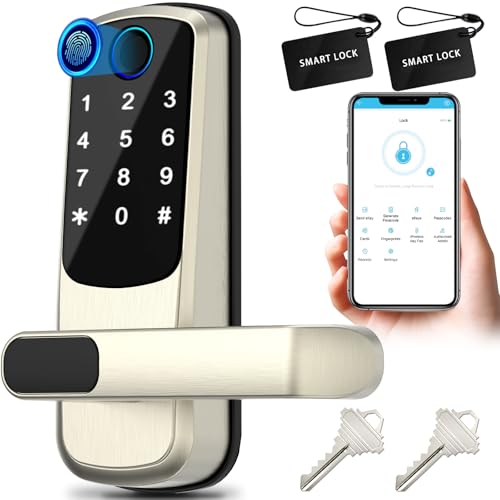 Smart Door Lock with Handle,Fingerprint Exterior Locks,Smart Locks for Front Door/Bedroom/Office,Electronic Digital Keypad Smart Lock,Auto Locked & App Control(Silver)
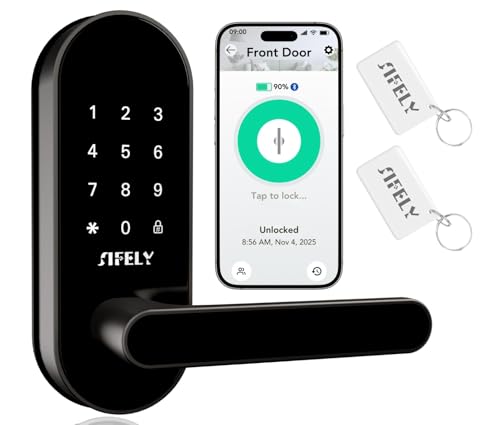 Keyless Entry Keypad Smart Door Lock with Handle & Knob – Digital Deadbolt for Front, Bedroom, Office & Interior Doors, App Control for Airbnb, Guests & Kids, Easy DIY Install (No Fingerprint)