Garage Door Remote Not Working? Battery, Signal, Sensors
If your garage door remote works only when you are close to the opener, replace the battery first, then check for radio interference; if the wall button also fails, the problem is usually in the opener or sensors, not the remote. Chasing the wrong fault wastes time, invites needless parts swaps, and can leave the door stuck closed. This guide gives you a symptom-based path to check battery, signal, wall-control, sensor, and opener faults before you reprogram anything or buy parts.
Remote battery checks
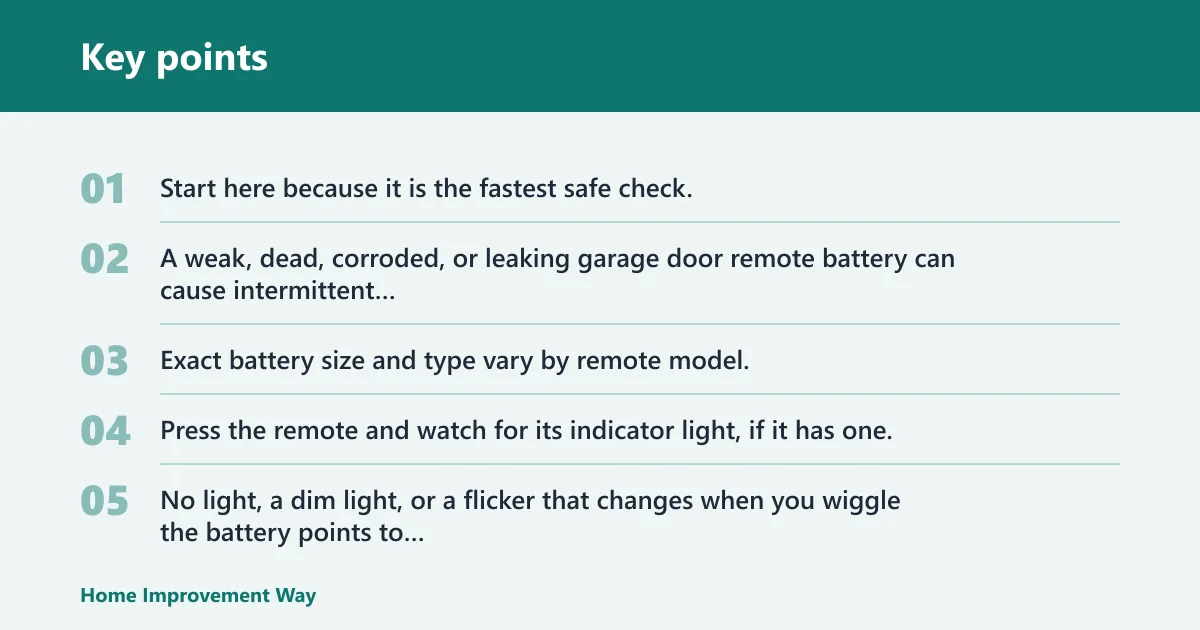


Start here because it is the fastest safe check. A weak, dead, corroded, or leaking garage door remote battery can cause intermittent response, short range, or no response at all. Exact battery size and type vary by remote model, so match the old cell before replacing it.
Check the indicator light and battery contact
Press the remote and watch for its indicator light, if it has one. No light, a dim light, or a flicker that changes when you wiggle the battery points to battery seating or contact trouble, not immediately to opener failure. Look for corrosion on the battery tabs and a loose fit in the holder.
Check polarity before installing the new battery. A battery installed backward can make a good remote look dead. If the battery compartment is damp, pitted, or green around the contacts, clean it carefully and replace the battery if it shows any sign of leakage.
When a battery is the likely answer
Competitor guidance commonly puts remote batteries at about two years of life, though actual life varies with use and model. If the remote had been working normally and then started responding only sometimes, a weak battery is a reasonable first suspect. Replace it before moving to pairing steps.
Say your remote still lights up, but the door only moves once every few presses. That pattern can fit a battery that still powers the LED but no longer sends a strong enough radio signal. A fresh cell is the simplest test before you touch the Learn button.
If the wall button opens the door but the remote does nothing, the opener is at least partly alive. That usually points to the remote, the signal path, or lock mode on the wall control. It is a different problem from a dead opener, a broken spring, or blocked safety sensors.
Check lock or vacation mode on the wall console
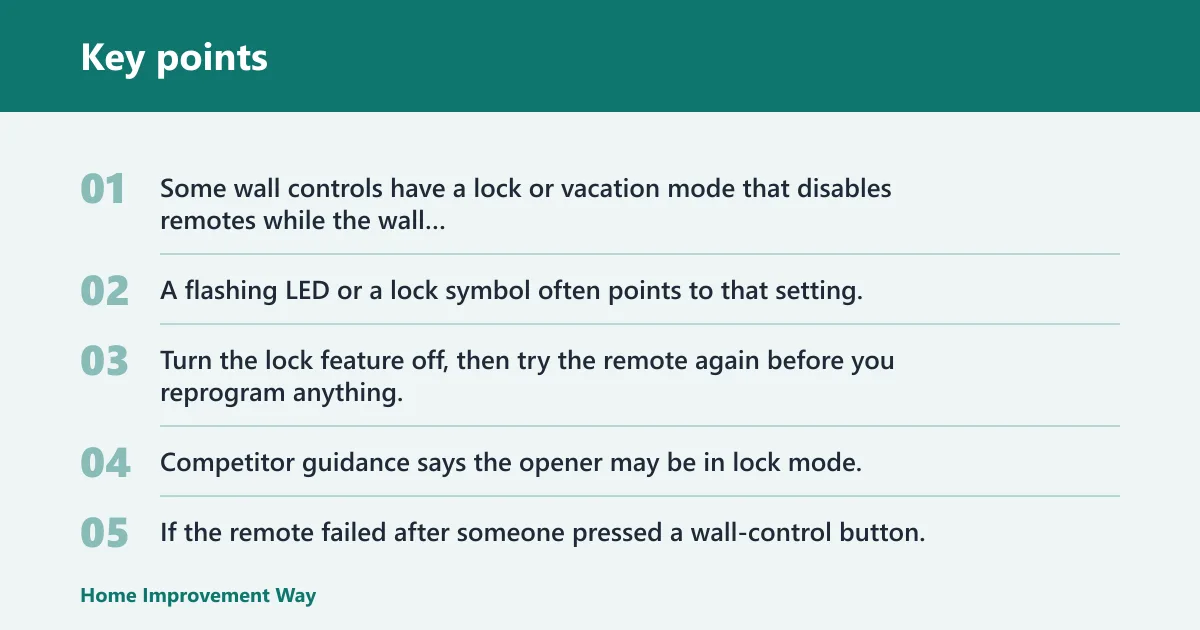
Some wall controls have a lock or vacation mode that disables remotes while the wall button still works. A flashing LED or a lock symbol often points to that setting. Turn the lock feature off, then try the remote again before you reprogram anything.
Competitor guidance says the opener may be in lock mode, and that is one of the easiest things to miss. If the remote failed after someone pressed a wall-control button, this check belongs near the top of the list.
Compare the remote with a wireless keypad
If you have a wireless keypad, test it along with the remote. When both fail, the fault is more likely the opener receiver, lock mode, or signal interference. When the keypad works and only one remote fails, the bad remote becomes the leading suspect.
That comparison matters more than repeated button presses. It separates a single-device fault from a system-wide fault before you start pairing devices one by one.
Garage door remote troubleshooting table
| Symptom | Most likely cause | Fastest safe test | Next step |
|---|---|---|---|
| No indicator light | Dead battery, reversed polarity, corroded contacts, or a failed remote | Replace the battery and check the contacts for corrosion or looseness | If the light stays off with a known good battery, suspect the remote |
| Wall button works but remote doesn’t | Lock mode, weak remote battery, remote fault, or signal path issue | Check the wall control for lock or vacation mode, then test again | Compare with a keypad and another remote before reprogramming |
| Remote works only up close | Weak battery, antenna problem, or radio-frequency interference | Stand closer, then inspect the antenna and test with nearby LED bulbs off | Replace the battery and remove interference sources |
| Only one remote fails | Bad battery, worn buttons, moisture, corrosion, or a failed remote | Swap batteries with a working remote if the model allows it | Replace the faulty remote if the problem follows that unit |
| All remotes fail | Lock mode, receiver or logic board issue, antenna issue, or interference | Check the wall control, keypad, antenna, and nearby lights | Reprogram only if the opener lost pairing after an outage |
| Pressing remote makes opener click but door doesn’t move | Emergency release cord engaged or opener-side mechanical fault | Look for the red release handle and see whether the trolley is disengaged | Reconnect the trolley or call a pro if the opener strains or hums |
| Remote fails after LED bulb change | Radio-frequency interference from bulbs or nearby electronics | Remove or switch off the bulbs and retest from a normal distance | Use garage-door-compatible bulbs if range returns |
| Intermittent remote operation | Weak battery, loose contact, damaged remote, or interference | Press the battery in place, inspect for moisture, and retest | Replace the battery first, then the remote if failures continue |
Why does my garage door remote only work up close?
Short range usually means the remote signal is being weakened before it reaches the opener. The most common causes are a weak battery, antenna trouble, or radio-frequency interference from LED bulbs, nearby electronics, or poor antenna placement. One competitor says to test within 20 feet of the door, which gives you a useful reference point.
Inspect the opener antenna position and condition
The opener antenna should hang down from the motor unit. If it is bent, tucked behind metal, cut, dirty, or wrapped around other wiring, range can drop. One competitor specifically advises inspecting the antenna for damage or obstructions.
Antenna position affects signal reception more than many homeowners expect. Straightening or clearing it is a simple, safe check.
Look for LED bulb interference or nearby electronics
Radio control signals for garage doors operate in the 350 to 390 MHz range, and nearby devices can interfere with reception. Competitor guidance also notes that LED bulbs can interfere with remote signal range. That does not mean every LED bulb causes trouble, but it does make bulbs a real test item.
Try removing the opener bulbs or switching them off, then test the remote again. If range improves, replace them with garage-door-compatible bulbs. A common first-timer mistake is blaming the remote while leaving a new bulb in place that is still disrupting the opener.
Suppose the remote works from the driveway but not from the car parked inside the garage. That smaller change in distance can expose interference from a bulb, a Wi-Fi device, or a nearby charger long before the remote itself is truly failing.
How do I reset a garage door remote?
Use the Learn button only when the symptoms fit reprogramming. A remote can lose its pairing after a power outage, and one competitor notes that remotes may be unsynced after an outage. But repeated Learn button presses can make diagnosis harder, and timing varies by model.
If all remotes stopped working at once, the opener lost programming after a power event, or you changed the opener board, reprogramming may be appropriate. If only one remote fails, battery or remote damage is usually a better first bet.
Press timing varies by model, so follow the opener label or manual. Pressing the Learn button incorrectly can erase paired devices on some units. If you are not sure the opener lost memory, do the wall-button, keypad, and antenna checks first.
Know when reprogramming is a bad next step
Do not use reprogramming to explain away lock mode, a dead battery, or a bad LED bulb. If the wall button works, the keypad works, and one remote fails, pairing is less likely to be the real issue than the remote itself.
Likewise, if the opener no longer responds to any controller after an outage, the receiver or logic board may have been affected. That is a different path from a single lost remote.
When the opener click is heard but the door does not move
A click from the opener means the remote may be sending a command and the receiver may be hearing it. If the motor clicks or hums but the door stays still, the issue is often not the remote. Check the emergency release cord first, then consider opener-side faults or a door problem.
Check for an engaged emergency release cord
The red emergency release handle disconnects the door from the opener. If it has been pulled, the motor can run or click while the door does not move. Re-engage the trolley before assuming the opener is broken.
This is one of the fastest ways to avoid chasing the wrong fault. The remote can be working exactly as it should while the door is simply disconnected.
Look for opener-side faults after a surge or power loss
Garage door opener receiver or logic board problems can follow a power surge or wiring issue. They can also lose programming after an outage. If reprogramming fails across multiple devices, or if the opener behaves erratically, professional inspection is the right next step.
One competitor warns that a broken spring can make the opener hum or strain. That is a separate door issue, but it matters because a remote problem can look similar from across the driveway. If the motor sounds strained and the door will not lift, stop repeated button presses.
What if the problem is not the remote?
Remote problems are only one branch of the diagnosis. Safety sensors, wall-control lock mode, the emergency release cord, antenna issues, and receiver faults can all look like a dead remote. The safest approach is to sort the fault by symptom before you reprogram or replace parts.
Separate sensor faults from remote faults
Garage door safety sensors use an infrared beam near the bottom of the tracks. Dirty, blocked, or misaligned sensors can prevent closing, and one page notes that sensor issues are the most common reason a door closes then reverses. That is important, but it is not the same as a remote that will not open the door.
If the wall button opens the door normally, the sensors are usually not the reason the remote failed to open it. Sensor problems are a separate failure path. Do not confuse a closing reversal with a remote-range problem.
If the wall button works and the keypad works, the opener and sensors are probably not the main problem. If all controllers fail, suspect the opener receiver, lock mode, or power issue. That comparison is the fastest way to keep the diagnosis on track.
Look for physical remote damage and intermittent failure
Remote housings that have been dropped, wet, or crushed often fail in uneven ways. Loose battery contacts, corrosion, and moisture can create intermittent operation that looks like weak signal. If pressing the case changes the result, the remote itself is suspect.
Intermittent failure is not the same as a dead battery. A dead battery usually stays dead. A remote that works once, fails twice, and reacts to a bumped battery tray often has a contact or internal board problem.
Frequently asked questions
Why is my garage door remote not working?
The most common causes are a weak battery, lock mode on the wall control, signal interference, or a remote that has been damaged or lost pairing. Start with the battery and the wall button, then compare the remote with a keypad and any other remotes before reprogramming.
Why does my garage door remote work sometimes and not others?
Intermittent operation often points to a weak battery, loose battery contact, corrosion, moisture, or interference that comes and goes. If the wall button still works, focus on the remote and the signal path first. A failing remote can act unpredictable long before it stops completely.
Can LED lights interfere with a garage door remote?
Yes. Competitor guidance notes that LED bulbs can interfere with remote range, and the problem can show up as short distance or inconsistent operation. Remove the bulbs or switch them off and test again. If range returns, use garage-door-compatible bulbs.
How do I know if my garage door remote battery is dead?
A dead battery usually gives you no indicator light, a very dim light, or no response at all from the opener. A weak battery may work only up close or only once in a while. Replace it if the battery is old, corroded, or leaking, and check polarity when reinstalling.
What does it mean when the garage door opener light flashes?
A flashing opener light can point to lock mode, a sensor issue, or another opener fault, depending on the model. It is not proof that the remote battery is bad. Check the wall control, sensors, and opener label before assuming the remote needs repair or replacement.
Why won’t my garage door remote work after a battery change?
Most often the new battery is backward, the contacts are dirty, the remote has internal wear, or the opener lost pairing around the same time. Recheck polarity, press the battery firmly into place, and test the wall button and keypad. If those work, the remote is the likely problem.
Should I replace or reprogram a garage door remote?
Replace the remote if one unit fails while others still work, especially if the battery and contacts check out. Reprogram only when symptoms suggest lost pairing, such as a power outage or all remotes failing at once. If reprogramming does not restore control, the receiver or logic board may need service.
Sponsored / affiliate links. As an Amazon Associate I earn from qualifying purchases. I may earn additional commission from eligible campaigns.