Do Smart Thermostats Really Save Money in Winter?
Smart thermostats can save money in winter when a home can hold a lower setpoint for about 7 to 10°F for at least 8 hours a day. If the schedule is off or the system keeps reacting to constant manual changes, heating bills can stay flat or rise. This guide explains when they pay off, when they do not, and how to judge whether your home is a good fit.
How winter savings depend on setbacks and home habits



Yes, but winter savings come from reduced heating runtime, not from the thermostat itself. TechRadar’s point is simple: a smart thermostat cuts wasted energy, not all heating use. That matters because the house still loses heat through walls, windows, and air leaks.
The best winter savings usually show up in homes where the temperature can drop overnight or during absences without hurting comfort too much. CNET reports average Nest savings of 12% to 15% per year, and Ecobee claims users can save up to 26%, but those figures are annual claims, not winter-only guarantees. Winter results depend on how often the house can run cooler, how stable the schedule is, and whether the heating system works with automation.
What winter savings can realistically look like
In winter, the thermostat can lower setpoints during sleep or away hours, then return to a normal target before the house is occupied. The same source recommends 68°F or below in winter, and NSHVAC says a 7 to 10 degree setback at night or while away can reduce heating costs. The savings come from fewer hours at a high setpoint, not from any special mode.
That also means a home already kept warm all day has less room to save. If the thermostat stays at one temperature and the family resists setbacks, a smart model may add convenience without much bill relief.
Why the answer depends on your home and habits
Two homes with the same thermostat can get very different results. A predictable schedule, moderate indoor temperature, and a system that responds cleanly to setbacks make savings more likely. A drafty home, a schedule that changes daily, or a heating system that runs too long can wipe out much of the benefit.
A smart thermostat can automate a nighttime drop to a lower temperature and a return to a warmer setting by early morning. A smart thermostat can automate that pattern every day. If the same house keeps manual overrides pushing it back to 71°F by bedtime, the savings shrink fast.
How smart thermostats save money through scheduling and automation
Smart thermostats save money by lowering the heat when it is not needed and restoring comfort on schedule. They can use schedules, routines, and app control from anywhere, and many can switch to eco modes or learning routines automatically. The key is that they reduce runtime only when the setpoints actually change.
Scheduling and setback temperatures
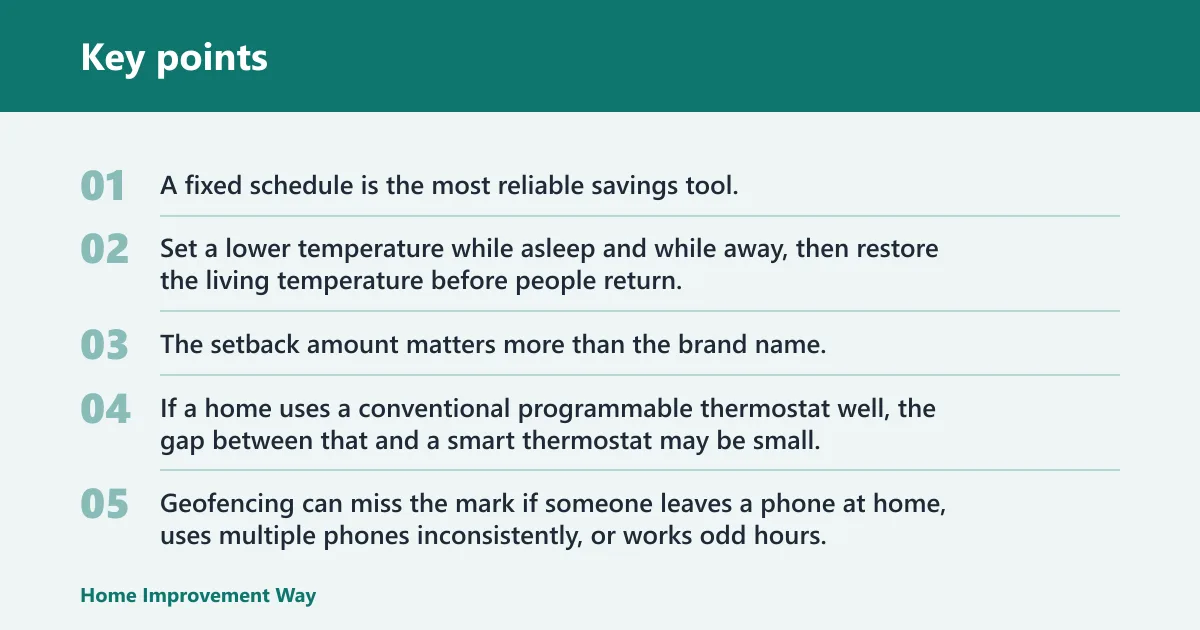
A fixed schedule is the most reliable savings tool. Set a lower temperature while asleep and while away, then restore the living temperature before people return. The setback amount matters more than the brand name.
If a home uses a conventional programmable thermostat well, the gap between that and a smart thermostat may be small. If the schedule on a basic thermostat is rarely changed, the smart model often wins because it is easier to adjust from an app and easier to keep on track.
Geofencing and away mode
Geofencing uses phone location to switch the thermostat into Away mode when everyone leaves, then preheats before arrival. That can help homes with irregular departures, especially when no one wants to remember the same routine every day. It works best when phones stay with the occupants.
Geofencing can miss the mark if someone leaves a phone at home, uses multiple phones inconsistently, or works odd hours. In those cases, the thermostat may think the house is occupied when it is empty, or it may start warming too early and erase part of the savings.
Learning algorithms and room sensors
Learning thermostat algorithms observe routines and adjust schedules over time. That can improve eco-mode compliance, but brand claims vary, and the system still needs stable behavior to learn from. A thermostat cannot optimize a home that changes every day in unpredictable ways.
Wireless room sensors help when the main thermostat sits in a bad location, such as a hallway near a draft or a sunny wall. They measure temperature in occupied rooms and can shift control toward the room people actually use. In a two-story home, that can reduce complaints and cut the urge to keep overriding the system.
Winter thermostat settings that matter
Winter savings depend more on setpoint discipline than on app features. Lowering the heat overnight or during absences reduces runtime, and 68°F or below is a common winter target. The house does not need to feel cold, but it does need enough setback time for the furnace or heat pump to rest.
Why a lower setpoint can reduce runtime
Every degree above the needed temperature increases heat loss to the outdoors. A lower setpoint slows that loss, which means the system runs less often. The effect is strongest in colder climates, longer setbacks, and homes with lower occupancy during the day.
When overnight setbacks help most
Overnight setbacks work best when occupants are asleep for 7 to 10 hours and the home can recover comfortably in the morning. NSHVAC says that a 7 to 10 degree setback can reduce heating costs at night and when away from home. That advice fits homes with steady routines and enough insulation to hold some warmth.
Picture a townhouse with a consistent weekday schedule and a furnace that recovers quickly. A 68°F daytime setting and a 60°F overnight setting may trim runtime without anyone noticing much discomfort. The same settings in a leaky older house may make the furnace work harder at dawn and erase some of the gain.
When constant warmth cancels the benefit
If someone keeps the house warm all day and overrides every setback, the thermostat cannot create savings. Constant manual changes can also confuse learning systems, which then keep chasing a moving target. That often raises runtime instead of lowering it.
Smart thermostat savings table
| Home type | Occupancy pattern | Heating system | Likely savings mechanism | Main risk | Verdict |
|---|---|---|---|---|---|
| Older drafty house | Family home, mostly occupied | Forced-air furnace | Night setback and away mode | Heat loss overwhelms savings | Maybe worth it, but air sealing may save more first |
| Two-story home with uneven rooms | Predictable weekday routine | Central heat with vents | Wireless room sensors | Bad sensor placement or ignored sensors | Often worth it if room comfort is uneven |
| Renter with limited access | Stable schedule | Compatible system with adapter available | Simple app scheduling | No install permission or no C-wire access | Usually not worth the hassle unless portability matters |
| Empty weekday home | People out 8 to 10 hours | Gas furnace | Geofencing and setback | Phone tracking misses real occupancy | Often worth it if departures are consistent |
| Home kept warm all day | Irregular, comfort-first | Any conventional system | Mostly app convenience | Few setbacks, little runtime reduction | Convenient, but basic programmable thermostat may be enough |
| Home with utility peak rates | Variable, but predictable evenings | Heat pump or furnace | Peak event pre-cooling or preheating control | Program participation limited by region | Worth it only if the utility program is available and used |
Which winter homes benefit most?
Homes with regular schedules and clear setback windows usually benefit the most. Homes with uneven room temperatures, predictable absences, or utility peak-rate programs are the strongest candidates. Homes with constant occupancy and a steady comfort target often see less bill relief.
Older drafty homes
Older homes can still benefit from a smart thermostat, but the device is not the main fix if heat loss is high. Insulators Canada warns that auxiliary heat can dramatically increase bills, and that smart thermostats are better seen as diagnostic tools than magic savers. If the system falls into backup or auxiliary heat too often, a thermostat upgrade may not solve the real problem.
In a drafty house, air sealing and insulation often return more savings than a smart thermostat. Use the thermostat to trim runtime after the shell is improved, not as a substitute for shell work.
Two-story or uneven homes
These homes often benefit because the thermostat senses the wrong room. Wireless room sensors help by measuring the occupied room, not the hallway. That can reduce overheating upstairs or underheating downstairs.
Renters and short-term occupants
Renters may want app control and simple scheduling, but the payback window is often shorter. If the lease is temporary or the system is incompatible, a basic programmable thermostat or landlord-installed solution may make more sense. A smart thermostat is easiest to justify when you can keep it for several winters.
Homes with variable schedules
Geofencing and learning algorithms are most useful when the routine changes but still follows a pattern. If work shifts, school pickups, or travel make occupancy inconsistent, automation can prevent forgotten setbacks. If the schedule is random, the thermostat may chase it badly.
What can go wrong?
The biggest winter failures are compatibility problems, poor placement, and behavior that forces the heating system to run too long. A smart thermostat is not a fix for every home, and it can raise bills if the settings or wiring are wrong. Sometimes the better buy is a programmable thermostat plus weatherstripping.
C-wire and wiring fit
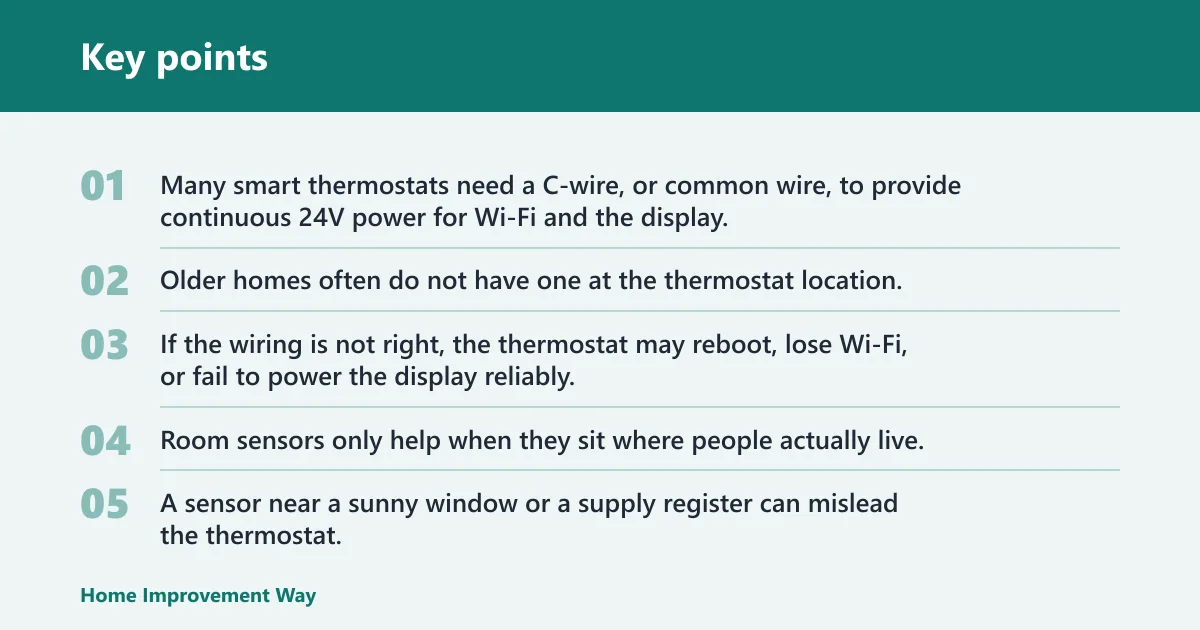
Many smart thermostats need a C-wire, or common wire, to provide continuous 24V power for Wi-Fi and the display. Older homes often do not have one at the thermostat location. Some smart thermostats can use an adapter if an older home lacks a C-wire, but compatibility still needs to be checked before purchase.
If the wiring is not right, the thermostat may reboot, lose Wi-Fi, or fail to power the display reliably. That does not save money, and it can become a maintenance headache.
Bad sensor placement
Room sensors only help when they sit where people actually live. A sensor near a sunny window or a supply register can mislead the thermostat. That can drive the heat too high or too low and cancel the comfort benefit.
Overheating from constant manual changes
A common first-timer mistake is constantly nudging the setpoint up and down. That can defeat schedules and make a learning thermostat less effective. Pick a winter target, use setbacks, and leave the system alone long enough to do its job.
When a basic programmable thermostat is the better buy
If the home already follows a predictable routine and the existing thermostat is compatible and easy to use, a basic programmable model may cover most of the savings for less money. The same source says smart thermostats often cost between $100 and $200, with some above $350, so the extra features should earn their keep. Higher price does not always mean faster payback.
How much does a smart thermostat pay for itself? That depends on heating costs, usage, climate, and whether the old thermostat was already programmed well. A smart unit that actually enforces setbacks can pay back sooner than a pricier model with features nobody uses.
How much money can a smart thermostat save on heating bills?
There is no single winter number that fits every house. Annual claims such as 12% to 15% or even up to 26% mix heating and cooling, while winter-only savings depend on how much of the day the house can spend in setback. A home that lowers heat by 7 to 10 degrees for 8 or more hours a day has far better odds than one that stays warm all day.
Practical savings also depend on what you compare against. A smart thermostat may beat a manual thermostat by a wide margin and a basic programmable thermostat by only a small margin if that programmable unit is already used well.
Frequently asked questions
Do smart thermostats really save money in winter?
Yes, when they are used to lower temperature for long stretches, especially overnight or while away. The savings come from fewer heating hours at a lower setpoint. If the home stays warm all day or the schedule is constantly overridden, winter savings can be small.
Do smart thermostats save money if you keep the house warm all day?
Usually not much. If the setpoint stays high and steady, there is little wasted runtime to cut. In that case, the device adds convenience, but the bill relief is limited unless you start using overnight or away setbacks consistently.
Can a smart thermostat increase your winter energy bill?
Yes. Poor settings, frequent manual overrides, bad sensor placement, or a system that is not compatible can all raise runtime. If a thermostat keeps fighting the home’s real schedule or triggers auxiliary heat too often, bills can rise instead of fall.
What smart thermostat features actually reduce heating costs
Scheduling, setback automation, geofencing, and room sensors can all reduce waste when they match the household’s habits. Wi-Fi and app control help only because they make those settings easier to maintain. Learning algorithms can help too, but only when the routine is stable enough to learn.
Do smart thermostats help in older homes without a C-wire?
Sometimes, but the wiring issue must be solved first. Many smart thermostats need a C-wire for continuous 24V power, and older homes often lack one. If an adapter is needed and the system is otherwise compatible, the thermostat may still be worthwhile.
Should you use sensors or geofencing to save more money?
Use sensors when the problem is uneven room temperature. Use geofencing when occupancy changes are the main issue. In a two-story house with a bad hallway thermostat, sensors often help more. In a home where people leave at different times, geofencing is usually the better savings tool.
Sponsored / affiliate links. As an Amazon Associate I earn from qualifying purchases. I may earn additional commission from eligible campaigns.